30 Best Email Finder Tools for Sales and Marketing in 2026

Email finder tools help sales and marketing teams locate verified professional email addresses using names, company domains, or LinkedIn profiles. These platforms scan public data sources, corporate websites, social media profiles, and proprietary databases to extract business emails, direct phone numbers, job titles, and company information. B2B teams use email finder tools to build targeted prospect lists, verify contact data, reduce bounce rates, and improve email deliverability for outbound campaigns.

The best email finder tools offer high accuracy rates between 90 to 98%, real-time SMTP verification, and native integrations with CRMs like Salesforce, HubSpot, and Pipedrive. Some tools specialize in single email lookups while others provide bulk processing, Chrome extensions for LinkedIn prospecting, and built-in outreach automation. Email finder tools use different pricing models including pay-as-you-go credits, monthly subscriptions, and annual enterprise contracts with volume discounts.

Email Finder Tool Accuracy Pricing (Starts from) Usability G2 Rating
ZoomInfo ~95% $14,995 annually Moderate 4.4
BookYourData 97% guarantee (Verified) $0.40 cost per contact/credit Very High 4.9
Hunter.io ~95% $49/month High 4.4
Apollo.io High $59/month High 4.8
Snov.io ~98% $39/month High 4.5
Lusha High $29/month Very High 4.3
RocketReach ~85% $49/month High 4.5
ContactOut ~97% $49/month High 4.6
Clearbit Connect High ~$45/month (via HubSpot) High 4.4
Seamless.AI Mixed (~70-90%) ~$99/month High 4.2
Voila Norbert ~98% $49/month Very High 4.6
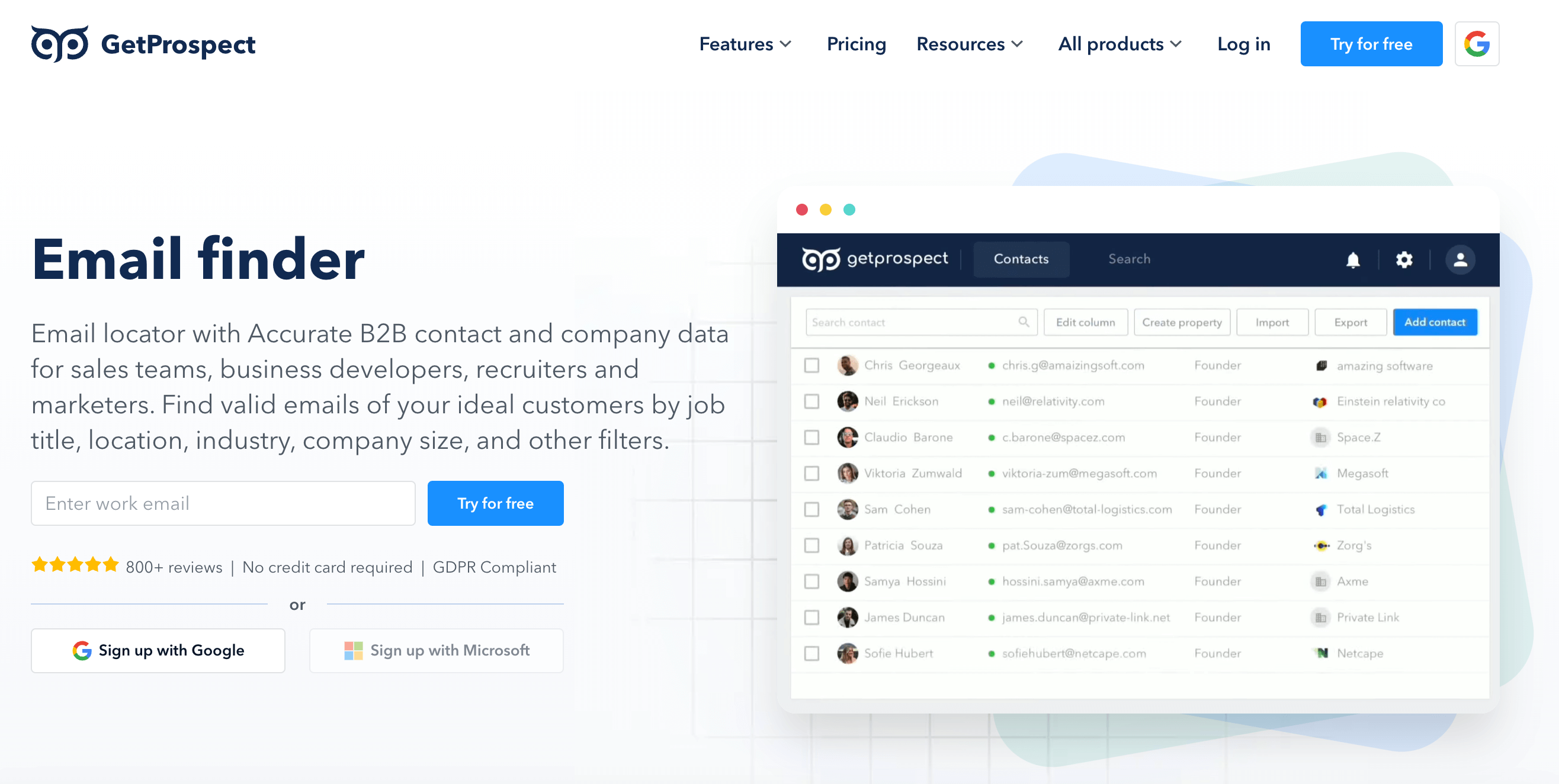
GetProspect ~95% $49/month Good 4.0
Adapt.io High $49/month High 4.6
LeadFuze High (Verified) ~$397/month High 4.6
Datanyze Mixed $21/month Moderate 4.2
AeroLeads High $49/monthly Good 4.0
Skrapp.io ~92% $39/month High 4.3
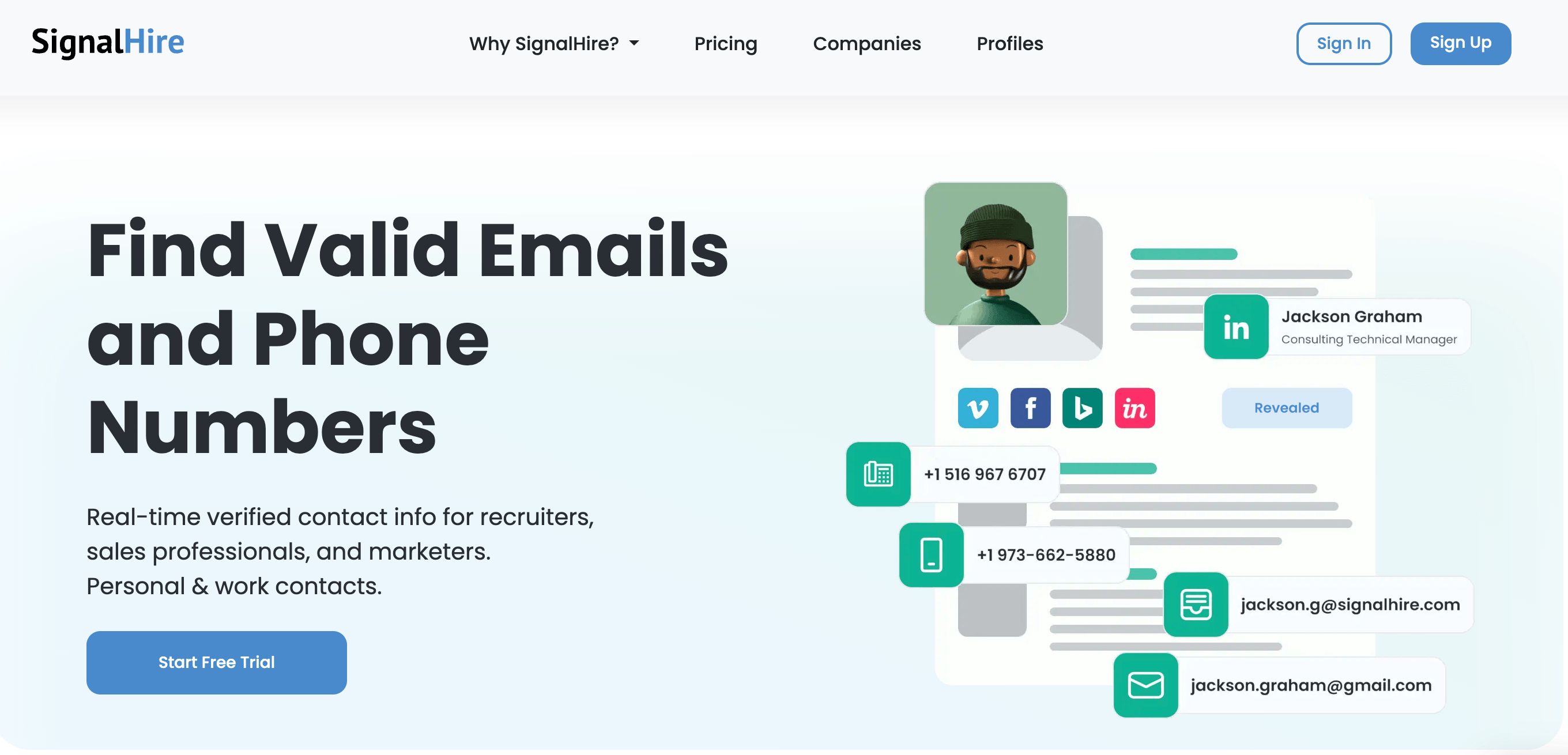
SignalHire Good $49/month High 4.8
LeadMine ~95% $29/month Good 4.0
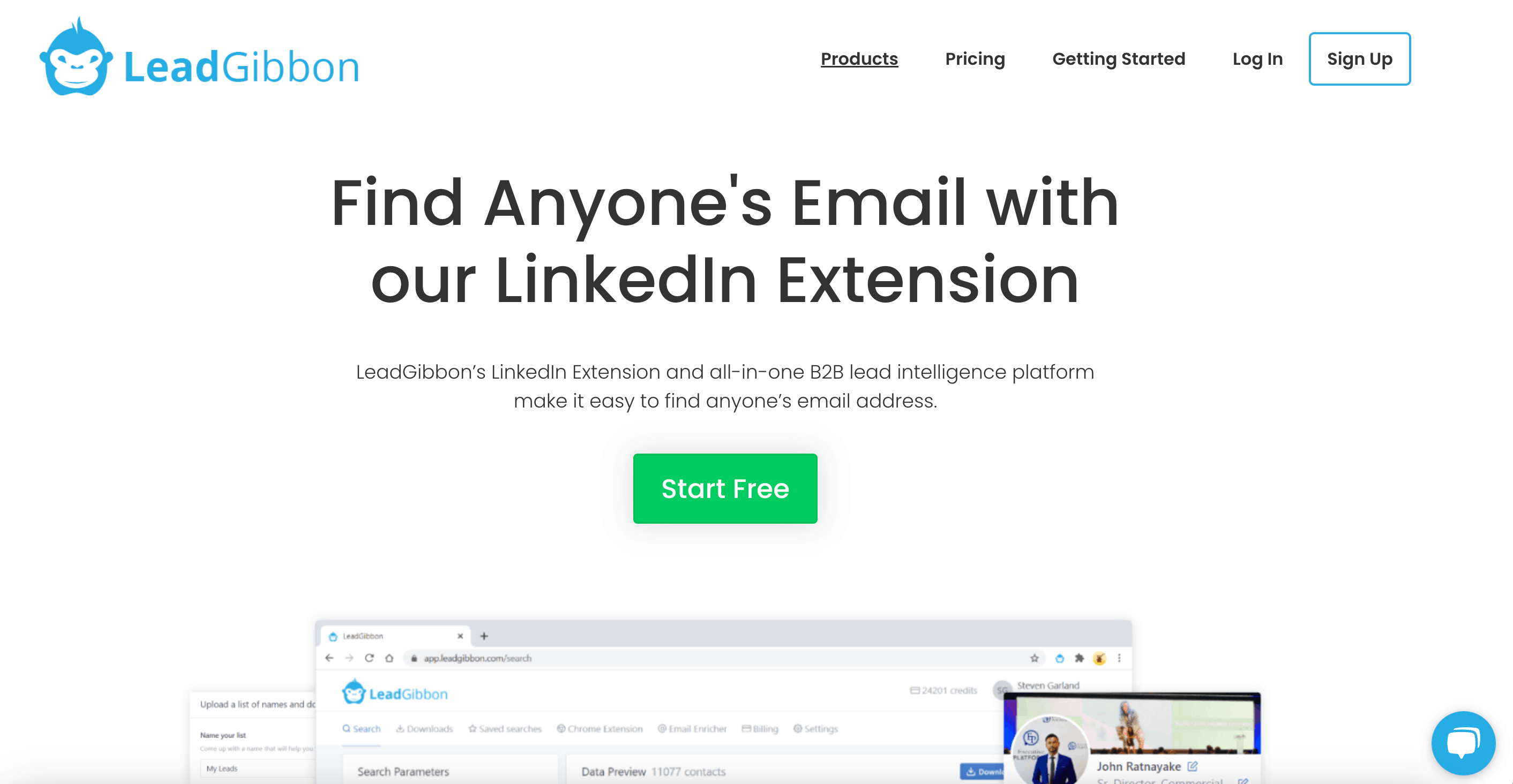
LeadGibbon High $39/month High 4.1
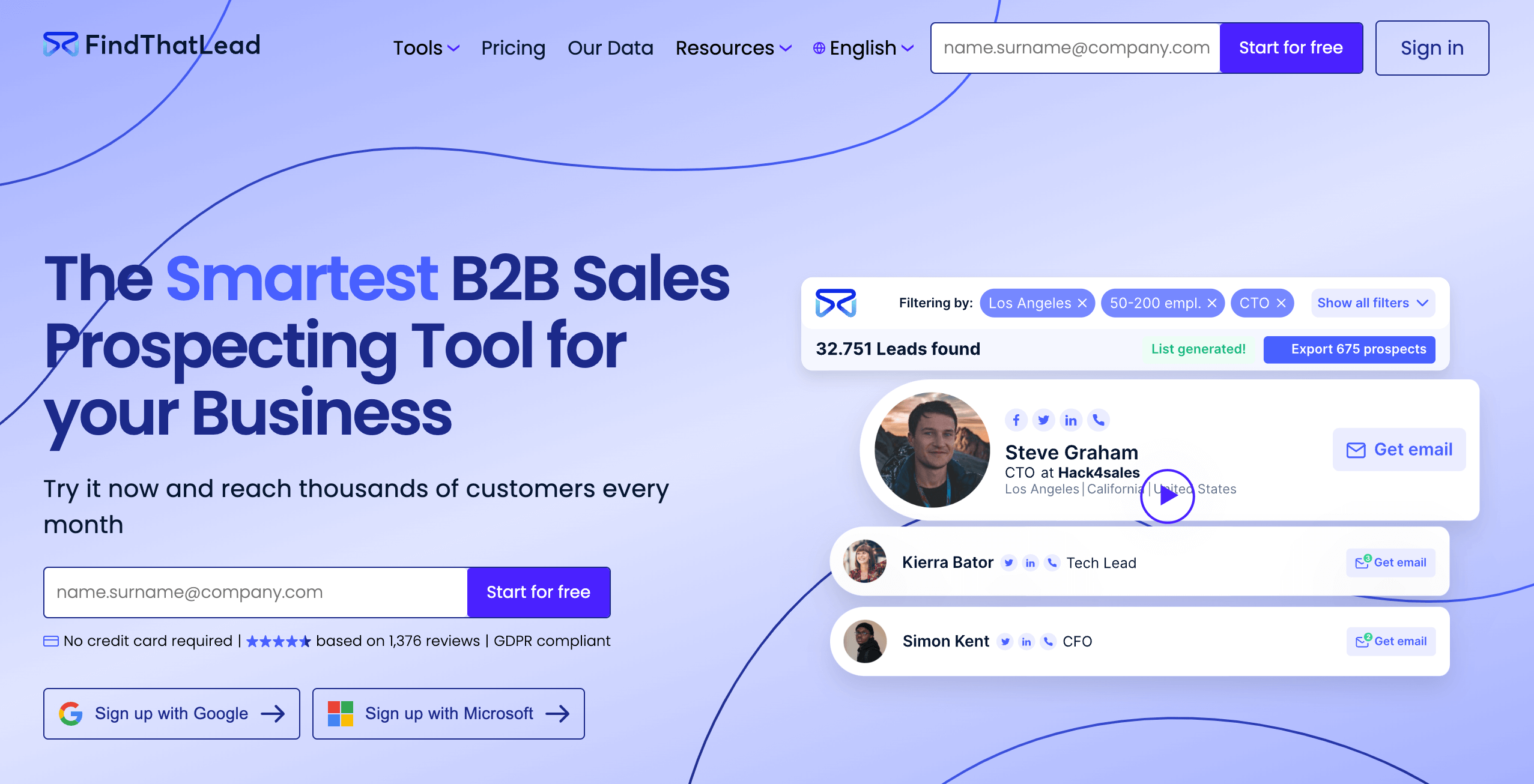
FindThatLead High $49/month Good 4.0
Anymail Finder High (Verified) $15/month High 4.3
SellHack High $5/month Good 4.0
Nymeria Mixed $39/month High 4.7
Wiza High $49/month High 4.5
Lemlist High $69/month High 4.5
Vocus.io Good $5/month Good 4.4
HireEZ High ~$169/month (Annual only) High 4.7
FindEmails Good $16/month Moderate 3.8
Interseller High $200/month High 4.8

What are the best email finder tools in 2026?

The best email finder tools for sales and marketing in 2026 include ZoomInfo, BookYourData, Hunter.io, Apollo.io, Snov.io, Lusha, RocketReach, ContactOut, Clearbit Connect, Seamless.AI, Voila Norbert, GetProspect, Adapt.io, LeadFuze, Datanyze, AeroLeads, Skrapp.io, SignalHire, LeadMine, LeadGibbon, FindThatLead, Anymail Finder, SellHack, Nymeria, Wiza, Lemlist, Vocus.io, HireEZ, FindEmails, and Interseller.

Top email finder tools for sales and marketing in 2026 are as follow.

  • ZoomInfo: Enterprise-grade platform with 321M+ profiles and buyer intent signals, starting at $14,995 annually.
  • BookYourData: Offers 97% accuracy guarantee with 500M+ profiles, pay-as-you-go pricing starting at $0.40/contact, with greater discounts on higher volumes and credits that never expire.
  • Hunter.io: Domain-based email finder with 107M+ indexed emails, 95% accuracy, and free plan offering 50 credits monthly.
  • Apollo.io: All-in-one sales platform with 275M+ contacts, built-in outreach automation, and pricing from $49/user/month annually.
  • Snov.io: Combines email finding with 7-tier verification and drip campaigns, offering 98% accuracy from $29.25/month.
  • Lusha: Simple Chrome extension with 100M+ profiles, GDPR-compliant data, and affordable pricing from $22.55/month.
  • RocketReach: Access to 700M+ profiles with CRM integrations, offering exports from $27/month on annual plans.
  • ContactOut: Triple-verified emails with 97% accuracy, finds both personal and work emails from LinkedIn profiles.
  • Clearbit Connect (Breeze Intelligence): HubSpot-native enrichment with 250+ data sources, pricing from $45/month for 5,000 credits.
  • Seamless.AI: AI-powered platform with 1.3B+ contacts, daily credit refresh, and G2's #1 satisfaction rating in 2025.
  • Voila Norbert: 98% deliverability guarantee, credits charged only for successful finds, starting at $39/month annually.
  • GetProspect: Budget-friendly option with 200M+ contacts, 95% accuracy guarantee, and free plan with 50 monthly emails.
  • Adapt.io: 250M+ contacts with 3,000+ technology sector filters, 90% accuracy in US/UK markets from $49/month.
  • LeadFuze: Automated list building via Fuzebot AI with 500M+ profiles, unlimited credits available at $397/month.
  • Datanyze: Technographic intelligence platform with 120M+ contacts, 90-day free trial, and pricing from $21/month annually.
  • AeroLeads: Affordable option starting at $49/month for 2,000 credits, extracts leads from LinkedIn and CrunchBase.
  • Skrapp.io: LinkedIn email extraction with 92% success rate, fair credit policy charging only for valid emails found.
  • SignalHire: Multi-platform extraction from LinkedIn, GitHub, and Twitter with 850M+ profiles and 95% claimed accuracy.
  • LeadMine: Simple cloud-based tool with 200M+ contacts, built-in verification, and affordable pricing from $29/month.
  • LeadGibbon: Fast LinkedIn enrichment with real-time database updates and actual employee counts from $39/month.
  • FindThatLead: All-in-one platform combining email finding, verification, and cold email campaigns from $37/month annually.
  • Anymail Finder: Pay only for verified emails with 97% delivery rate, credits roll over, and API access on all plans.
  • SellHack: Budget-friendly at $5/month with 12-step real-time verification engine and Salesforce integration included.
  • Nymeria: 811M+ profiles database with multi-browser extensions, charges only for successful lookups from $39/month.
  • Wiza: Real-time LinkedIn extraction with 99% claimed email accuracy, 850M+ contacts from $49/month.
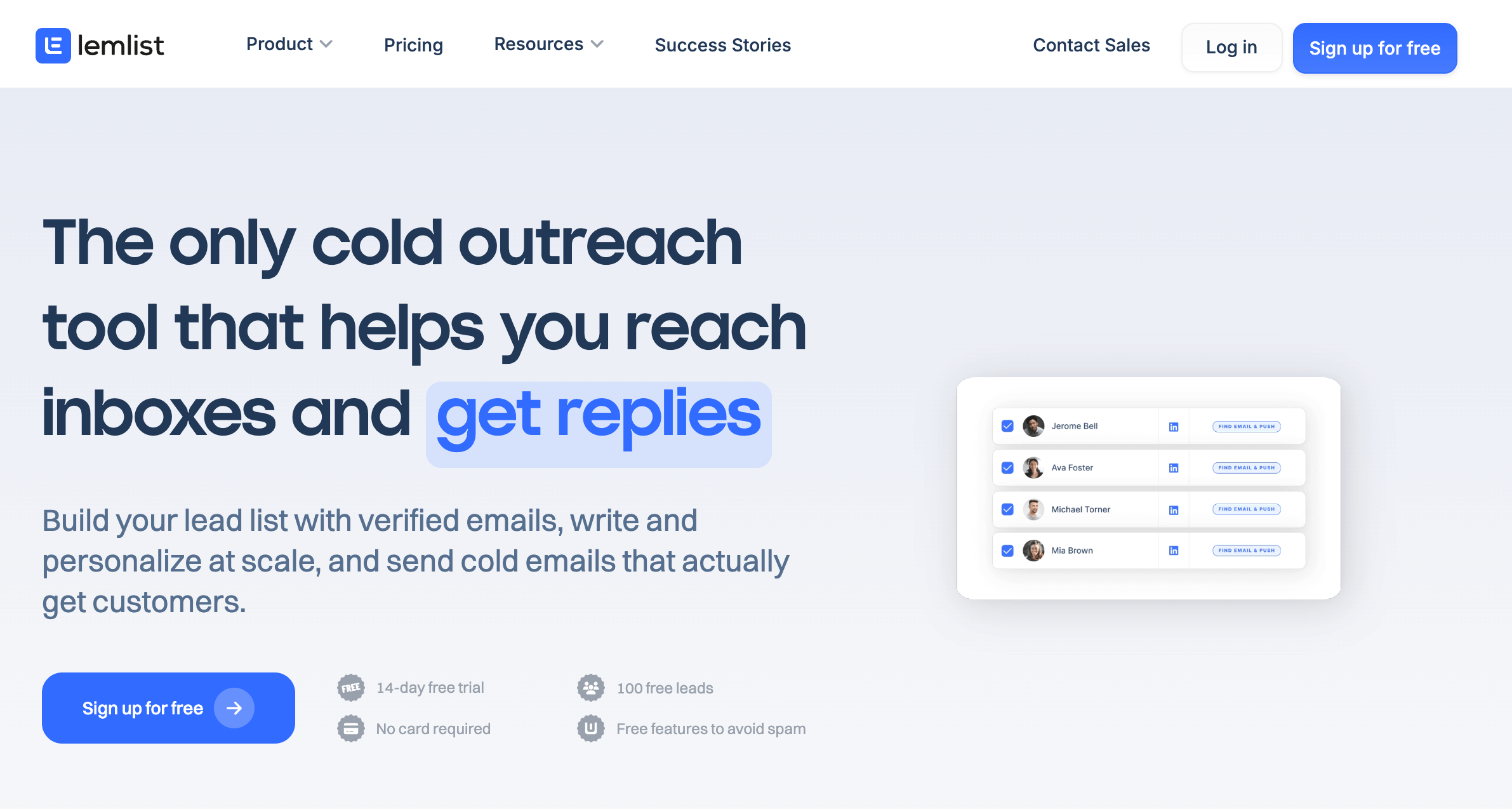
  • Lemlist: Sales engagement platform with 600M+ leads, multichannel outreach automation, and email warm-up included.
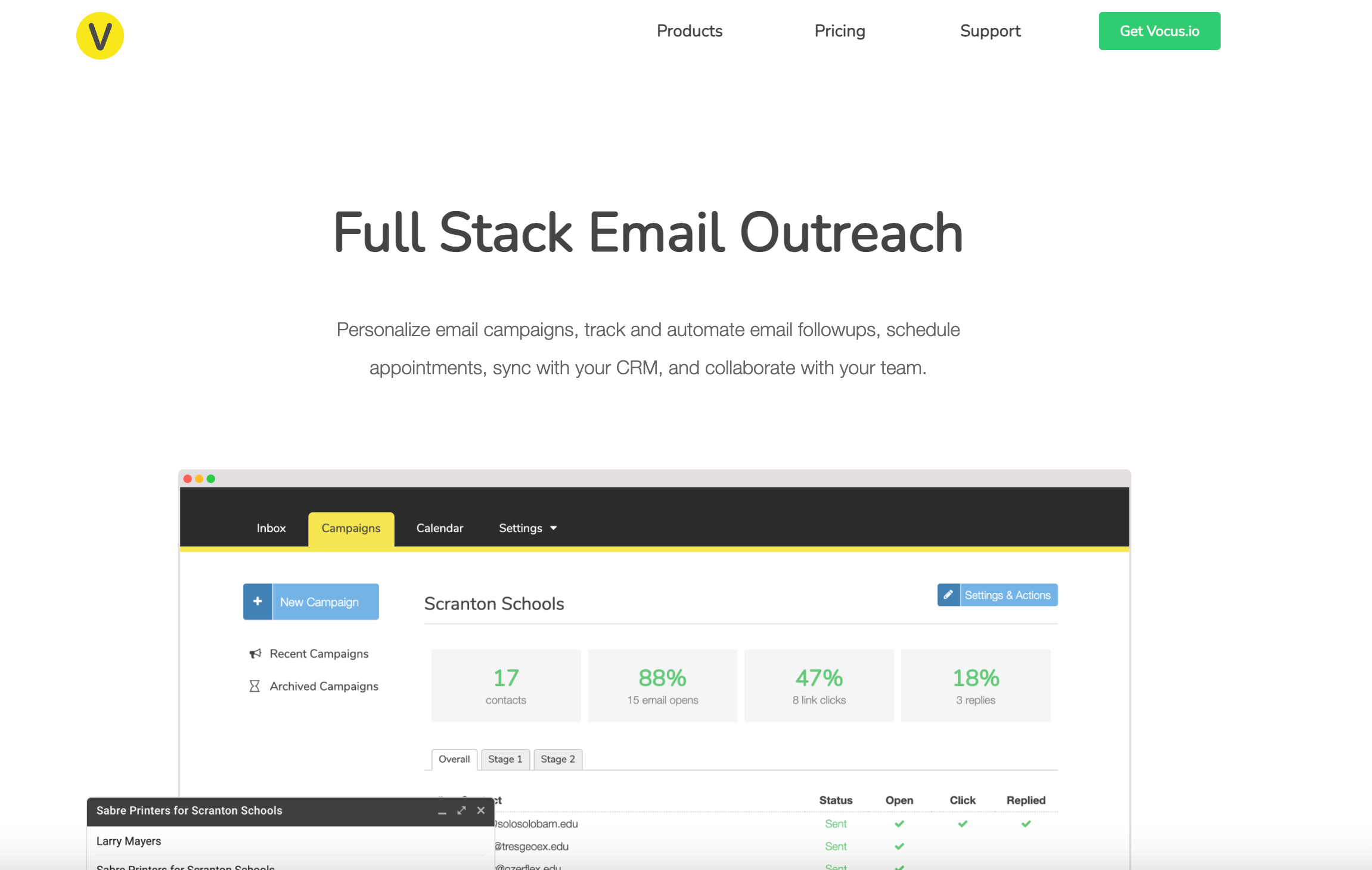
  • Vocus.io: Gmail-native automation tool with email tracking and mail merge, affordable pricing starting at $5/month.
  • HireEZ: Recruiter-focused platform with 750M+ profiles from 45+ sources, AI-powered candidate matching and diversity filters.
  • FindEmails: Simple email finder with 98% accuracy guarantee, low entry price at $29/month for 1,000 credits.
  • Interseller: Recruiter-focused tool with email finding and outreach automation, now available only through Greenhouse at $200/user/month.

ZoomInfo

ZoomInfo

ZoomInfo operates as an enterprise-grade B2B go-to-market intelligence platform with one of the largest contact databases in the industry. The platform provides access to 321 million active professional profiles, 104 million companies, 135 million verified phone numbers, and 174 million verified email addresses. ZoomInfo combines contact data with buyer intent signals, conversation intelligence, and AI-powered insights through its Copilot feature.

Best for

Enterprise sales and marketing teams with budgets exceeding $15,000 annually who need extensive contact data, buyer intent signals, and advanced go-to-market intelligence capabilities.

Pros and Cons

ZoomInfo pros and cons are described below.

Pros Cons
Largest verified database with 260M+ contacts and 135M+ phone numbers No transparent pricing; quotes start at $14,995 to $25,000+ annually
Industry-leading buyer intent data with real-time buying signals Annual contracts required; no monthly billing options
Conversation intelligence and sales engagement tools included Credit system can result in additional costs for heavy users
AI-powered Copilot provides real-time account insights and recommendations Data accuracy varies for international markets and smaller companies
Native integrations with Salesforce, HubSpot, Marketo, and 60+ platforms Steep learning curve with complex interface and multiple products

Pricing

The pricing plans of ZoomInfo are given as follows.

Plan Annual Cost Credits Users Key Features
Lite (Free) $0 10 contacts/month 1 Database search, limited exports
Professional $14,995+ 5,000 annual bulk Up to 3 Contact search, basic filters, Chrome extension
Advanced $24,995+ 10,000 annual bulk + 1,000 monthly/user Custom Intent data, org charts, technographics
Elite Custom Custom Custom All features, conversation intelligence, advanced automation

User Reviews

ZoomInfo user review are as follows.

What Users Like What Users Don't Like
Easy to integrate with existing CRM tools like HubSpot and Salesforce. Prajwal B. No check mark or filter of already exported leads. Mairol S.
It offers access to verified contact information and gives a clear view of company hierarchies. Kishor K. If the company name you provide doesn't perfectly match ZoomInfo’s specific formatting, the system simply returns no results. Abhishek R.
It consistently provides accurate email addresses and, in most cases, direct points of contact, which streamlines outreach significantly. Jon M. The data accuracy can be inconsistent in some segments, especially for smaller companies or frequently changing roles. Lori B.

BookYourData

Bookyourdata has robust prospects who are ready to buy today

BookYourData is a B2B email finder tool that provides access to over 500 million profiles and 250 million verified business contacts across 200+ countries. The platform offers a 97% accuracy guarantee with real-time email verification on every export. Sales and marketing teams use BookYourData to build targeted prospect lists using filters for job title, industry, location, company size, and technology stack.

Best for

B2B sales teams, marketing agencies, recruiters, and lead generation specialists who need verified contact data with flexible pricing and no subscription commitments.

Pros and Cons

The pros and cons of BookYourData email finder tool are given below.

Pros Cons
97% data accuracy guarantee with credit refunds for bounced emails Premium pricing may feel high for small businesses with limited budgets
Pay-as-you-go model with no subscriptions or contracts required Some contacts lack extra details like social profiles and direct dials
Credits never expire, giving flexibility for seasonal campaigns Data depth varies by region, especially for smaller international markets
Built-in real-time email verification included with every export Interface requires initial learning for new users
Catch-all email verification provides access to exclusive leads Occasional outdated company information for rebranding or mergers
500M+ profiles with 100+ data attributes per contact No built-in outreach or email campaign tools

Pricing

The pricing of BookYourData is explained below.

Plan Price Cost per Contact
Free Trial Free (10 credits) $0.00
250 Credits $99 $0.40
1,000 Credits $299 $0.30
2,500 Credits $599 $0.24
5,000 Credits $799 $0.16
10,000 Credits $999 $0.10

User Reviews

The table below shows what users like and dislike about BookYourData.

What Users Like What Users Don't Like
BookYourData has a vast and accurate database. Alvin W. Less advanced AI customization features. John C.
BookYourData provides exceptional user report. Chris A. O. Less formatting options when exporting to CRM. Beatriz D.
Prompt handling of unpaid free credit requests. Dianne Y. Certain customers might need more sophisticated customisation choices. Grace L.

Hunter.io

Hunter.io

Hunter.io is an email finding and verification platform that scans millions of web pages to index professional email addresses. The platform indexes over 107 million verified business email addresses from 76 million websites. Hunter.io helps sales teams, marketers, and recruiters find and verify professional contact information for outreach campaigns.

Best for

Hunter.io is best for sales teams, marketers, recruiters, PR professionals, and link builders who need to find and verify professional email addresses for domain-based outreach.

Pros and Cons

The pros and cons of Hunter.io are given below.

Pros Cons
Clean and intuitive interface with minimal learning curve No phone number data available
High email verification accuracy with multiple validation layers Limited data for smaller companies and niche industries
Chrome extension for quick prospecting while browsing Credits do not roll over on monthly plans
Shows email sources and confidence scores for transparency No LinkedIn integration due to legal restrictions
Built-in cold email campaign tool with follow-up sequences Higher-tier plans can become expensive for large teams
Free plan available with 50 credits per month Limited advanced filters compared to full sales intelligence platforms

Pricing

Hunter.io pricing plans are given below.

Plan Monthly Price Annual Price Credits/Month Email Accounts
Free $0 $0 50 1
Starter $49 $34/mo 2,000 3
Growth $149 $104/mo 10,000 10
Scale $299 $209/mo 25,000 20
Enterprise Custom Custom Custom Custom

User Reviews

What Users Like What Users Don't Like
It has a high accuracy rate and is very user-friendly. Sharon C. The UI needs improvement. Jessica M.
Easy to use and prides answers instantly. Jeff B. Email accuracy might be low. Megan A.
Finds a lot of emails that other platforms don’t provide. Uriah A. Only one format is given and there is no information when the contact has 2 first or last names. Sébastien C.

Apollo.io

Apollo.io

Apollo.io is an all-in-one sales intelligence platform that combines lead generation, contact enrichment, and outreach automation. The platform maintains a database of over 275 million contacts and 73 million companies. Apollo.io helps revenue teams find leads, automate multi-channel outreach, manage deals, and enrich CRM data from a single interface.

Best for

Apollo.io is best for B2B sales teams, SDRs, account executives, and growth teams who need an all-in-one platform combining prospecting data with outreach automation.

Pros and Cons

Apollo.io pros and cons are given below.

Pros Cons
Large database with 230M+ contacts Credit system can become confusing and expensive at scale
All-in-one platform replaces multiple point solutions Data accuracy varies by region and industry
Advanced search filters including buying intent signals Dialer only available on Professional plan and above
Built-in email sequences with A/B testing capabilities Learning curve for new users due to feature depth
Chrome extension for LinkedIn and website prospecting Credits expire monthly and do not roll over

Pricing

Apollo.io has the following pricing plans.

Plan Monthly Price Annual Price Credits/month
Free $0 $0 75
Basic $59/user/month $49/user/month 2,500
Professional $99/user/month $79/user/month 4,000
Organization $149/user/month $119/user/month 6,000/user/year

User Reviews

What Users Like What Users Don't Like
There’s a bit of a learning curve at the beginning because the platform includes a lot of features. Akshay D. Contact data is not consistently reliable across regions. Aman S.
Running bulk campaigns is seamless and there is no noticeable latency. Kunal S. Less value for small businesses outside the US. Paul M.
Easy to learn with bunch of marketing features. Anand G. The credits are used up simply by viewing the lead's contact information. Bhaskar A.

Snov.io

Snov.io

Snov.io is an outreach automation platform that combines email finding, verification, drip campaigns, and CRM functionality. The platform helps businesses find verified leads, automate email sequences, and manage their sales pipeline from a single dashboard. Snov.io uses a 7-tier email verification process to reduce bounce rates and maintain sender reputation.

Best for

Snov.io is best for small to medium sales teams, marketers, and agencies who need combined email finding, verification, and automated drip campaigns at affordable pricing.

Pros and Cons

Snov.io pros and cons are the following.

Pros Cons
Affordable pricing with generous free trial LinkedIn Automation costs extra at $69/slot per month
7-tier email verification reduces bounce rates Credits required for both finding and verifying emails
Built-in CRM for managing deals and tasks Limited advanced features compared to enterprise platforms
Chrome extension for LinkedIn and web prospecting Some users report occasional data inaccuracies
Email drip campaigns with automated follow-ups Monthly credits reset and do not roll over
Credits roll over while subscription is active Team collaboration features could be improved

Pricing

Snov.io offers pricing plans are given in the below table.

Plan Monthly Price Annual Price Credits Recipients Mailbox Warmups
Starter $39/month $29.25/month 1,000 5,000 3
Pro $99/month $74.25/month 5,000 25,000 Unlimited
Custom Ultra Custom pricing Custom pricing 200,000+ 4,000+ Unlimited

User Reviews

The user reviews of Snov.io are given in the table below.

What Users Like What Users Don't Like
The warm-up feature keeps emails out of spam, and the verification tool saves a lot of bounces. Anna K. The UI can feel cluttered when managing multiple campaigns. Kishore P.
Easy to use and implementation is also super easy. Shruti J. People who are new sometimes find it hard to use the product. Bhavik C.
The quality of data and the flexibility of the tools are top-notch. Pierluca P. The database coverage can feel limited in certain niche industries or geographies. Chetan C.

Lusha

Lusha

Lusha provides B2B sales intelligence and contact data through a platform trusted by over 2.6 million users worldwide. The database contains 100 million+ business profiles with verified direct phone numbers and business email addresses. Lusha combines its GDPR-compliant contact database with AI-driven automation, live prospect streaming, and buyer intent signals.

Best for

Individual sales professionals, SDRs, small to mid-sized sales teams, and recruiters who need quick access to verified B2B contact data with strong LinkedIn integration at affordable pricing.

Pros and Cons

The pros and cons of Lusha are described below.

Pros Cons
Chrome extension reveals contacts directly on LinkedIn and company websites Credit system depletes quickly; 5 credits per phone number
Transparent pricing with free plan offering 40 credits monthly Salesforce integration only available on Scale plan (custom pricing)
GDPR and CCPA compliant with verified data sources Lower database size compared to competitors like ZoomInfo
Easy to use with minimal learning curve. Data accuracy varies for non-US contacts
Intent signals and job change alerts help prioritize prospects Credits do not roll over on annual plans and unused credits reset
Bulk reveal feature shows 25 contacts at once on paid plans API access and advanced features locked to expensive Scale plan

Pricing

Lusha pricing plans are given below.

Plan Monthly Price Annual Price Credits
Free $0/month $0/month 40/month
Pro $29.90/month $22.55/month 250/month
Premium $69.90/month $52.45/month 600/month

User Reviews

Lusha user review are described below.

What Users Like What Users Don't Like
Bulk enrichment on Sales Navigator allows to efficiently process numerous legal profiles at once without looking them up individually. Rushi P. The credit system can sometimes feel limiting for high-volume outbound teams. Frederick S.
Integration with leading CRMs sync leads, update records, and handle outreach tasks without the need for manual input. Rashad S. Email accuracy can vary by region, so information needs to be double-checked. Jatin Y.
The browser extension is very practical and integrates well with LinkedIn. Brunella E. Customer support is functional but not deeply consultative. Vishal D.

RocketReach

RocketReach

RocketReach delivers a lead intelligence platform with access to 700 million+ professional profiles and 35 million+ companies worldwide. The platform provides verified email addresses, direct phone numbers, and social media profiles for sales, marketing, and recruiting teams. Founded in 2016, RocketReach serves over 26 million users including 95% of S&P 500 companies.

Best for

Sales teams, recruiters, and marketers seeking affordable access to a large contact database with CRM integrations who do not require enterprise-level features or budgets.

Pros and Cons

RocketReach pros and cons are as follows.

Pros Cons
Large database with 700M+ professionals and 35M+ companies Data accuracy varies as some users report 20 to 30% bounce rates
More affordable than enterprise alternatives like ZoomInfo Unused lookups do not roll over and credits expire at billing period end
Chrome extension works on LinkedIn and company websites Phone numbers only available on Pro and Ultimate plans
85 to 97% email accuracy on verified contacts Billing and auto-renewal issues reported by some users
Integrations with Salesforce, HubSpot, Zapier, and Outreach Customer support has slow response times reported

Pricing

The pricing plans of RocketReach are given below.

Plan Monthly Price Annual Price Exports/Year Key Features
Essentials $49/month $27/month 1,200 Unlimited personal & professional emails, 500 emails/day
Pro $99/month $69/month 3,600 Everything in Essentials + technographics, news, org charts, Autopilot (10 active jobs), CRM integrations (Salesforce, Outreach, HubSpot, Salesloft, Bullhorn)
Ultimate $209/month $175/month 20,000 Everything in Pro

User Reviews

The user reviews of RocketReach are given below.

What Users Like What Users Don't Like
RocketReach shares any contact information it can from across the internet. Sarah S. The filters for finding contacts are not easy or as quick to use. Emilia G.
The LinkedIn integration is fantastic. Amith S. The user interface of RocketReach is highly confusing and inconsistent. Brian T.
RocketReach provides historical information with the lates info. Gary F. Occasionally provides information about old job or role on a contact. James O.

ContactOut

ContactOut

ContactOut is an email finder and contact enrichment platform that provides access to 350 million professional profiles and 30 million company records. The platform uses triple verification to validate each email address through social profile matching, LinkedIn matching, and bounce testing. ContactOut delivers up to 97% accuracy on verified contacts. Recruiters, sales teams, and talent acquisition professionals use ContactOut to find personal and work emails directly from LinkedIn profiles.

Best for

Recruiters, talent acquisition teams, and sales professionals who need personal and work email addresses directly from LinkedIn profiles with strong verification accuracy.

Pros and Cons

The pros and cons of ContactOut are described below.

Pros Cons
Triple verification delivers up to 97% email accuracy Fair use limits restrict "unlimited" plans to 2,000 emails and 1,000 phones monthly
Chrome extension reveals contacts directly on LinkedIn without leaving the page Phone number accuracy is inconsistent compared to email data
Finds both personal and work email addresses for multi-channel outreach Export limits on lower plans (300-600 per month) restrict high-volume users
Search portal includes 20+ filters for targeted prospecting US/UK data requires full pricing; discounted plans exclude major markets
Built-in email campaign tool with multi-stage sequences Database size of 300M is smaller than competitors like Apollo and ZoomInfo
Integrations with major CRMs and ATS platforms including Salesforce and Greenhouse API access limited to custom Team plans

Pricing

The pricing plans of ContactOut are as follows.

Plan Excluding US/UK data Including US/UK data Credits Key Features
Free $0 $0 5 emails, 5 phones, 5 exports/day Chrome extension, basic search
Email $25/month $49/month 2,000 emails/month, 300 exports Email-only access, search portal
Email + Phone $49/month $99/month 2,000 emails, 1,000 phones/month, 600 exports Full contact data, all integrations
Team/API Custom Custom Custom Full API access, dedicated support, custom limits

User Reviews

The user reviews of ContactOut are given below.

What Users Like What Users Don't Like
Direct search feature saves a lot of time. Lisa M. Some profiles display outdated or inactive contact numbers, resulting in bounced messages or unsuccessful calls.. Daniel H.
Contact out has a large database and helps recruiters. Irina S. Availability in the EU is currently not great. Ganapathi K.
The search tool is very intuitive and is simple to use. Alan R. Some profiles have zero or outdated contact info. Bow C.

Breeze Intelligence (Clearbit Connect)

Breeze Intelligence (Clearbit Connect)

Clearbit Connect was a free Chrome extension that helped sales and marketing professionals find verified B2B email addresses directly from Gmail and company websites. HubSpot acquired Clearbit in December 2023 for $150 million. The company rebranded the data enrichment functionality as Breeze Intelligence within the HubSpot platform.

Best for

HubSpot users who need native data enrichment and company intelligence within their existing CRM workflow. Teams using other CRMs should consider alternatives since Clearbit functionality now requires HubSpot.

Pros and Cons

Breeze Intelligence pros and cons are given below.

Pros Cons
Data from 250+ sources provides accurate company and contact enrichment Standalone extension was sunset April 30, 2025 and requires HubSpot now
Native HubSpot integration eliminates manual data entry and syncing Customer support has mixed reviews like slow response times
100+ attributes for people and companies support detailed segmentation Users on Salesforce, Pipedrive, or other CRMs cannot access the data
Website visitor identification reveals companies browsing your site Credit costs add up quickly
Real-time enrichment updates CRM records automatically Many users reported the extension frequently stopped working before sunset

Pricing

Breeze Intelligence pricing plans are given below.

Plan Price Credits Best For
Small $45/month 5,000 Small-scale enrichment
Medium $270/month 30,000 Growing businesses
Large $900/month 100,000 High-volume needs

User Reviews

The user reviews of Breeze Intelligence are given below.

What Users Like What Users Don't Like
Great funnel UI that shows website visitors and your goal setup. Anubhav N. The system feels overwhelming to some users. Subhanjan R.
Users can find all senior level executive's email ids with the help of this tool. Jinat S. The dashboard is not customizable. Neel R.
The free version allows setting ideal client profiles and target audiences. Stéphanie M. Platform enablement and user adotpion needs to be imporved. Sidharth I.

Seamless.AI

Seamless.AI

Seamless.AI is an AI-powered sales intelligence platform that provides access to over 1.3 billion contacts and 121 million company profiles. The platform uses artificial intelligence to find and verify emails, cell phones, and direct dials in real time. Seamless.AI ranked #1 in G2's 2025 Best Software Awards for Highest Satisfaction Product based on verified user reviews.

Best for

High-volume sales teams and SDRs who need AI-powered prospecting with daily credit refreshes for aggressive outbound campaigns and can tolerate higher bounce rates.

Pros and Cons

Seamless.AI has the following pros and cons.

Pros Cons
Largest database with 1.3B+ contacts and 121M+ companies Users report 20 to 30% email bounce rates and accuracy varies by industry
#1 G2 2025 Best Software Award for Highest Satisfaction Annual contracts required as no monthly billing options available
Daily credit refresh to support high-volume prospecting Credits consumed even when contact data is inaccurate or outdated
Buyer intent data identifies accounts showing purchase signals Cancellation is difficult and auto-renewal complaints are common
Chrome extension works with LinkedIn for quick contact extraction UI feels crowded when searching, filtering, and exporting simultaneously

Pricing

Seamless.AI pricing plans are as follows.

Plan Monthly Price Credits Key Features
Free $0 50 total Basic search, limited filters
Pro $79/user 1,000/month Daily refresh, intent data, Autopilot
Enterprise Custom Custom Dedicated support, custom limits, API

Credits expire at midnight each day on Pro plans and at the end of each month on Basic plans. Unused credits do not roll over. Free trial credits are one-time only.

User Reviews

What Users Like What Users Don't Like
Integrates with tools such as Salesforce and HubSpot. Sadhwi P. Occasional bugs and performance issues. Mehul H.
Easy to use and intuitive interface. Nick C. Better features feel a little locked behind higher plans. Bhavy R.
Streamlines the lead generation process, making sales and networking much more efficient. Aaron L. Some contact information may need validation, especially in less active markets. Paulo L.

Voila Norbert

Voila Norbert

Voila Norbert is an email finder, verification, and outreach platform that helps businesses locate corporate email addresses using names and company domains. The platform has found over 1.5 billion emails since launching in 2014. Voila Norbert claims up to 98% deliverability on verified emails and charges credits only for successful email finds.

Best for

Sales teams, marketers, recruiters, and link builders who need accurate email finding with built-in verification and the option to add cold email outreach from a single platform.

Pros and Cons

Voila Norbert pros and cons are given below.

Pros Cons
92-98% email accuracy with confidence scores for each result Database limited to 100 million prospects; smaller than many competitors
Credits charged only for successful email finds Chrome extension requires extra steps compared to some competitors
Built-in email sequences with warmup and A/B testing No direct dial phone numbers in core email finder plans
Credit rollover on all paid plans; unused credits carry forward Limited integrations compared to larger platforms
Unlimited team members included on all plans UX needs improvement and interface can feel outdated

Pricing

The pricing plans of Voila Norbert are given below.

Plan Monthly Price Annual Price Leads/Month Key Features
Free Trial $0 $0 50 credits One-time trial credits
Valet $49 $39/month 1,000 Bulk search, API access, 50 workers
Butler $99 $79/month 5,000 All Valet features, higher volume
Advisor $249 $199/month 15,000 All Butler features
Counselor $499 $399/month 50,000 Enterprise volume

User Reviews

What Users Like What Users Don't Like
Norbert occasionally comes up empty in a few niche industries or small startups. Ramon Antonio M. Email verification process can be a bit slow when handling large lists. Tellab A.
Excellent for warming up cold emails. Axel V. Does not detect bounces which damages sending reputation. Artem B.
The interface is clean, easy to understand and navigate. Amar S. Support team response rate is very slow. Vinayak f.

GetProspect

GetProspect

GetProspect is a B2B email finder and lead generation platform that provides access to over 200 million business contacts with a 95% accuracy guarantee. The platform helps sales teams, recruiters, and marketers find verified email addresses from LinkedIn and company websites. GetProspect is a Ukrainian company founded in 2016.

Best for

Small to mid-sized sales teams, recruiters, and marketers who need affordable LinkedIn email extraction with built-in verification and CRM features at budget-friendly pricing.

Pros and Cons

GetProspect pros and cons are given below.

Pros Cons
95% accuracy guarantee with credits returned for invalid emails Database size of 200M is smaller than competitors like Apollo and ZoomInfo
Free plan includes 50 verified emails monthly with all features Some users report 30 to 40% bounce rates and accuracy varies by region
Chrome extension works on LinkedIn without triggering account bans Limited phone number credits, only 5/month on Starter and Growth plans
Unused credits roll over to the next month Platform can be unstable and users face login issues and slow processing
API access included on all plans including free tier Reporting and analytics are basic compared to enterprise tools
Built-in CRM and cold email tools at no extra cost Data enrichment capabilities need improvement

Pricing

Pricing plans of GetProspect are given as follow.

Plan Monthly Price Annual Price Valid Emails Verifications Phone Numbers
Free $0 $0 50/month 100/month 0
Starter $49 $34/month 1,000/month 2,000/month 5/month
Growth 5k $99 $69/month 5,000/month 10,000/month 5/month
Growth 20k $199 $139/month 20,000/month 40,000/month 5/month
Growth 50k $399 $279/month 50,000/month 100,000/month 5/month

User Reviews

GetProspect user reviews are as follow.

What Users Like What Users Don't Like
List building is easy and fast. Tammie M. It is a bit on the expensive side because it does not generate top-quality leads. Shivangi K.
The tool is easy to set up and share with team members. Ilan K. GetProspect does not get many contact details if the company has less than 500 employees. Ken M.
Easy accessible and useful features. Sai Vamsi K. Everything, it is not easy to use and does not find email very well. Kayshia V.

Adapt.io

Adapt.io

Adapt.io is a B2B lead intelligence platform that provides access to over 250 million verified contacts and 30 million company profiles. The platform helps sales and marketing teams find decision-maker contact information, build targeted prospect lists, and enrich CRM data. Adapt.io was founded in 2017 and serves over 500,000 customers worldwide.

Best for

Sales development reps, marketing teams, and recruiters who need affordable B2B contact data with Chrome extension access for LinkedIn prospecting and technology sector targeting.

Pros and Cons

The pros and cons of Adapt.io are given below.

Pros Cons
Chrome extension extracts verified emails directly from LinkedIn profiles Free plan limited to 25 contacts/day and 25 email credits/month
90% email accuracy rate reported in US/UK markets Daily contact limits apply even on paid plans
3,000+ technology sectors for precise B2B targeting Phone numbers available only on Basic plan and above
Real-time data updates on dynamic lists Data accuracy inconsistent for smaller or lesser-known companies
CRM integrations with Salesforce, HubSpot, Pipedrive, Zoho No native Google Sheets integration; requires CSV export

Pricing

Adapt.io pricing plans are given below.

Plan Monthly Price Annual Price Email Credits Enrichment Credits Phone Credits Contacts/Day
Free $0 $0 25/month 25/month 25/day 25
Starter $49 $490/year 500/month 500/month 50/day 50
Basic $99 $990/year 1,000/month 1,000/month 100/day 100
Custom Contact sales Contact sales Custom Custom Custom Custom

User Reviews

The user reviews of Adapt.io are given below.

What Users Like What Users Don't Like
The interface is easy and the quality of leads is great. Colin M. Need to give a contact number information option for trial participant. Uma C.
Customer support is active and fast. Iyana J. It crashes at times and you need to reload the page. Crysthian M.
Easy to get all the information and gain data base as rqeuirements. Karen L. The UI is not user friendly. Ashwani B.

LeadFuze

LeadFuze

LeadFuze is a B2B lead generation platform that provides access to over 500 million professional profiles and 14 million companies globally. The platform uses artificial intelligence to automate prospect list building and deliver double-verified contact information. LeadFuze serves sales teams, recruiters, and marketers who need to build targeted lead lists without manual research.

Best for

Growth-focused sales teams, marketing professionals, and recruiters who want automated list building with advanced targeting filters like AdWords budget and technology stack.

Pros and Cons

LeadFuze pros and cons are given below.

Pros Cons
Fuzebot automation builds lists continuously without manual work Pricing is premium at $132-497+/month; expensive for small teams
Double-verified emails reduce bounce rates and protect sender reputation Database is primarily US-focused; limited UK and EU data
Advanced filters include AdWords budget, technology stack, and hiring signals Phone numbers not included; limits multichannel outreach
Customer support provides cold email copywriting on higher plans 12-month contract required on some plans; difficult to cancel
Search results capped at 1,000 per list; must create multiple lists Results capped at 1,000 per list; requires multiple lists for large searches
Integrations with Mailshake, Zapier, Salesforce, HubSpot Some users report features not fully developed; occasional bugs

Pricing

LeadFuze pricing plans are given in detail below.

Plan Price Lead Credits Notes
Unlimited $397/month Unlimited Annual commitment, billed monthly
Scaling $497/month 2,500/month No annual commitment required
Custom Custom pricing Custom For 5+ users or custom credit needs beyond 2,500

User Reviews

LeadFuze user reviews are given below.

What Users Like What Users Don't Like
Easy to generate leads by just setting target. Josh B. Limited match rate for niche sectors. Neil H.
Easy to use and same as LinkedIn sales navigator. Naeem U. Setting up the initial searches can take some time and trial & error. Adam L.
The information is verified preventing bounced emails. Jackie S. There's some hoops to jump through to get data out of the tool. Peter P.

Datanyze

Datanyze

Datanyze is a B2B sales intelligence platform that provides access to over 120 million contacts, 84 million email addresses, and 48 million direct dial phone numbers. The platform helps sales and marketing teams identify prospects based on technology stack, firmographic data, and demographic information. ZoomInfo acquired Datanyze in September 2018, adding technographic tracking capabilities to its database.

Best for

Sales professionals and BDR teams who need technology stack intelligence to personalize outreach and identify prospects using specific software solutions.

Pros and Cons

Datanyze pros and cons are given in the table below.

Pros Cons
GDPR and CCPA compliant with credit refund for inaccurate data Data accuracy can be inconsistent as some emails and phone numbers are outdated
90-day free trial with 10 credits/month; no credit card required Customer support is sometimes unresponsive and emails go unanswered
Chrome extension extracts contact data from LinkedIn in real time UI can be cumbersome; creating prospect lists is sometimes difficult
Icebreaker data from social media helps start conversations Credits expire at end of trial; lose access to previously revealed data
Bulk contact capture when viewing company pages on LinkedIn Designed mainly for large corporations; expensive for smaller businesses

Pricing

Datanyze pricing details are given below.

Plan Monthly Price Annual Price Credits Phone Numbers Key Features
Nyze Lite $0 (90-day trial) N/A 30 total (10/month) Included Chrome extension, basic filters, email support
Nyze Pro 1 $29 $21/month billed annually 80/month Included All Lite features, saved searches, list management
Nyze Pro 2 $55 $39/month billed annually 160/month Included All Pro 1 features, advanced filters, priority support

User Reviews

Datanyze user reviews are written in the table below.

What Users Like What Users Don't Like
The user interface is good. Gautam C. Terrible customer support. Vishal S.
The chrome extension works well with linkedin to extract the B2B database like contacts and emails. Aswani K. The options for changing plans in the personal account do not work correctly. Oleksandra R.
Datanyze gives a lot of information about companies like their web presence, site visitors, and key contacts. CHRIS S. The plans feel expensive. Shaheer M.

AeroLeads

AeroLeads

AeroLeads is a B2B prospect generation software that helps businesses find verified email addresses and phone numbers from platforms like LinkedIn, CrunchBase, AngelList, and company websites. AeroLeads was founded in 2015 by Pushkar Gaikwad and operates from India. This email finder tool provides access to over 650 million professional profiles and helps sales and marketing teams build targeted lead lists.

Best for

Small to medium-sized sales teams and freelancers who need affordable lead generation from LinkedIn with CRM integrations and straightforward pricing.

Pros and Cons

The pros and cons of of Aeroleads are given below.

Pros Cons
Affordable pricing starting at $49/month; accessible for small businesses and startups Credits charged per attempt, not per result so failed searches also consume credits
Chrome extension captures leads directly from LinkedIn, CrunchBase, and company sites Limited credits on lower plans that run out quickly with heavy prospecting
Bulk search feature adds multiple contacts with single click from company pages Some email addresses and phone numbers are outdated or incorrect
Integrations with Salesforce, HubSpot, Pipedrive, Zoho, Mailchimp, Zapier No free plan available and only 10-credit on free trial
User-friendly interface with minimal learning curve Limited data coverage in niche industries

Pricing

AeroLeads pricing plans are as follows.

Plan Monthly Price Credits/Month Phone Numbers Users
Take Off $49 2,000 80 1
Climb $149 8,000 200 5
Cruise $299 20,000 400 Unlimited
Enterprise Custom Custom Custom Custom

User Reviews

The user reviews of Aeroleads are described below.

What Users Like What Users Don't Like
It's filters are superb easy, and saves lot of time in searching potential B2B contacts. sumant l. Their database is limited to phone numbers only. Jake D.
Aeroleads functionality is very efficient. Zacariaz M. Difficult to find the contacts of specific people. Haley H.
Easy integrations with LinkedIn. Emy E. Sometimes the tool is not completely accurate and needs double-checking. Kabilan P.

Skrapp.io

Skrapp.io

Skrapp.io is an AI-powered B2B email lookup and data enrichment platform trusted by over 2 million users worldwide. The platform provides access to 150 million professional profiles across 20 million global companies. Sales teams, recruiters, founders, marketers, and SEOs use Skrapp.io for prospecting, hiring outreach, partnership building, and PR campaigns. The platform claims a 92% success rate for email searches and 97% verification accuracy.

Best for

Sales teams, recruiters, and marketers who need verified emails from LinkedIn with real-time verification and fair credit policies that charge only for successful results.

Pros and Cons

Skrapp.io pros and cons are described below.

Pros Cons
Fair credit policy only charges credits for valid or catch-all emails found No phone numbers included; email-only platform
Works with free LinkedIn accounts so Sales Navigator is not required Lower data accuracy than competitors
100 free credits for trial and one month to test features before upgrade Credits consumed quickly with bulk prospecting so higher plans needed
CRM integrations with HubSpot, Salesforce, Pipedrive, Zoho Customer service response times can be slow for some users
99% email verification accuracy; maintains sender reputation Technical glitches faced during email prospecting

Pricing

Skrapp.io pricing plans are given below.

Plan Price Email Credits Users
Free $0/month 100/month 1
Professional From $39/month 1,000/month 2
Enterprise From $349/month 50,000/month 15

User Reviews

The user reviews of Skrapp.io are described below.

What Users Like What Users Don't Like
Skrapp.io gives fast and accurate email extraction directly from LinkedIn profiles and company domains. Nika V. Skrapp.io was kind of pricey, and also email verifications weren't very reliable. Teymour .
It makes it very easy to build targeted lead lists and quickly upload into our CRM. Olga Y. Takes some time cleaning and verifying the list. William P.
The dashboard feels more intuitive, and Skrapp.io gives the ability to manage and export lists directly from the platform. Syed Adnan Ali A. Less email accuracy for certain niche. Hugo F.

SignalHire

SignalHire

SignalHire is a real-time contact discovery platform that provides access to over 850 million professional profiles from the US, Australia, and Europe. The platform serves recruiters, sales professionals, and marketers with verified email addresses, phone numbers, and social media profiles. SignalHire was founded in 2014 and operates from Menlo Park, California. Over 3 million professionals use the platform for talent acquisition and lead generation.

Best for

Recruiters, HR specialists, and sales teams who need both email addresses and phone numbers with real-time verification from multiple social platforms beyond just LinkedIn.

Pros and Cons

SignalHire pros and cons are as follows.

Pros Cons
850M+ profile database which is broader than many LinkedIn-only tools Expensive for small teams; pricing can be confusing across plans
Multi-platform extraction like LinkedIn, Facebook, GitHub, Twitter Some contact information is outdated or inaccurate; 30% accuracy reported by some users
95% accuracy claimed and credits are only charged for valid contacts Limited credits in basic plans; unused credits do not roll over
Built-in ATS and CRM features; complete talent acquisition platform Annual renewal charges can be difficult to cancel
Real-time verification from multiple data sources Phone number accuracy can be inconsistent
7-day human support via live chat, email, and phone Limited testing as free version offers only 5 credits per month

Pricing

The pricing plans of SignalHire are as follows.

Plan Monthly Price Annual Price Credits/Month Data Type Key Features
Free $0 N/A 5 (10 with extension) Email only Basic email finding, Chrome extension
Emails $29 $24/month billed annually 75 Email only Unlimited users, basic integrations
Phone Numbers $29 $24/month billed annually 75 Phone only Unlimited users, direct dials
Emails & Phone $29 $24/month billed annually 150 Both Combined access, all integrations
Scale/Enterprise Custom Custom Custom Both API, ATS features, dedicated support

User Reviews

The user reviews of SignalHire are described below.

What Users Like What Users Don't Like
The platform streamlines workflow by gathering information from various sources and offering direct integration with LinkedIn and other websites. Mehaboob P. The cost per user is on the higher end but economical if users are in large number. Aman S.
It's really intuitive, and the features are super handy. Sadiq A. Pricing modules are quite heavy when compared to other platforms. Vishal D.
It's pretty easy to use and the data is usually up to date. Anna K. There are some inaccuracies in the phone numbers, which makes it difficult to recruit. Vidal I.

LeadMine

LeadMine

LeadMine is a cloud-based lead generation platform trusted by 1,000+ companies worldwide. The tool provides access to 200+ million business contacts collected from public web sources. Sales teams use LeadMine to search for B2B leads by name, title, company, domain, location, or industry through a simple dashboard interface.

Best for

Small businesses and solo prospectors who need affordable email finding with built-in verification. LeadMine suits teams that want a simple interface without complex features or long-term contracts.

Pros and Cons

The advantages and disadvantages of LeadMine are given below.

Pros Cons
Simple interface with minimal learning curve No phone number data available
200+ million contact database Limited free plan (10 credits/month)
Built-in email verification included No API for custom integrations
Affordable pricing starting at $29/month Credits do not roll over monthly
Chrome extension for Crunchbase and Google Smaller database than enterprise competitors
No credit card required for free trial Email-only platform lacks multi-channel data

LeadMine Pricing

LeadMine pricing plans are described below.

Plan Monthly Price Annual Price Credits Key Features
Free $0 $0 10/month Lead Finder, Chrome Extension, Email Verification, Email Lookup
Basic $29 $49 250/month All Free features + CSV Export + Email & Chat Support
Essential $99 $149 1,000/month All Basic features + Priority Support
Custom Contact Sales Contact Sales 1,000+ Custom credit packages for high-volume users

LeadMine User Reviews

The user reviews of LeadMine are described below.

What Users Like What Users Don't Like
The platform is designed with a clean and straightforward interface and is easy to learn. Aldo L. Little credit for testing to use on the platform. Guilherme Henrique T.
It is very easy to implement leads and very easy to integrate the system. Diana Elizabeth M. Certain leads are outdated or incomplete. Louise G.
Information of the customer and quality of leads is good. Swapnil S. The extension does not always capture the existing emails from the website domain. Letícia M.

LeadGibbon

LeadGibbon

LeadGibbon is a B2B lead intelligence platform that pulls verified email addresses directly from LinkedIn profiles. The tool works as a Chrome extension that integrates with LinkedIn and LinkedIn Sales Navigator. Sales and marketing professionals use LeadGibbon to build targeted prospect lists based on title, location, industry, and firmographic data.

Best for

Sales professionals who rely heavily on LinkedIn for prospecting. LeadGibbon suits users who already have LinkedIn Sales Navigator and need a fast way to extract verified contact information from profiles.

LeadGibbon Pros and Cons

LeadGibbon pros and cons are given below.

Pros Cons
Fast LinkedIn profile enrichment Only 26M+ records that are smaler than top competitors
Real-time database updates Lower accuracy than premium competitors
Provides actual employee counts (not ranges) Limited database compared to enterprise tools
One-click export to CSV No API available
Affordable entry price at $49/month Email accuracy varies by industry
Free email format checker tool Some users report outdated contact info

LeadGibbon Pricing

LeadGibbon pricing details are described below.

Plan Monthly Price Email Credits Phone Numbers Key Features
Free $0 15/week 0 Test the platform with limited credits
Basic $39 1,000/month 25 LinkedIn Extension, Lead Database, Email Enricher, Export
Pro $99 10,000/month 50 All Basic features + Higher limits
Business $299 30,000/month 125 All Pro features + Team collaboration

LeadGibbon User Reviews

The user reviews of LeadGibbon are given in detail below.

What Users Like What Users Don't Like
Insufficient database frequently results in incorrect contact information for targeted leads. Brian K. Sometimes the system crashes and logs out. Andres E.
Simple interface to use as well as understand. Quamruzzaman N. Leads cannot be saved in a selected worksheet within the Google Sheet. Craig S.
LeadGibbon is a great addition to get the emails from the LinkedIn Profile. Gaurav H. Data accuracy is low. George G.

FindThatLead

FindThatLead

FindThatLead is a Barcelona-based B2B lead generation platform founded in 2014. The tool combines email finding, email verification, automated prospecting, and cold email campaigns in one interface. Sales teams, growth marketers, and recruiters use FindThatLead to build prospect lists by location, industry, company size, job title, and keywords.

Best for

Sales teams and growth marketers who want an all-in-one prospecting and cold email platform. FindThatLead suits users who need both email finding and automated campaign tools in a single interface without switching between multiple services.

Pros and Cons

FindThatLead pros and cons are described below.

Pros Cons
All-in-one platform with email finding and sending Credits expire monthly (no rollover)
Built-in CRM for lead management No public API available
Prospector generates targeted lists automatically Fair use policy limits unclear
Chrome extension for LinkedIn and websites Higher bounce rates reported by some users
Cold email campaigns with drip sequences Limited to English and Spanish
Local business search for geographic targeting Email verification accuracy varies

Pricing

FindThatLead pricing details are as follow.

Plan Monthly Price Annual Price Email Credits Mobile Credits Key Features
Free Trial $0 $0 50 (7 days) 2 1 user, 150 emails/day sender, 10 sequences
Starter $49 $37/mo 2,000/month 50/month 1 user, 400 emails/day sender, 20 sequences
Ultimate $99 $75/mo Unlimited* 100/month Unlimited users*, 15 email accounts, unlimited sender*

*Subject to fair use policy. Annual plans save 25% and include expert onboarding sessions valued at $250-$500.

FindThatLead User Reviews

User reviews of FindThatLead are described below.

What Users Like What Users Don't Like
Very intuitive and great support for handling and questions. Rafael A. Users face lags and have to login again. Vhelp C.
The tools have a nice layout and the system is easy and fast. Marshall E. No free trail plan. Miguel José G.
Extension works very fastly on web page also. Prasad D. On certain occasions, the leads are not correct. Gerardo B.

Anymail Finder

Anymail Finder

Anymail Finder is a UK-based email discovery and verification tool founded in 2015 in London. The platform helps businesses find verified email addresses for outreach and lead generation. Anymail Finder uses web scraping, direct server validation, and third-party data sources to locate and confirm email addresses with a claimed 97%+ delivery rate.

Best for

Developers and automation-focused teams who need API access for email enrichment workflows. Anymail Finder suits users who want a pay-for-verified-only model with credit rollover to avoid waste on invalid data.

Pros and Cons

Anymail Finder pros and cons are given below.

Pros Cons
Users pay only for verified emails with 97%+ delivery Slower processing speed than competitors
Credits roll over up to 2x plan limit Database size not disclosed
API access included on all plans No phone number data available
Duplicate searches free within 30 days Some users report 30% bounce rate
3-day free trial with 100 credits Data origin unclear (web scraping + third-party)

Pricing

Anymail Finder pricing plans are given below.

Plan Monthly Price Annual Price Credits/Year Cost per Credit
Starter $14/month $9/month 600 ~$0.18
Standard $49/month $32/month ($384/year) 12,000 ~$0.032
Scale $149/month $99/month 60,000 ~$0.02
Ultimate $299/month $200/month 300,000 ~$0.008
Enterprise From $870 From $1,740 100,000+ (Valid for 6 months) From $8.70/1,000 (decreases with volume)

User Reviews

The user reviews of Anymail Finder are given in detail below.

What Users Like What Users Don't Like
Easier to use and find email anywhere. Kelly C. The chargeback process is very difficult. Youssef A.
Good customer support. Raz A. I. Less than 50% verified email addresses. Caroline V.
It only charges for fully verified emails, and is super easy to use. Brycen W. The monthly handling of credits is a bit frustrating. Josh G.

SellHack

SellHack

SellHack is a cloud-based lead generation platform designed to help sales teams find and verify email addresses quickly. The tool uses a proprietary 12-step real-time email verification engine to locate the best email address for each prospect in seconds. Sales professionals, marketers, and recruiters use SellHack to build targeted prospect lists without manual data entry.

Best for

Sales teams and recruiters who need a budget-friendly email finder with built-in verification. SellHack suits users who want simple prospecting without complex automation features or annual commitments.

Pros and Cons

Pros and cons of SellHack are described in the below table.

Pros Cons
Affordable pricing starting at $5/month Credits do not roll over monthly
12-step real-time email verification engine No public API available
Chrome extension for LinkedIn prospecting English language only
10-day free trial available Bulk processing can be slow
Salesforce integration included Some emails bounce despite verification
Pay only for verified results Daily list limits on all plans

Pricing

Pricing plans of SellHack are given below.

Plan Monthly Price Annual Price Email Credits Daily List Limit
Lite $5 $3/mo 100/month 100/day
Basic $19 $15/mo 200/month 200/day
Starter $49 $30/mo 1,000/month 300/day
Pro $99 $60/mo 2,500/month 500/day

SellHack User Reviews

SellHack user reviews are given below.

What Users Like What Users Don't Like
Very easy sort of plug and play tool. Mark C. Subscription's unused credits left cannot be carried over. FJ W.
Sellhack makes it very easy to find critical contact information. Gary F. Sellhack provides only business emails and doesn't provide any phone numbers of the prospects. Aravind N.
It make it easy to obtain the required details of intended person in an organization. kiprotich g. The UI needs improvement. Keith K.

Nymeria

Nymeria

Nymeria is a B2B contact data platform that helps recruiters, sales teams, and marketers find email addresses, phone numbers, and social links. The platform maintains a database of over 811 million unique profiles from around the world. Nymeria offers browser extensions for Chrome, Edge, and Firefox to extract contact information from LinkedIn, Twitter, Facebook, and GitHub.

Best for

Recruiters and sales teams who need both personal and professional email addresses. Nymeria suits users who want a simple credit-based system with browser extension support across multiple platforms including LinkedIn, Twitter, and GitHub.

Pros and Cons

The pros and cons of Nymeria are given below.

Pros Cons
290 million+ huge contact database Credits do not roll over monthly
Pay only for successful lookups Some emails are outdated
Browser extensions for Chrome, Edge, Firefox Customer support response times is slow
Developer API access available Only 5 credits froo for checking
Unlimited team members on all plans Requires invite for registration

Pricing

Pricing plans of nymeria are described below.

Plan Monthly Price Annual Price Credits Key Features
Free $0 $0 5/month Basic access, no credit card required
Nano $39 $390/yr 100 Email data, phone data, unlimited team members
Micro $79 $790/yr 300 All Nano features + higher limits
Kilo $159 $1,590/yr 1,000 All Micro features + priority support
Enterprise Custom Custom Custom volume Designated success manager, priority support

Nymeria User Reviews

The user reviews of Nymeria are described below.

What Users Like What Users Don't Like
It is fast, and easy to copy/paste needed information. Sam G. Often the contact information is a bit outdated. Verified User in Market Research
Add-on feature which brings up emails when working within LinkedIn. Verified User in Management Consulting The points of contact are often very close together. Verified User in Staffing and Recruiting

Wiza

Wiza

Wiza is a B2B sales intelligence platform that extracts verified emails and phone numbers from LinkedIn Sales Navigator in real time. Founded in 2019 with offices in New York City and Toronto, Wiza serves nearly 500,000 individuals and over 50,000 companies globally. The platform uses AI-driven technology to live-source contact information directly from LinkedIn profiles to ensure current employment data.

Best for

Sales development reps, recruiters, and marketers who prospect primarily on LinkedIn and need real-time verified contact data. Wiza suits teams with 10 to 200 employees doing B2B sales who want high accuracy rates and CRM synchronization.

Wiza Pros and Cons

Pros and cons of Wiza are explained below.

Pros Cons
99% proclaimed email accuracy with real-time verification Credits do not roll over monthly
850M+ contacts database with 30+ filters Requires LinkedIn Sales Navigator for full functionality
Chrome extension for LinkedIn and Sales Nav Higher pricing compared to other Wiza competitors and alternatives
Job change alerts via Wiza Monitor API access only on Enterprise plans
CRM integrations with HubSpot, Salesforce, Pipedrive Limited effectiveness outside LinkedIn prospecting
Free plan with 20 emails/month, no credit card Some users report 20 to 30% risky emails in results

Wiza Pricing

Wiza pricing details are given below.

Plan Monthly Price Annual Price Email Credits Phone Credits Key Features
Free $0 $0 20/month 5/month Basic app workflows, CSV export, 5 emails/day limit
Starter $49 N/A 100/month 100/month CRM integrations, unlimited exports
Email $99 $83/month 500/month N/A All Starter features + higher limits
Email + Phone $199 $166/month 500/month 500/month Mobile direct dials included
Team N/A $399+/month Custom volume Custom volume Dedicated support, API access, SSO

User Reviews

Wiza user reviews are described below.

What Users Like What Users Don't Like
Wiza allows to export verified email addresses directly from LinkedIn Sales Navigator searches. Renee B. The export limit can sometimes be a challenge. Christopher S.
Wiza is very easy to use and saves a lot of time when prospecting on LinkedIn. liam r. It lacks the comprehensive outreach automation features that some other tools provide. Daniel V.
Platform seems easy to use and information seems to also be accurate. Manuel M. Unrelated exports that create unnecessary confusion and inefficiency in workflow. Tom F.

Lemlist

Lemlist

Lemlist is an AI-powered sales engagement platform that helps teams run personalized cold email and multichannel outreach campaigns. Founded in 2018, Lemlist serves over 37,000 users who want to automate prospecting across email, LinkedIn, and phone calls. The platform focuses on making bulk messages feel like they were manually written for each recipient.

Best for

SDRs, recruiters, lead generation agencies, and B2B sales teams who want multichannel outreach automation. Lemlist suits users who need personalization at scale with email warm-up and deliverability tools built in.

Pros and Cons

The pros and cons of Lemlist are described below.

Pros Cons
600M+ B2B lead database with waterfall enrichment Credits do not roll over monthly
Unlimited email campaigns on all paid plans Per-seat pricing increases costs for teams
Email warm-up (Lemwarm) included free Only 3 sending emails on Email Pro plan
LinkedIn automation on Multichannel Expert plan 5 credits required per verified email found
AI-generated campaign sequences Learning curve for advanced features
14-day free trial, no credit card required WhatsApp integration costs $20/month extra

Lemlist Pricing

Lemlist pricing details are given below.

Plan Monthly Price Annual Price Email Finder Credits Sending Emails Key Features
Free $0 $0 200 emails or 25 phones/month 0 Chrome extension only, no campaigns
Email Pro $69 $55/mo 200/month 3 per user Unlimited campaigns, email warm-up, CRM integrations
Multichannel Expert $99 $79/mo 400/month 5 per user LinkedIn automation, cold calling, landing pages
Enterprise Custom Custom 400+/month Custom Dedicated account manager, priority support

User Reviews

The user reviews of Lemlist are given below.

What Users Like What Users Don't Like
Centralizes multichannel outreach and follow-ups. Margaux D. Reporting and analytics aren't robust enough for larger teams. Beverley R.
The UI is intuitive and the support team was responsive. Manon Q. Users can set up sequences and personalization without switching tools which saves me time. Camille L.
Lemlist centralizes multichannel outreach in one sequence. Julien L. Mobile experience isn't optimized for full productivity on the go. Mia R.

Vocus.io

Vocus.io

Vocus.io is a Gmail outreach automation tool that works as a Chrome extension. The platform adds email tracking, mail merge, automated follow-ups, scheduling, and prospecting features directly inside Gmail and G Suite. Sales and marketing teams use Vocus.io to send personalized email campaigns at scale without leaving their inbox.

Best for

Sales teams and small businesses that use Gmail for cold outreach and want simple email automation without complex setup. Vocus.io suits users who need basic prospecting features at a low price point and prefer working directly inside their inbox.

Pros and Cons

Vocus.io pricing plans are given in detial below.

Pros Cons
Low starting price at $5/month Works only with Gmail and G Suite
30-day free trial, no credit card required No dedicated dashboard for managing campaigns
Easy setup as Chrome extension Email finder is basic compared to dedicated tools
Unlimited email tracking on all plans UI errors reported by some users
Pull contacts directly from Google Sheets No mobile app available
Monthly billing with cancel anytime No API for custom integrations

Vocus.io Pricing

The pricing plans of Vocus.io are as follow.

Plan Monthly Price Snippets Automated Followups Inboxes Key Features
Basic $5 50 50 5 Email tracking, send later, snooze, CRM integration
Starter $10 100 100 5 All Basic features + campaigns with follow-ups
Professional $20 200 500 10 All Starter features + campaigns with attachments, branded URLs
Growth $80 800 Custom Custom External SMTP support, higher limits

Vocus.io User Reviews

Vocus.io user reviews are described below.

What Users Like What Users Don't Like
It is easy to import a spreadsheet of contacts and send out email pitches. Lauren S. Less integrations and attachment tracking. Jack P.
The email tracking feature is helpful. Thatcher R. Doesn't offer many options for pre-planning reach outs to customers. Autumn A.
Customer support is responsive. Zeina S. The notification section in the dashboard can be better in terms of UI. Vidushi M.

HireEZ

HireEZ

HireEZ (formerly Hiretual) is an AI-powered talent acquisition platform built for recruiters and sourcers. Founded in 2015 in Mountain View, California, the platform helps hiring teams find, engage, and manage candidates from across the web. HireEZ aggregates over 750 million professional profiles from more than 45 platforms including LinkedIn, GitHub, Stack Overflow, and other professional sites.

Best for

Corporate recruiters, talent acquisition teams, staffing agencies, and sourcers who need to find passive candidates beyond LinkedIn. HireEZ suits mid-market and enterprise companies hiring for technical, healthcare, and hard-to-fill roles.

Pros and Cons

Pros and cons of HireEZ are given below.

Pros Cons
750M+ profiles from 45+ platforms Pricing not publicly disclosed
AI-powered sourcing and candidate matching Some users report 30% email bounce rates
Automated multi-channel outreach Credit-based model limits high-volume sourcing
Diversity sourcing filters for DE&I goals Learning curve for new users
290+ programming language filters Contact information sometimes outdated
Integrates with major ATS platforms Expensive for solo recruiters

Pricing

The pricing details of HireEZ are described below.

Plan Monthly Price Contact Credits Key Features
Startups ~$169/user 100/month Boolean search, project management, email integration, up to 3 users
Professional ~$199/user 4,000 search credits AI candidate matching, email sequencing, Gmail/Outlook integration
Enterprise Custom ($7,000+ annually) Custom volume Advanced DE&I filters, healthcare/IT sourcing, dedicated support

User Reviews

HireEZ user reviews are given below.

What Users Like What Users Don't Like
The initial setup is simple and users can integrate hireEZ with Workday and Paradox. R.J. L. Campaign management is not user-friendly. Cynthia B.
HireEZ provides incredible valuable for its strategic data insights. Nia M. The price feels a bit high. Yoghapriya S.
Exporting is easy and to the point. Melissa M. Sometimes search results include duplicate profiles. Sameer D.

FindEmails.com

FindEmails.com

FindEmails.com (formerly Toofr) is an email finding and verification tool for sales, marketing, and recruiting professionals. The platform helps users locate verified email addresses of decision-makers by searching with company name, role, or individual name. FindEmails claims 98% accuracy on email deliverability.

Best for

Small to mid-sized businesses, sales teams, and freelancers who need a simple email finder with built-in verification at budget-friendly pricing. FindEmails suits users who want to start with a low monthly commitment.

Pros and Cons

Pros and cons of FindEmails.com are given below.

Pros Cons
Low starting price at $29/month Simple interface lacks advanced features
98% accuracy guarantee Customer service rated poorly by some users
Built-in email verification Results sometimes show wrong combinations
Marketplace to buy/sell verified lists No phone number lookup
API access on all plans Limited integrations (Chrome, Zapier only)
50 free leads to start No mobile app

Pricing

FindEmails.com pricing details are given below.

Plan Monthly Price Credits Cost Per Credit Key Features
Free Trial $0 50 Free Test the platform
Basic $29 1,000 $0.029 Email finder, verification, Chrome extension, API
Better $49 2,500 $0.020 All Basic features + better value per credit
Best $99 10,000 $0.010 All features + highest value per credit
Custom Contact sales Custom Negotiable Custom volume for enterprise needs

FindEmails.com User Reviews

The user reviews of FindEmails.com are as follows.

What Users Like What Users Don't Like
It can discover most people's email. Dimitar N. Customer service is slow at responding. Stephanie L.
It is a time saver. Displays names, contact info and everything together. Stephanie L. The results are not perfect and sometimes provides long lists of wrong combinations. Mark B.

Interseller

Interseller

Interseller is an email sourcing and outreach automation platform built for recruiters and sales professionals. Founded in 2016 in New York City, the company was acquired by Greenhouse Software in October 2021. Interseller combines email finding, verification, and automated sequence campaigns in one platform.

Best for

Recruiters, recruiting agencies, and talent acquisition teams who need email finding combined with outreach automation. Since the Greenhouse acquisition, Interseller is now available only through Greenhouse.

Pros and Cons

Interseller pros and cons are given below.

Pros Cons
Finds both work and personal emails No longer sold as standalone product
Built-in email sequences and automation Must purchase through Greenhouse
30+ CRM and ATS integrations One-way sync to CRM
Verified emails reduce bounce rates Cannot label contacts by response sentiment
Chrome extension works on LinkedIn Limited feature set compared to dedicated tools
Automatic reply detection stops sequences Pricing no longer transparent

Interseller Pricing

Plan Price Credits
Recruiter $200/user/month 250

Interseller User Reviews

What Users Like What Users Don't Like
The sequencing tool is beneficial for following up with the messages we send to our prospects. Maria Montserrat B. Not a fully functional CRM. Thaddeus T.
Easy to use and intuitive compared to other outreach platforms. Jesse Y. Users can only sync the contact once to the CRM. Paul L.
Good pricing and integrations. Yash B. Interseller does not allow you to easily add in custom steps such as calls. Tim C.

What are email finder tools?

Email finder tools are software applications that locate and verify professional email addresses for B2B sales and marketing outreach. These tools help sales teams, recruiters, and marketers connect with decision-makers at target companies without manual research.

Email finder tools work by scanning public data sources, company websites, social media profiles, and proprietary databases. The software uses pattern recognition algorithms to predict email formats based on naming conventions. Most tools verify each email address through SMTP checks and mail server validation before delivery.

These platforms extract and categorize contact information across industries, job functions, and company sizes. Users can build targeted prospect lists based on specific criteria like job title, location, industry vertical, and company revenue. The filtering capabilities allow sales teams to focus outreach on qualified leads.

Email finder tools provide several types of data beyond email addresses. Verified business emails form the core offering. Many platforms also include direct phone numbers, mobile numbers, company information, job titles, LinkedIn profiles, and technographic data. Some advanced tools add intent signals, funding data, and organizational charts to help prioritize outreach.

What are the types of email finder tools?

The types of email finder tools include Chrome extensions, web applications, advanced software solutions, API-based tools, and LinkedIn-integrated tools. 

Different kinds of email finder tools are given below.

  • Chrome extensions: Chrome Extensions are browser add-ons that find email addresses while users browse websites and LinkedIn profiles. These tools offer seamless browser integration without switching between applications. Users access contact data with one click directly on the page they visit. Chrome extensions connect with CRM systems through native integrations or Zapier workflows. Examples of Chrome extensions include Hunter.io, Lusha, ContactOut, Apollo.io, and Kaspr.

  • Web applications: Web applications are cloud-based platforms accessed through a browser dashboard that provide full feature sets including bulk search, list management, and campaign tracking. Web apps suit teams that need centralized contact databases and collaboration features. Web applications offer advanced filtering, export options, and analytics dashboards. Examples of web application email finder tools include ZoomInfo, Apollo.io, Cognism, UpLead, and BookYourData.

  • Advanced software solutions: These software solutions are enterprise-grade platforms with AI-powered prospecting and sales intelligence features. These tools combine email finding with intent data, buying signals, and predictive analytics. Advanced solutions suit large sales organizations with complex workflows and high-volume outreach needs such as ZoomInfo, 6sense, Cognism, and Demandbase.

  • API-based tools: These tools allow developers to integrate email finding capabilities into custom applications and workflows. APIs enable automated prospecting at scale without manual intervention. Development teams use APIs to build email enrichment into CRM systems, marketing automation platforms, and internal tools. Famous API based tools in the market include Hunter.io API, Clearbit API, Snov.io API, and FullEnrich API.

  • LinkedIn-integrated tools: LinkedIn related tools are focused in extracting contact data from LinkedIn profiles and Sales Navigator. These tools work best for B2B prospecting where LinkedIn serves as the primary source of truth for professional contacts. LinkedIn-focused tools often include outreach automation features and include Wiza, LeadLeaper, Skrapp.io, Kaspr, and Dux-Soup.

What are the features of email finder tools?

Email finder tools include several core features that support B2B prospecting workflows, which include domain searching, social media profile searching, bulk email searching, contact details tracking, and others given below.

  • Domain searching: Domain searching allows users to find all email addresses associated with a specific company website. Users enter a company domain and receive a list of employees with verified contact information. This feature helps sales teams map out entire organizations before outreach.
  • Social media profile searching: Social media profile searching extracts contact data from LinkedIn, Twitter, and other professional networks. The tools scan public profiles to identify email addresses linked to specific individuals to target specific decision-makers by name and title.
  • Bulk email searching: Bulk email searching processes large lists of prospects at once. Users upload CSV files containing names and company information. The tool returns verified email addresses for each contact in the list which saves hours of manual research for high-volume prospecting campaigns.
  • Validation check: Verified emails go through validation checks before delivery to users. Email finder tools test each address against mail servers using SMTP verification. This process identifies invalid, inactive, and risky email addresses and verification reduces bounce rates and protects sender reputation.
  • Address filtering: Professional address filtering separates business emails from personal addresses. B2B sales teams target work emails rather than Gmail or Yahoo addresses. Their filtering capabilities also exclude generic addresses like info@ and support@ from results.
  • Lead qualification: Qualified lead generation features help users build targeted prospect lists based on specific criteria. Filters include job title, seniority level, department, industry, company size, location, and technology stack. These filters make sure that outreach reaches relevant decision-makers.
  • Contact details tracking: Contact details tracking maintains records of all discovered contacts in a centralized database. Users can organize contacts into lists, add notes, track outreach history, and sync data with CRM systems. Tracking features prevent duplicate outreach and support team collaboration.

What are the benefits and drawbacks of email finder tools?

Email finder tools offer significant advantages for B2B sales and marketing teams but these platforms also come with limitations that users should consider before purchasing.

The following table compares the main benefits and drawbacks of email finder tools.

Benefits Drawbacks
Save hours of manual research time Data accuracy varies between providers
Access verified email addresses at scale Monthly subscription costs add up
Build targeted prospect lists with filters Credits expire on most platforms
Reduce email bounce rates with verification Some tools have outdated contact data
Integrate with CRM and marketing automation Learning curve for advanced features
Find decision-makers by job title and seniority GDPR compliance concerns in some regions
Export contacts to CSV, Excel, or directly to CRM Personal email addresses may not be appropriate for B2B
Chrome extensions work directly in browser LinkedIn-based tools depend on LinkedIn access
Bulk processing handles thousands of contacts Pay-per-contact pricing increases with volume
Real-time verification before sending campaigns Some platforms lock users into annual contracts

Sales teams gain the most value from email finder tools when they select a provider with high accuracy rates and flexible pricing. The right tool depends on prospecting volume, budget constraints, and integration requirements with existing sales technology.

How to choose the right email finder tool?

To choose the right email finder tool, consider the level of functionality needed for your prospecting workflow as small teams with low volume may only need a Chrome extension for occasional lookups. Enterprise sales organizations require advanced platforms with bulk processing, team collaboration, and intent data for B2B leads.

  • Accuracy and reliability: Accuracy and reliability of data impacts the campaign performance so tools with verification rates below 90% result in high bounce rates that damage sender reputation. Request accuracy guarantees and test tools with free trials before committing to annual contracts.
  • Integration capabilities: Integration capabilities determine how well the tool fits into existing workflows. Check for native integrations with your CRM (Salesforce, HubSpot, Pipedrive) and marketing automation platforms. API access allows custom integrations for technical teams.
  • User-friendly interface: A user-friendly interface reduces training time and increases adoption across the sales team. Complex tools with steep learning curves go unused after initial setup, so look for intuitive dashboards, clear navigation, and responsive customer support.
  • Compliance features: Compliance with data privacy laws protects organization from legal risk. GDPR in Europe and CCPA in California regulate how businesses collect and use personal data. Choose tools that source data ethically and provide compliance documentation.
  • Real-time verification: Real-time verification features confirm email validity at the moment of lookup. This approach delivers higher accuracy than tools that rely on cached data.

How do I find an accurate email address?

To find an accurate email address, use an email finder tool with built-in verification. Enter the prospect's full name and company domain into the search field. The tool returns email addresses with confidence scores indicating deliverability likelihood. Select addresses with 90%+ confidence scores for best results. Verify emails before sending through a separate email verification service if the finder tool does not include real-time validation.

Can I integrate an email finder tool with other software?

Yes, you can integrate email finder tools with other software, like CRM systems, marketing automation platforms, and sales engagement tools. Common integrations include Salesforce, HubSpot, Pipedrive, Outreach, Salesloft, and Zapier. Native integrations sync contacts automatically, while API access allows custom integrations with internal systems. Check integration availability before purchasing to confirm compatibility with your existing tech stack.

Can email finder tools be used to find anyone's email address?

No, email finder tools locate professional business email addresses, not personal consumer emails. These tools work best for B2B prospecting where contacts have corporate email addresses linked to company domains. Tools may not find emails for individuals without a digital presence, those at small companies without websites, or people who have opted out of data aggregation. Success rates vary by industry and contact seniority.

What is the difference between an email finder and an email verifier?

Email finder tools locate email addresses based on name and company information, while email verifier tools confirm whether an existing email address is valid and deliverable. Email finder tools discover new contacts, and verifier tools only validate contacts you already have. Many platforms combine both functions, where verification checks include SMTP validation, domain verification, mailbox existence, and catch-all detection. Finder tools create prospect lists, and verifier tools clean existing lists.

How accurate are email finder tools?

Email finder tool accuracy ranges from 70% to 98% depending on the provider and data sources. Premium tools with real-time verification typically achieve 90 to 97% accuracy and lower-cost tools using cached databases deliver 70 to 85% accuracy. Accuracy varies by industry, company size, and contact seniority, so enterprise contacts at large companies have higher find rates than employees at small businesses.

Are email finder tools GDPR compliant?

Compliance depends on the specific tool and how users apply the data. GDPR allows processing of business contact data under legitimate interest provisions. Reputable email finder tools source data from public sources and business directories. Users must ensure their outreach complies with GDPR requirements including clear identification, opt-out options, and lawful basis for contact. Tools operating in the EU typically provide compliance documentation and data processing agreements.

Which email finder tool has the best accuracy rate?

BookYourData offers a 97% accuracy guarantee with bounce-back refunds for invalid emails. Other high-accuracy tools include Cognism with 95 to 98%, Lusha with 95%+, ContactOut with 97% for emails, and UpLead with 95% guarantee. Accuracy claims vary between providers, and real-world performance depends on target industries and contact types. See user reviews from credible sources and test multiple tools with the same prospect list to compare actual accuracy rates for your specific use case.

Can I find someone's email address using their name?

Yes, email finder tools perform email searches by a person's name combined with their company name or domain. Enter the first name, last name, and company website into the search field. The tool identifies the email format pattern used by that company and returns the most likely email address. Accuracy improves with additional information like job title or LinkedIn profile URL.

Is it legal to use email finder tools for marketing?

Yes, it is legal to use email finder tools for marketing with restrictions. B2B marketing with email outreach is legal in most jurisdictions when senders comply with anti-spam laws. CAN-SPAM requires accurate sender information, clear subject lines, physical address, and unsubscribe options in the US. GDPR in Europe requires lawful basis for contact like legitimate interest for B2B communications. CASL in Canada requires implied or express consent. Always provide opt-out mechanisms and honor unsubscribe requests promptly.

Can I use email finder tools for large scale prospecting?

Yes, you can use email finder tools for large scale prospecting, as most email finder tools support bulk B2B prospecting through CSV uploads, API access, and batch processing features. Enterprise plans include higher monthly credits, dedicated support, and team collaboration tools. Tools like ZoomInfo, Apollo.io, Cognism, and BookYourData handle thousands of contact lookups per month. API integrations automate large-scale prospecting workflows, and credit-based pricing requires budget planning for high-volume campaigns.

How do email finder tools work with CRM systems?

Email finder tools integrate with CRM systems through native connections, API integrations, or Zapier workflows. Native integrations push contacts directly into CRM records with one click, and users can create new leads, update existing contacts, and sync communication history. Common CRM integrations include Salesforce, HubSpot, Pipedrive, Zoho CRM, and Microsoft Dynamics. Chrome extensions often include CRM push buttons that add contacts without leaving the browser.

[CTA1]

Related Blog Posts