A Detailed Comparison of 35 Best Lead Generation Tools in 2026
Lead generation tools help businesses find, capture, and qualify potential customers. These software solutions automate the process of identifying prospects and converting them into sales opportunities. Choosing the right lead generation platform affects B2B prospecting success, data accuracy, and conversion rates.
This guide covers 35 tested lead generation platforms across categories: B2B contact databases, landing page builders, CRM systems, email finders, and conversation tools. Each platform receives evaluation based on pricing, features, G2 ratings, and user feedback from verified customers.
The comparison table shows key differences between 35 lead generation tools based on primary use case, starting price, G2 rating, and free options:
What are the best lead generation tools?
The 35 best lead generation tools in 2026 cover B2B databases, email finders, CRMs, landing page builders, and marketing automation platforms:
- ZoomInfo: Enterprise sales intelligence platform with company data, intent signals, and engagement tools
- BookYourData: B2B contact database with 500M+ verified profiles, 97% accuracy guarantee, and pay-as-you-go pricing
- Apollo.io: All-in-one sales platform combining contact database, email sequencing, and CRM features
- Cognism: European-focused B2B data provider with GDPR compliance and mobile phone numbers
- Lusha: Contact lookup tool with browser extension for LinkedIn and quick email verification
- LinkedIn Sales Navigator: Social selling platform with advanced search filters and InMail credits
- Hunter.io: Email finder and verifier with domain search and bulk verification features
- Snov.io: Email outreach platform with email finder, verifier, and drip campaign automation
- UpLead: B2B contact database with real-time email verification and 95% accuracy guarantee
- Lead411: Sales intelligence platform with intent data, direct dials, and CRM integrations
- Seamless.AI: AI-powered contact search engine with real-time data verification
- Clearbit: Data enrichment platform for lead scoring, routing, and personalization
- D&B Hoovers: Enterprise B2B database with Dun & Bradstreet financial and company data
- LeadFuze: Automated list builder with AI-powered Fuzebot for hands-free prospecting
- AeroLeads: Chrome extension for LinkedIn prospecting with real-time email validation
- Datanyze: Technographic data provider with browser extension for contact discovery
- Skrapp: LinkedIn email finder with bulk search and export capabilities
- Voila Norbert: Email finder and verifier with CRM integrations and team collaboration
- HubSpot: Marketing automation platform with free CRM and inbound lead generation tools
- Zoho CRM: Affordable CRM with AI assistant Zia for sales predictions and lead scoring
- Pipedrive: Visual sales pipeline CRM designed for small sales teams
- Salesforce Pardot: B2B marketing automation platform with deep Salesforce CRM integration
- OptinMonster: Lead capture popup builder with exit-intent technology and A/B testing
- Leadpages: Landing page builder with drag-and-drop editor and conversion optimization
- Unbounce: Landing page platform with AI-powered Smart Traffic and A/B testing
- Intercom: Conversational marketing platform with live chat, chatbots, and customer messaging
- Drift: AI-powered chatbot platform for conversational marketing and sales
- Lead Forensics: Website visitor identification tool that reveals anonymous B2B visitors
- Growbots: All-in-one outbound sales platform with automated prospecting and email campaigns
- Reply.io: Multi-channel outreach platform with email, LinkedIn, and call automation
- Overloop: Cold email and sales engagement platform with CRM capabilities
- Clay: Data enrichment platform with 75+ tools and AI-powered personalization
- Calendly: Meeting scheduling tool with calendar integrations and automated reminders
- Leadfeeder: Website visitor tracking tool with company identification and CRM sync
- Brevo: Multi-channel marketing platform with email, SMS, WhatsApp, and automation
ZoomInfo - Best for Enterprise Sales Intelligence

ZoomInfo is an enterprise B2B sales intelligence platform with 600M+ professional profiles. The platform combines contact data with intent signals, company insights, and engagement tools. Large sales teams use ZoomInfo for account-based marketing and multi-channel outreach campaigns.
Features
- 600M+ professional profiles with direct dials and emails
- Intent data showing companies researching your solutions
- Conversation intelligence and call recording
- Website visitor identification
- Chrome extension for LinkedIn prospecting
- CRM integrations with Salesforce, HubSpot, and Microsoft Dynamics
Pros and Cons
Pricing
ZoomInfo pricing plans are given below.
- Lite Plan: Free with limited access. Users get up to 10 contact downloads per month in exchange for sharing their email contact book with ZoomInfo.
- Professional Plan: The professional pricing plan of ZoomInfo starts at $14,995 per year.
- Advanced Plan: Advanced plan costs $24,995 to $25,000 per year.
- Elite Plan: Elite plan of ZoomInfo is priced at $39,995 to $40,000+ per year for sales and marketing, and talent teams respectively.
Why I chose ZoomInfo
ZoomInfo serves enterprise sales teams that need intent data, conversation intelligence, and account-based marketing features. The platform offers the most features in the B2B data space..
BookYourData - Best for Verified B2B Contact Data

BookYourData is a B2B contact database platform with 500M+ verified business profiles across 200+ countries. The platform offers a 97% accuracy guarantee with bounce-back refunds for invalid emails. Sales teams use BookYourData to build targeted prospect lists with filters for job title, industry, company size, location, and technographics.
Features
- 500M+ verified B2B contacts with direct emails and phone numbers
- 97% data accuracy guarantee with free bounce-back refunds
- 100+ data attributes including job title, company revenue, and technographics
- Real-time email verification at point of download
- Pay-as-you-go pricing with credits that never expire
- CRM integrations with Salesforce, HubSpot, and Zapier
- Coverage in 200+ countries for global prospecting
Pros and Cons
Pricing
BookYouData pricing is mentioned below.
- Free Pack: Offers 10 instant credits at $0, with no subscription or credit card required. Includes access to all enterprise features.
- Pay-as-you-go Packs: Starts at $99 for 250 credits ($0.40 per contact).
- 1,000 Credits: $299, Cost per credit: $0.30
- 5,000 Credits: $799, Cost per credit: $0.16
- 10,000 Credits: $999, Cost per credit: $0.10
- 50,000 Credits: $3,699, Cost per credit: $0.07
- 100,000 Credits: $5,499, Cost per credit: $0.05
- 150,000 Credits: $6,699, Cost per credit: $0.04
- 250,000 Credits: $8,699, Cost per credit: $0.03
- Tiered Volume Discounts: The cost per contact drops significantly as you buy larger packs.
1,000 Credits: $299 ($0.30 per contact)
5,000 Credits: $799 ($0.16 per contact)
10,000 Credits: $999 ($0.10 per contact)
100,000 Credits: $5,499 ($0.05 per contact)
Why I chose BookYourData
BookYourData stands out with its 97% accuracy guarantee and transparent pricing model. The pay-as-you-go structure removes subscription commitments that lock businesses into expensive annual contracts. Credits never expire, which provides flexibility for seasonal campaigns or variable outreach needs.
Apollo.io - Best for All-in-One Sales Platform

Apollo.io combines a B2B contact database with email sequencing, dialer, and CRM features in one platform. The database contains 275M+ contacts with emails and phone numbers. Sales teams use Apollo.io for prospecting, outreach automation, and deal management.
Features
- 275M+ B2B contacts with email and phone data
- Email sequencing with personalization variables
- Built-in dialer for cold calling
- Chrome extension for LinkedIn prospecting
- AI-powered lead scoring
- CRM with deal tracking and pipeline management
Pros and Cons
Pricing
Apollo.io pricing plans are listed below.
- Free plan: The Free plan costs $0 and offers 1,200 credits per user per year, granted monthly.
- Basic plan: The Basic plan of Apollo.io costs $49 per user per month if billed annually and provides 30,000 credits.
- Professional plan: The Professional plan of Apollo.io costs $79 per user per month if billed annually and provides 48,000 credits.
- Organization plan: The Organization plan costs $119 per user per month if billed annually and provides 72,000 credits per user per year, which are granted upfront.
Why I chose Apollo.io
Apollo.io provides strong value for teams that want one platform for prospecting and outreach. The free plan makes it accessible for startups.
Cognism - Best for European B2B Data

Cognism specializes in European B2B contact data with GDPR compliance built into the platform. The database includes verified mobile phone numbers and direct dials. European sales teams use Cognism for compliant prospecting in EMEA markets.
Features
- Diamond Data with phone-verified mobile numbers
- GDPR-compliant data collection and processing
- Intent data from Bombora partnership
- Chrome extension for LinkedIn
- CRM integrations with Salesforce and HubSpot
Pros and Cons
Pricing
Cognism pricing plans are listed below.
- Grow: The pricing of the Grow plan is available on custom demand, which ranges from $1,500 to $10,000 annually, with an access fee of $15,000 and $1,500 per user. It includes essential contact and company data for prospecting.
- Elevate: Elevate plan’s price is also available on a custom request. It offers features of the Grow plan, plus advanced intelligence and actionable signals.
Why I chose Cognism
Cognism excels for European prospecting with GDPR compliance and verified mobile numbers.
Lusha - Best for Quick Contact Lookup

Lusha provides fast contact lookup through its browser extension and web app. Sales reps use Lusha to find email addresses and phone numbers while browsing LinkedIn profiles. The platform offers quick access to B2B contact data without complex setup.
Features
- Chrome extension for LinkedIn and website prospecting
- Direct dial phone numbers and verified emails
- Team management and credit sharing
- CRM integrations with Salesforce and HubSpot
- API access for custom integrations
Pros and Cons
Pricing
Lusha’s pricing plans are mentioned below.
- Free plan: Lusha’s Free plan costs $0 per user per month with 40 credits per month for one user only.
- Pro plan: The Pro plan costs $22.45 per user per month (billed annually) with 3,000 credits per user per year.
- Premium plan: The Premium plan of Lusha costs $52.45 per user per month (billed annually) with 7,200 credits per user per year.
- Scale plan: Lusha’s Scale plan offers custom pricing with unlimited credits under a fair usage policy. Credit usage is 1 credit for each email and 5 credits for each phone number.
Why I chose Lusha
Lusha works for individual reps who need quick contact lookups during LinkedIn browsing.
LinkedIn Sales Navigator - Best for Social Selling

LinkedIn Sales Navigator provides advanced search filters and features on top of LinkedIn's 900M+ member network. Sales professionals use the platform to identify decision-makers, track account activity, and send InMail messages to prospects outside their network.
Features
- Advanced search with 30+ filters
- Lead and account recommendations
- InMail credits for cold outreach
- Real-time alerts for job changes and company news
- CRM sync with Salesforce and Microsoft Dynamics
- TeamLink for warm introductions
Pros and Cons
Pricing
The pricing plans of LinkedIn Sales Navigator are listed below.
- Professional Plan: Individual users pay $99.99 a month for this plan. The cost is reduced to roughly $79.99 per month if it is billed annually.
- Team Plan: The pricing starts at approximately $179.99 per user per month when billed monthly. Annual billing reduces the per-user cost to about $149 per month.
- Enterprise Plan: The pricing of the Enterprise Plan differs depending on the organization's specific needs and requires a custom quote from LinkedIn.
Why I chose LinkedIn Sales Navigator
Sales Navigator excels for social selling and relationship building on LinkedIn. It has over 30+ advanced search filters.
Hunter.io - Best for Email Finding

Hunter.io finds and verifies professional email addresses using domain search and individual lookup features. The platform identifies email patterns for companies and validates addresses against multiple data sources. Marketers and sales reps use Hunter for building email lists and verifying contact data.
Features
- Domain search finds all emails at a company
- Email finder locates specific person's email
- Email verifier confirms deliverability
- Bulk tasks for large-scale processing
- Chrome extension and API access
- Campaign feature for cold email outreach
Pros and Cons
Pricing
Hunter.io pricing plans are listed below.
- Free plan: The Free plan of Hunter.io provides 50 credits per month and costs $0.
- Starter plan: The Starter plan of Hunter.io provides 2,000 credits and costs $49 per month if billed monthly.
- Growth plan: The Growth plan of Hunter.io provides 10,000 credits and costs $149 per month if billed monthly.
- Scale plan: The Scale plan of Hunter.io provides 25,000 credits and costs $299 per month when billed monthly.
- Enterprise plan: The Enterprise plan of Hunter.io has a custom number of credits and customized pricing.
Why I chose Hunter.io
Hunter.io provides excellent email finding and verification at accessible pricing.
Snov.io - Best for Email Outreach Automation

Snov.io combines email finding with drip campaign automation. The platform includes email verification, LinkedIn prospecting, and email warm-up features. Sales and marketing teams use Snov.io to build prospect lists and automate follow-up sequences.
Features
- Email finder with domain and bulk search
- Email drip campaigns with personalization
- Email verifier with 98% accuracy claim
- Email warm-up to improve deliverability
- LinkedIn automation with LI Prospect Finder
- CRM integrations and API access
Pros and Cons
Pricing
Snov.io pricing plans are listed below.
- Starter: $39/month and provides users with 1,000 credits, 5,000 recipients, 3 mailbox warmups, and unlimited monthly emails.
- Pro: This plan includes four tiers.
Pro S for $99/month with 5,000 credits and 25,000 recipients
Pro M for $189/month with 20,000 credits and 50,000 recipients
Pro L for $369/month with 50,000 credits and 100,000 recipients
Pro Ultra for $738/month with 100,000 credits and 200,000 recipients.
- Custom Ultra: Custom pricing for a minimum of 200,000 credits, allows at least 400,000 recipients, unlimited warmups, and unlimited monthly emails.
Why I chose Snov.io
Snov.io provides good value for teams that need email finding and outreach in one tool.
UpLead - Best for Real-Time Verification

UpLead offers a B2B contact database with 95% accuracy guarantee and real-time email verification. The platform verifies emails at the point of download rather than relying on pre-cached data. Sales teams use UpLead for building verified prospect lists with high deliverability.
Features
- 155M+ B2B contacts with emails and phone numbers
- Real-time email verification at download
- 95% data accuracy guarantee
- 50+ search filters for targeting
- Technographic and intent data
- CRM integrations with major platforms
Pros and Cons
Pricing
UpLead’s pricing plans are mentioned below.
- Free Trial: 7-day free trial and offers 5 credits.
- Essentials: This plan is priced at $99 per month for 170 credits, or $74 per month with 2040 credits when billed yearly.
- Plus: UpLead’s Plus plan costs $199 per month, which includes 400 credits, and $149 per month for 4,800 credits if billed yearly.
- Professional: This plan has custom pricing and custom credits.
Why I chose UpLead
UpLead delivers reliable B2B data with strong accuracy guarantees. The real-time verification approach ensures current email validity.
Lead411 - Best for Intent Data Insights

Lead411 provides B2B contact data combined with growth intent signals. The platform identifies companies showing buying intent through hiring trends, funding announcements, and technology installations. Sales teams use Lead411 to prioritize accounts actively in-market.
Features
- 450M+ contacts with verified emails
- Growth intent data showing buying signals
- Direct dial phone numbers
- Sales triggers for timely outreach
- Chrome extension for LinkedIn
- Unlimited email sending with Basic+ plan
Pros and Cons
Pricing
The pricing plans of Lead411 are listed below.
- Free Trial: The Free trial costs $0 and offers 50 exports, and additional ones are also available for a minimal fee.
- Spark: The Spark plan costs $49 per month or $490 per year and includes 1,000 exports per month and 12,000 exports per year.
- Blaze: The Blaze plan has custom pricing available in both monthly and annual formats. It provides 1000 exports per month and unlimited exports per year.
- Ignite: Ignite is an annual subscription that requires customized pricing. The Ignite Plan includes flexible export limits per year, Bombora Intent Data, and all of Lead411’s advanced features, such as verified emails, direct dials, detailed company insights, and AI-assisted searches.
Why I chose Lead411
Lead411 combines contact data with intent signals at a lower price point than ZoomInfo. The growth intent features help prioritize accounts.
Seamless.AI - Best for AI-Powered Prospecting

Seamless.AI uses artificial intelligence to search the web and find B2B contact data in real-time. The platform builds contact lists by crawling websites, social profiles, and public sources. Sales teams use Seamless.AI for high-volume prospecting with AI-assisted research.
Features
- AI-powered contact search engine
- Real-time data verification
- Chrome extension for LinkedIn and web
- Autopilot for automated list building
- CRM integrations
Pros and Cons
Pricing
The pricing plans of Seamless.AI are listed below.
- Free plan: The Free plan of Seamless.AI costs $0 and provides email addresses and phone numbers while maintaining compliance.
- Pro plan: The Pro plan costs $99/month and a daily refresh, along with a free admin seat and an AI assistant.
- Enterprise plan: The Enterprise plan costs $147/month, provides customizable credits, API access, and phone support.
Why I chose Seamless.AI
Seamless.AI provides AI-powered prospecting at scale and offers real-time data verification.
Clearbit - Best for Data Enrichment

Clearbit enriches existing lead records with company and contact data. The platform adds 100+ attributes to records in your CRM or marketing automation system. Marketing teams use Clearbit for lead scoring, routing, and personalization based on firmographic data.
Features
- Data enrichment for leads and companies
- 100+ firmographic and technographic attributes
- Lead scoring and routing rules
- Form shortening for higher conversion
- Website visitor identification
- HubSpot and Salesforce integrations
Pros and Cons
Pricing
- Small: These are available at $45 per month and provides 5,000 credits, which is ideal for small-scale enrichment.
- Medium: The credit enrichment costs $270 per month with 30,000 credits and is suitable for growing businesses.
- Large: The price is $900 per month for high-volume needs and gives 100,000 credits.
Why I chose Clearbit
Clearbit excels at enriching existing leads rather than prospecting for new contacts. Companies with high inbound lead volume benefit most from enrichment features.
D&B Hoovers - Best for Enterprise B2B Intelligence

D&B Hoovers provides enterprise-grade B2B sales intelligence backed by Dun & Bradstreet data. The platform offers financial data, predictive indicators, and industry insights for large sales organizations. Enterprise teams use D&B Hoovers for account research and strategic targeting.
Features
- Access to nearly 500 million business contacts
- Dun & Bradstreet financial and credit data
- Predictive indicators for buying intent
- Industry insights and company research
- Marketing automation integrations
- CRM sync with Salesforce and other platforms
Pros and Cons
Pricing
The pricing plans of D&B Hoovers are listed below.
- Monthly plan: D&B Hoovers Essentials monthly plan costs $49 per month. This plan includes 150 credits each month, which can be used to access company profiles and contact information.
- Annual plan: The D&B Hoovers Essentials annual plan costs $529 and includes 1,800 credits per year. It offers better value for users who need consistent access and provides more credits at a lower rate than monthly billing.
Why I chose D&B Hoovers
D&B Hoovers serves enterprise sales teams that need financial data and company research capabilities. The Dun & Bradstreet backing provides strong data quality for account intelligence.
LeadFuze - Best for Automated List Building

LeadFuze automates B2B list building with its AI-powered Fuzebot feature. The platform searches for contacts matching your criteria and adds them to lists automatically. Sales teams use LeadFuze for hands-free prospecting that runs in the background.
Features
- Fuzebot AI for automated list building
- Database of verified B2B contacts
- Account-based search filters
- CRM integrations with HubSpot and Salesforce
- Email verification included
- Zapier integration for workflows
Pros and Cons
Pricing
- Unlimited: $397/month (requires annual commitment, billed monthly). Includes unlimited lead credits per month, unlimited lists, account-based and market-based search filters, LinkedIn URL lookups, Fuzebot list build automation, and integrations.
- Scaling: $497/month. Includes 2,500 lead credits per month, plus the same features as the Unlimited plan, Fuzebot automation, export to CSV, de-duplication.
- Custom: Tailored pricing for teams requiring more than 2,500 credits without a monthly commitment, or for accounts with 5+ users.
Why I chose LeadFuze
LeadFuze stands out with automated list building that saves prospecting time. The Fuzebot runs searches automatically based on your criteria.
AeroLeads - Best for LinkedIn Chrome Extension

AeroLeads offers a Chrome extension for finding emails and phone numbers while browsing LinkedIn, CrunchBase, and AngelList. The platform provides real-time email validation and exports data to CRM systems. Individual reps use AeroLeads for quick contact discovery during research.
Features
- Chrome extension for LinkedIn prospecting
- 500 million business contacts database
- Real-time email validation
- CrunchBase and AngelList integration
- Export to CSV and CRM systems
- Team collaboration features
Pros and Cons
Pricing
- Free Trial: $0/month and includes a limited number of credits (typically 10) to test the software and its Chrome extension.
- Take Off: $49/month and includes 2,000 credits/prospects per month. Best for solo users or small businesses starting with prospecting.
- Climb: $149/month and gives 8,000 credits/prospects per month. This plan supports up to 5 users and includes CRM integrations (Salesforce, HubSpot, etc.).
- Cruise: $299/month, includes 20,000 credits/prospects per month. Supports unlimited users and provides advanced features like API access and priority support.
- Enterprise: Custom pricing tailored to specific business requirements, offering unlimited credits, custom integrations, and dedicated account management.
Why I chose AeroLeads
AeroLeads provides affordable LinkedIn prospecting for individual sales reps. The free plan also allows testing before commitment.
Datanyze - Best for Technographic Data

Datanyze specializes in technographic data showing which technologies companies use. The browser extension reveals contact details and technology stacks while browsing company websites. Sales teams use Datanyze to identify prospects based on their tech stack.
Features
- Technographic data on company tech stacks
- Browser extension for contact discovery
- Email addresses and phone numbers
- Company information and icebreakers
- CRM integration capabilities
- Chrome extension for web browsing
Pros and Cons
Pricing
Datanyze pricing is given below.
Nyze Lite: $0 (90-Day Free Trial) and offers 10 credits per month for 3 months. No credit card required.
Nyze Pro 1: $29/month (monthly) or $21/month (annual). Provides 80 credits per month (or 960 credits per year if billed annually).
Nyze Pro 2: $55/month (monthly) or $39/month (annual). Provides 160 credits per month (or 1,920 credits per year if billed annually).
Why I chose Datanyze
Datanyze excels for technology-focused prospecting and competitive intelligence, and the 90-day trial provides extensive testing time.
Skrapp - Best for LinkedIn Email Finder

Skrapp finds professional email addresses from LinkedIn profiles and company websites. The platform offers bulk email search and verification features. Sales teams use Skrapp for building targeted email lists from LinkedIn connections and searches.
Features
- LinkedIn email finder extension
- Bulk email search and export
- Email verification service
- Company domain search
- CSV upload for bulk processing
- API access for integrations
Pros and Cons
Pricing
- Free Plan: It costs $0/month and includes 100 email searches per month.
- Professional Plan: This pricing plan starts from $39/month and offers 1,000 email credits per month for 2 users.
- Enterprise Plan: This plan price starts from $349/month, providing 50,000 email credits per month.
Why I chose Skrapp
Skrapp provides straightforward LinkedIn email finding at accessible pricing. The platform lacks phone numbers and advanced data enrichment.
Voila Norbert - Best for Email Verification

Voila Norbert finds and verifies professional email addresses with high accuracy claims. The platform offers bulk email verification and integrations with CRM systems. Marketing teams use Voila Norbert to clean email lists and find new contacts.
Features
- Email finder with bulk search
- Email verifier at $0.003 per email
- 13 CRM and sales tool integrations
- Unlimited users on all plans
- API access for developers
- Data from LinkedIn, Facebook, Google
Pros and Cons
Pricing
Prospecting:
- Valet: The Valet plan is priced at $49 per month and includes 1,000 leads.
- Butler: Butler plan of Voila Norbert costs $99 per month and provides 5,000 leads.
- Advisor: The Advisor plan is available at $249 per month with 15,000 leads included.
- Counselor: Counselor plan costs $499 per month and gives 50,000 leads.
Sequences:
- Starter (Free): The free Starter plan provides 1,000 active leads, 2,500 emails per month, email verification, AI copywriter, and CRM integrations.
- Teams: Teams plan is priced at $59 per user per month and includes 2,500 active leads, 5,000 emails per month, and 1,000 email finder credits.
- Scale: The Scale plan costs $99 per user per month and offers unlimited active leads, 50,000 emails per month, and 5,000 email finder credits.
Verify:
- Pay-as-you-go: Voila Norbert charges $0.003 per email for up to 500k emails and $0.001 per email above that threshold with a $2 minimum.
Enrich:
- Enrichment pricing starts at $0.04 per email for up to 2k, drops to $0.02 per email for up to 50k, and $0.015 per email beyond that with a $4 minimum.
Why I chose Voila Norbert
Voila Norbert provides accurate email finding and verification at competitive rates. The unlimited users feature benefits larger teams.
HubSpot - Best for Marketing Automation

HubSpot offers an all-in-one marketing, sales, and service platform with free CRM. The platform includes landing pages, email marketing, lead capture forms, and marketing automation. Growing businesses use HubSpot to manage inbound lead generation and customer relationships.
Features
- Free CRM with unlimited users
- Email marketing and automation
- Landing page builder
- Lead capture forms and popups
- Marketing analytics and reporting
- Sales pipeline management
Pros and Cons
Pricing
- Free Tools: $0/month for essential features including email marketing (up to 2,000 sends per month), basic forms, landing pages, and live chat to capture and nurture leads.
- Starter: Starts at $20/month (monthly) or $15/month (annual) for 1,000 marketing contacts, offering increased email send limits and the removal of HubSpot branding from your marketing assets.
- Professional: Starts at $890/month (monthly) or $800/month (annual) for 2,000 marketing contacts, introducing advanced features such as omnichannel marketing automation, SEO tools, and social media management.
- Enterprise: Starts at $3,600/month (annual commitment) for 10,000 marketing contacts, providing comprehensive power for large teams with custom objects, advanced reporting, and multi-touch revenue attribution.
Why I chose HubSpot
HubSpot excels for inbound lead generation and marketing automation. The free CRM provides excellent value for growing businesses.
Zoho CRM - Best for SMB Sales Management
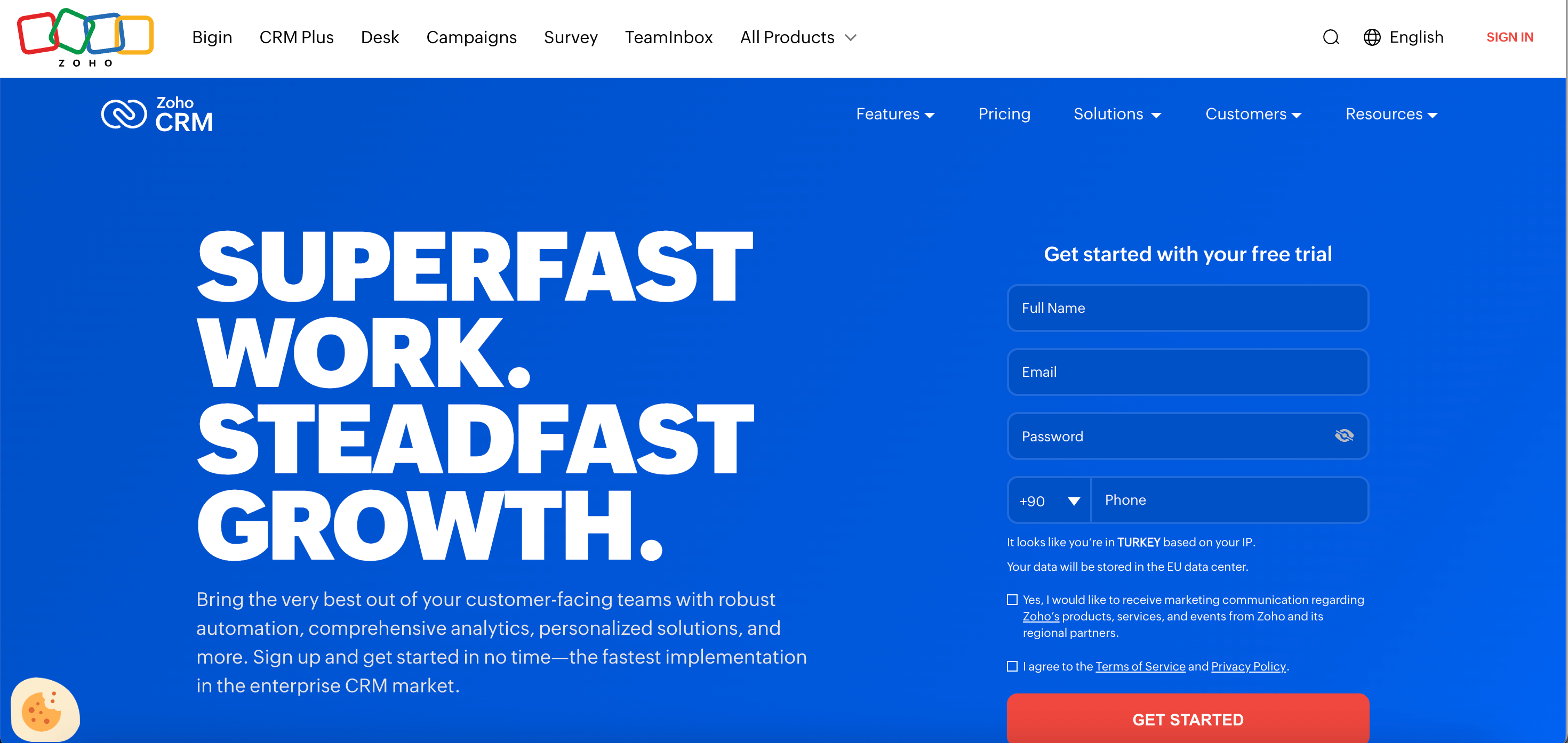
Zoho CRM provides affordable sales pipeline management with AI assistant Zia. The platform offers lead scoring, workflow automation, and multi-channel communication. Small and mid-sized businesses use Zoho CRM for managing customer relationships and sales processes.
Features
- AI assistant Zia for predictions
- Lead scoring and routing
- Workflow automation
- Multi-channel communication
- Sales pipeline management
- Integration with Zoho ecosystem
Pros and Cons
Pricing
- Free Edition: $0/month for up to 3 users, providing essential features like lead management, contact organization, and basic reports to help small teams get started.
- Standard: $20/user/month (monthly) or $14/user/month (annual). This plan includes automated workflows, custom dashboards, mass email capabilities, and scoring rules to prioritize leads.
- Professional: $35/user/month (monthly) or $23/user/month (annual). As Zoho's most popular tier, it adds real-time sales signals, "Blueprint" process management, and inventory management features.
- Enterprise: $50/user/month (monthly) or $40/user/month (annual). Designed for larger organizations, it introduces "Zia" (Zoho’s AI assistant), multi-user portals, advanced customization, and command centers for complex journeys.
- Ultimate: $52/user/month (annual billing only). This top-tier plan focuses on advanced analytics and scaling, offering enhanced storage, dedicated "Advanced BI" capabilities, and higher automation limits.
Why I chose Zoho CRM
Zoho CRM delivers strong value for SMBs with its free plan and affordable tiers. The AI assistant Zia adds predictive capabilities at accessible pricing.
Pipedrive - Best for Visual Sales Pipeline
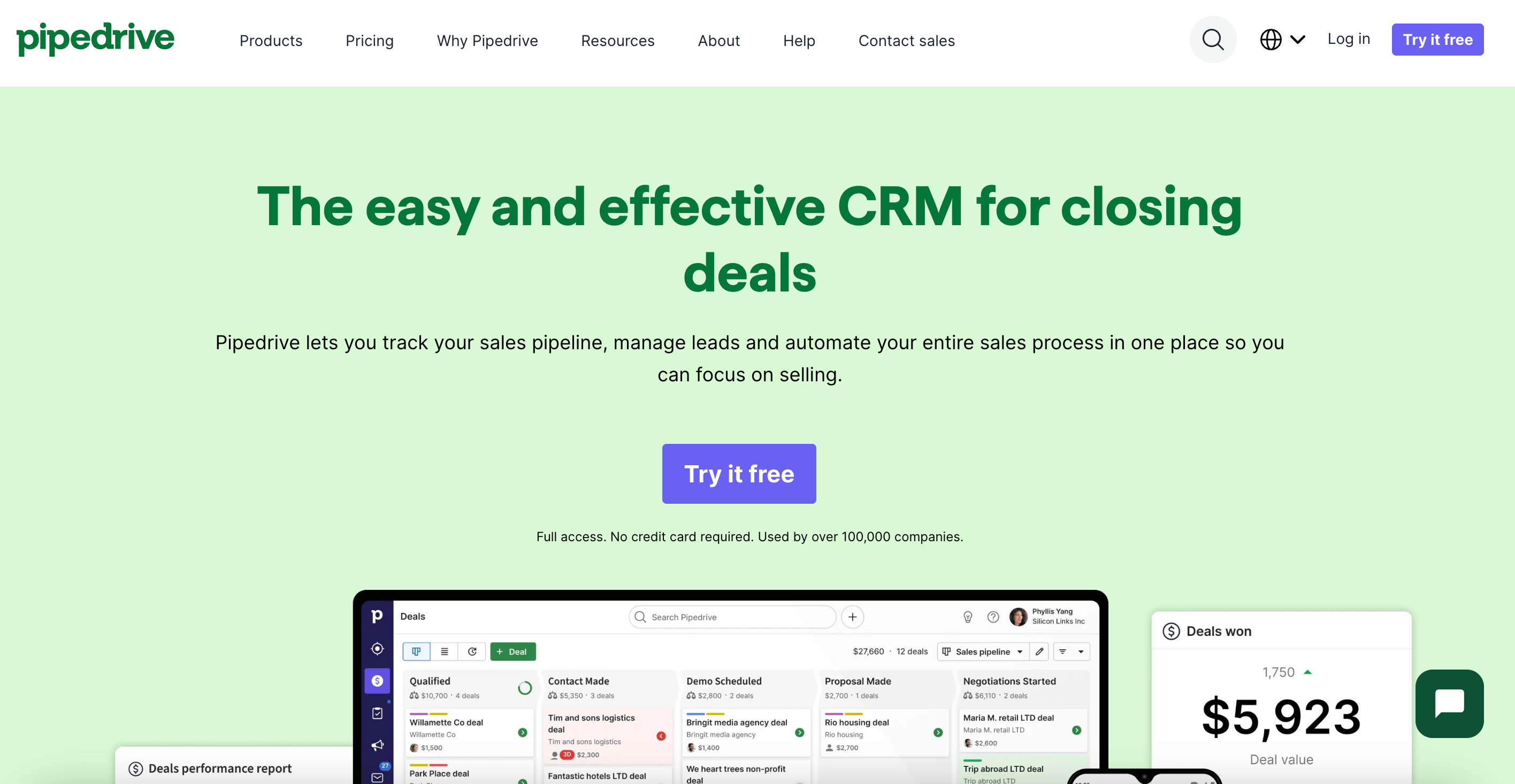
Pipedrive offers a visual sales CRM designed for small sales teams. The platform focuses on deal management with drag-and-drop pipeline views. Sales teams use Pipedrive to track opportunities and manage customer relationships with minimal complexity.
Features
- Visual drag-and-drop pipeline
- Deal tracking and forecasting
- Email integration and tracking
- Mobile app for on-the-go access
- 500+ integrations available
- Activity reminders and automation
Pros and Cons
Pricing
- Lite: $14/user/month (annual) or $24/user/month (monthly). This entry-level plan focuses on organizing sales with essential features like lead and pipeline management, a real-time sales feed, and AI-powered report creation to help small teams get started quickly.
- Growth: $34/user/month (annual) or $44/user/month (monthly). This tier is designed for expanding teams that need to automate follow-ups, featuring full email sync with tracking, automated nurturing sequences, a meeting scheduler, and forecasting reports.
- Professional: $49/user/month (annual) or $64/user/month (monthly). As the most popular option, it offers full-cycle sales tools including lead routing, custom scoring, AI-driven multi-email tools, and integrated e-signatures to streamline the closing process.
- Power: $64/user/month (annual) or $79/user/month (monthly). This plan bridges the gap for larger teams, providing advanced project management features, expanded custom fields, and more robust reporting capabilities to handle complex sales operations.
- Ultimate: $99/user/month (annual) or $129/user/month (monthly). The most comprehensive plan includes fortified security alerts, sandbox testing accounts, and phone data enrichment, along with the highest level of customization and support.
Why I chose Pipedrive
Pipedrive provides the simplest visual CRM for small sales teams. The affordable pricing makes it accessible for startups.
Salesforce Marketing Cloud Account Engagement (Salesforce Pardot) - Best for B2B Marketing Automation
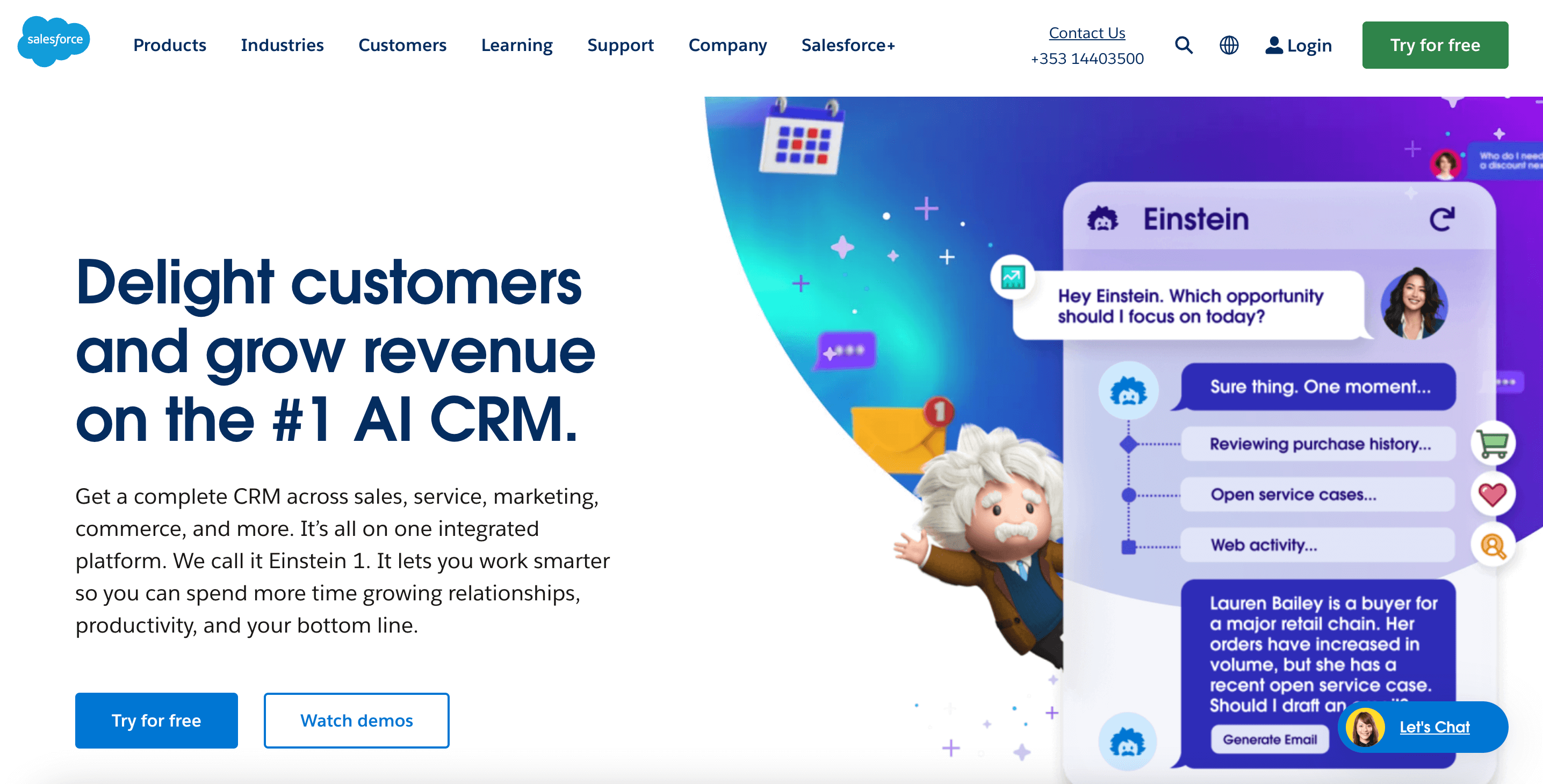
Salesforce Pardot, now called Marketing Cloud Account Engagement, offers B2B marketing automation with deep Salesforce integration. The platform provides lead nurturing, scoring, and campaign management. Enterprise marketing teams use Pardot for complex B2B customer journeys.
Features
- Lead nurturing and scoring
- Email marketing automation
- Landing page and form builder
- Engagement Studio for journeys
- ROI reporting and analytics
- Deep Salesforce CRM integration
Pros and Cons
Pricing
- Growth: $1,250/month (billed annually) for up to 10,000 contacts. This entry-level plan provides essential lead generation, qualification, and email marketing tools, along with native integration to Salesforce Sales Cloud to align your marketing and sales teams.
- Plus: $2,750/month (billed annually) for up to 10,000 contacts. It builds on the Growth plan by adding deeper automation, account-based marketing (ABM) features, and B2B Marketing Analytics to help you dive further into your campaign performance.
- Advanced: $4,400/month (billed annually) for up to 10,000 contacts. This tier is focused on innovation and scale, offering AI-powered insights through Salesforce Einstein, developer sandboxes for testing, and business units to manage multiple brands or regions.
- Premium: $15,000/month (billed annually) for up to 75,000 contacts. Designed for large-scale enterprise operations, it includes predictive analytics, dedicated support, and higher limits on various features to manage complex global marketing efforts.
Why I chose Salesforce Pardot
Pardot delivers powerful B2B marketing automation for Salesforce users. The platform excels at lead nurturing and campaign orchestration.
OptinMonster - Best for Lead Capture Popups
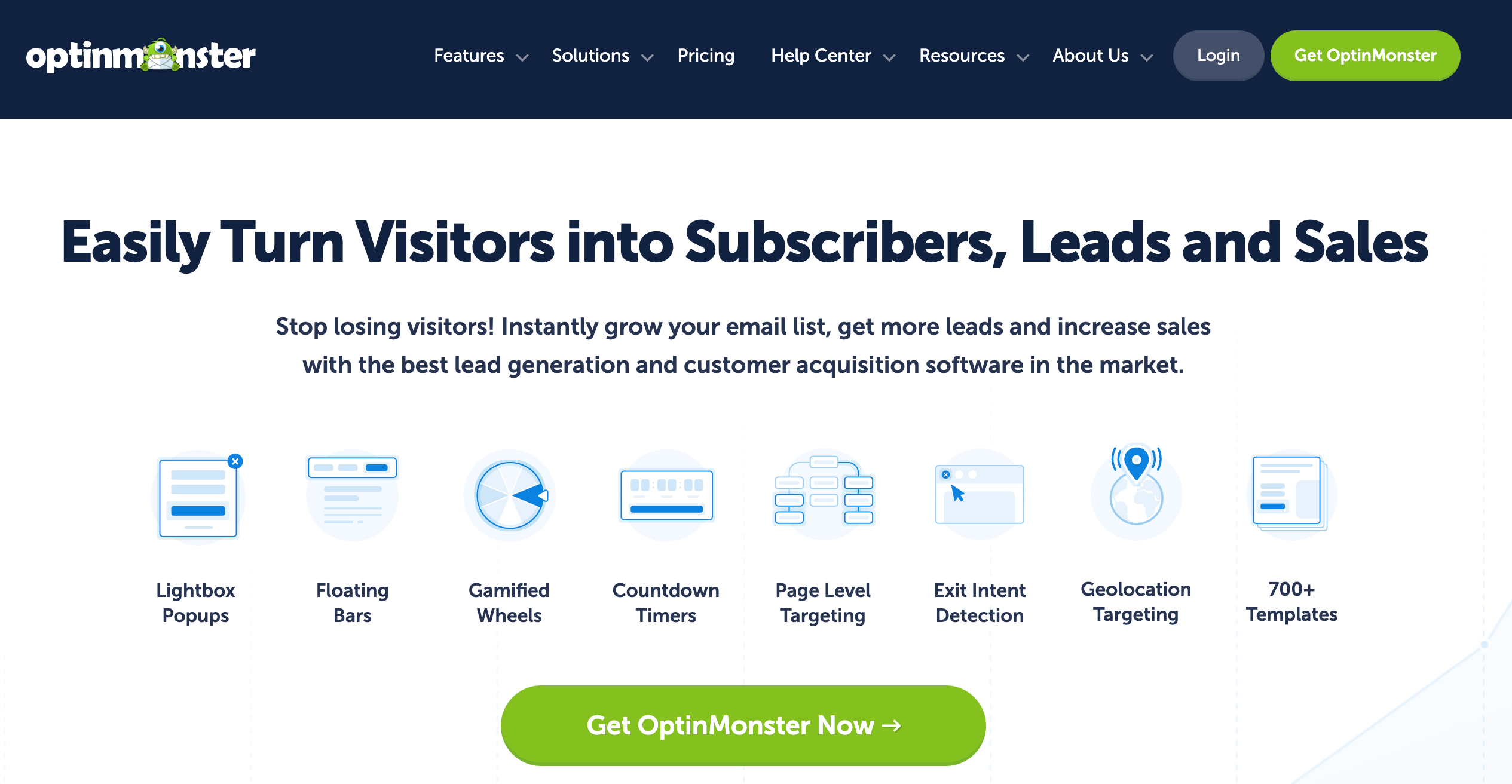
OptinMonster creates high-converting lead capture popups and forms for websites. The platform offers exit-intent technology, A/B testing, and advanced targeting rules. Marketing teams use OptinMonster to convert website visitors into email subscribers and leads.
Features
- Exit-intent technology
- Drag-and-drop popup builder
- 50+ pre-built templates
- Geolocation targeting
- A/B testing capabilities
- Page-level targeting rules
Pros and Cons
Pricing
- Basic: $7/month (billed annually at $84). This entry-level plan is ideal for those just starting out, offering the ability to use the software on one site with up to 2,500 campaign impressions per month. It includes all campaign types, access to over 700 templates, and essential page-level targeting features.
- Plus: $19/month (billed annually at $228). Designed for fast-growing brands, this tier allows for use on up to two sites and increases the limit to 10,000 campaign impressions. It introduces integrated A/B testing, device targeting (mobile vs. desktop), and content locking to help improve conversion experiments.
- Pro: $29/month (billed annually at $348). As the most popular choice, this plan supports up to three sites and 25,000 impressions. It unlocks the platform's signature Exit-Intent® Technology, along with countdown timers, campaign scheduling, and revenue attribution to directly track sales from your opt-ins.
- Growth: $49/month (billed annually at $588). This is the comprehensive solution for e-commerce and high-traffic sites, supporting up to five sites and 100,000 impressions. It includes advanced features like Geolocation targeting, OnSite Retargeting®, coupon wheel campaigns, and unlimited sub-accounts for agency use.
Why I chose OptinMonster
OptinMonster excels at converting existing website traffic into leads. The exit-intent technology captures visitors before they leave.
Leadpages - Best for Landing Page Creation
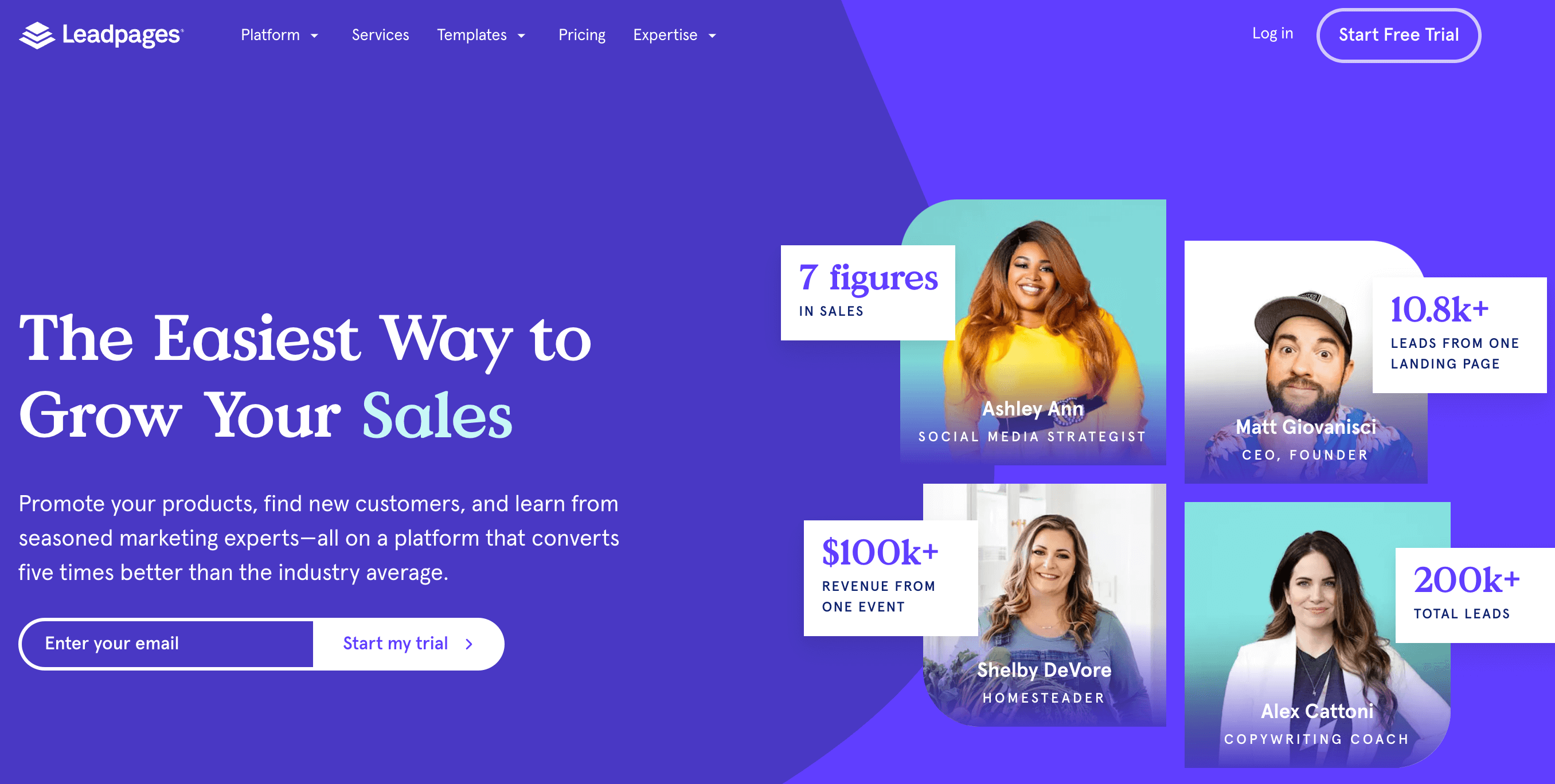
Leadpages builds conversion-optimized landing pages with drag-and-drop editing. The platform includes A/B testing, payment integration, and AI-powered copy suggestions. Marketing teams use Leadpages to create campaign landing pages without developer resources.
Features
- Drag-and-drop landing page builder
- A/B split testing
- Built-in payment processing
- AI-powered copy generation
- Facebook ads builder
- Mobile-responsive templates
Pros and Cons
Pricing
- Standard: $37/month (billed annually at $444) or $49/month (monthly). This entry-level plan is designed for single-site owners and includes the ability to build up to 5 landing pages with unlimited traffic and leads. It provides one custom domain connection, standard integrations, and mobile-responsive templates to ensure your pages look professional on any device.
- Pro (Most Popular): $74/month (billed annually at $888) or $99/month (monthly). This tier is built for those who need to test and optimize multiple campaigns, offering unlimited landing pages and the ability to connect up to 3 custom domains. Crucially, it unlocks unlimited A/B testing and integrated sales and payments, allowing you to sell products or services directly from your pages.
- Custom: Tailored pricing for larger organizations or agencies that require more complex workflows. This plan can include multiple client sub-accounts, advanced integrations, and a higher number of custom domains to manage a diverse portfolio of clients or brands.
Why I chose Leadpages
Leadpages provides accessible landing page creation for small marketing teams. The AI copy feature helps non-writers create content.
Unbounce - Best for A/B Testing Landing Pages
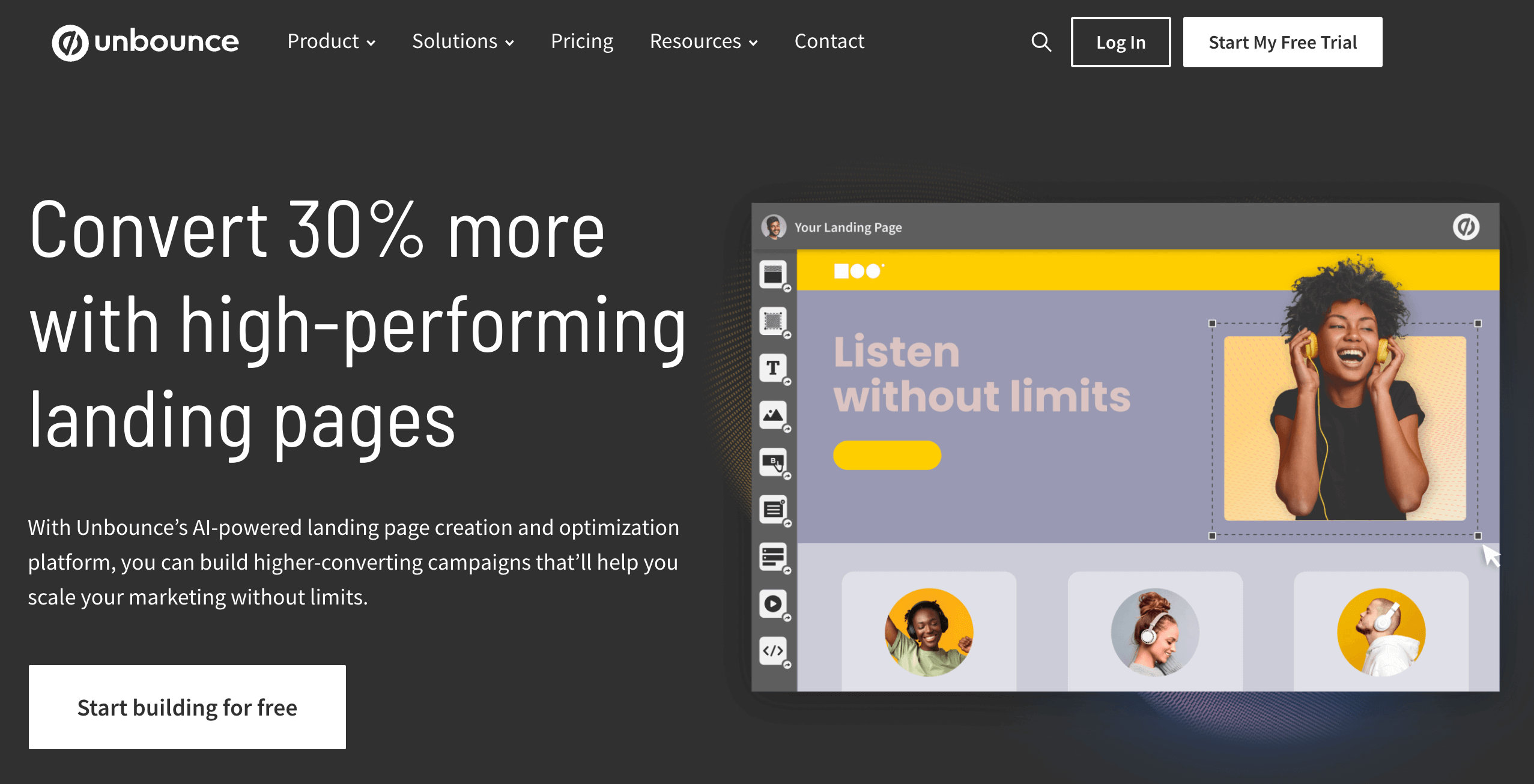
Unbounce offers AI-powered landing page creation with Smart Traffic optimization. The platform automatically routes visitors to the best-performing page variant. Marketing teams use Unbounce for high-volume landing page testing and conversion optimization.
Features
- Smart Traffic AI optimization
- Drag-and-drop page builder
- Dynamic text replacement
- A/B testing capabilities
- Smart Copy AI writing
- Smart Builder templates
Pros and Cons
Pricing
- Build: $74/month (billed annually at $888) or $99/month (monthly). This plan is intended for those who need to create an unlimited number of high-quality landing pages quickly and easily. It supports up to 20,000 visitors per month, 1 user, and 1 root domain, and it includes essential features like the drag-and-drop builder, Smart Copy AI copywriting, and access to over 100 templates.
- Experiment: $112/month (billed annually at $1,344) or $149/month (monthly). This "most popular" tier is designed for marketers who want to perform A/B tests to optimize their conversions. It supports up to 30,000 visitors per month, 3 users, and 2 root domains, and it adds advanced features like unlimited variants, dynamic text replacement, and detailed conversion reporting.
- Optimize: $187/month (billed annually at $2,244) or $249/month (monthly). Focused on maximizing ROI with AI, this plan includes "Smart Traffic," which automatically directs visitors to the landing page variant most likely to convert for them. It supports up to 50,000 visitors per month, 5 users, and 3 root domains, and it provides advanced targeting, page scheduling, and industry benchmarking.
- Agency: Starting at custom rates (contact sales for pricing). This plan is built for agencies managing multiple clients and teams, offering unlimited collaboration, a minimum of 100,000 monthly visitors, and support for at least 20 root domains, along with specialized implementation services.
Why I chose Unbounce
Unbounce delivers advanced landing page optimization with AI-powered traffic routing. The platform suits teams running high-volume campaigns.
Intercom - Best for Conversational Marketing
Intercom - Best for Conversational Marketing
Intercom provides conversational marketing through live chat, chatbots, and customer messaging. The platform engages website visitors in real-time conversations to qualify and convert leads. Support and sales teams use Intercom for proactive customer engagement.
Features
- Live chat for websites
- AI chatbot Fin for automation
- Targeted in-app messaging
- Help desk and ticketing
- Customer data platform
- Product tours and onboarding
Pros and Cons
Pricing
Intercom pricing is primarily determined by the "seat" type and the level of features required by your support team:
- Essential: $29/seat/month (annual) or $39/seat/month (monthly). This plan is designed for startups and small businesses, providing a shared inbox, ticketing, a basic help center, and access to the Fin AI Agent.
- Advanced: $85/seat/month (annual) or $99/seat/month (monthly). Targeted at growing teams, this tier adds automation workflows, multiple team inboxes, and round-robin assignment. It also includes 20 free "Lite" seats for teammates who only need to view data.
- Expert: $132/seat/month (annual) or $139/seat/month (monthly). This enterprise-focused plan includes advanced security (SSO), HIPAA compliance, multibrand support, and 50 free "Lite" seats.
Why I chose Intercom
Intercom excels at converting website visitors through conversation. The AI chatbot Fin automates lead qualification.
Drift - Best for AI Chatbots
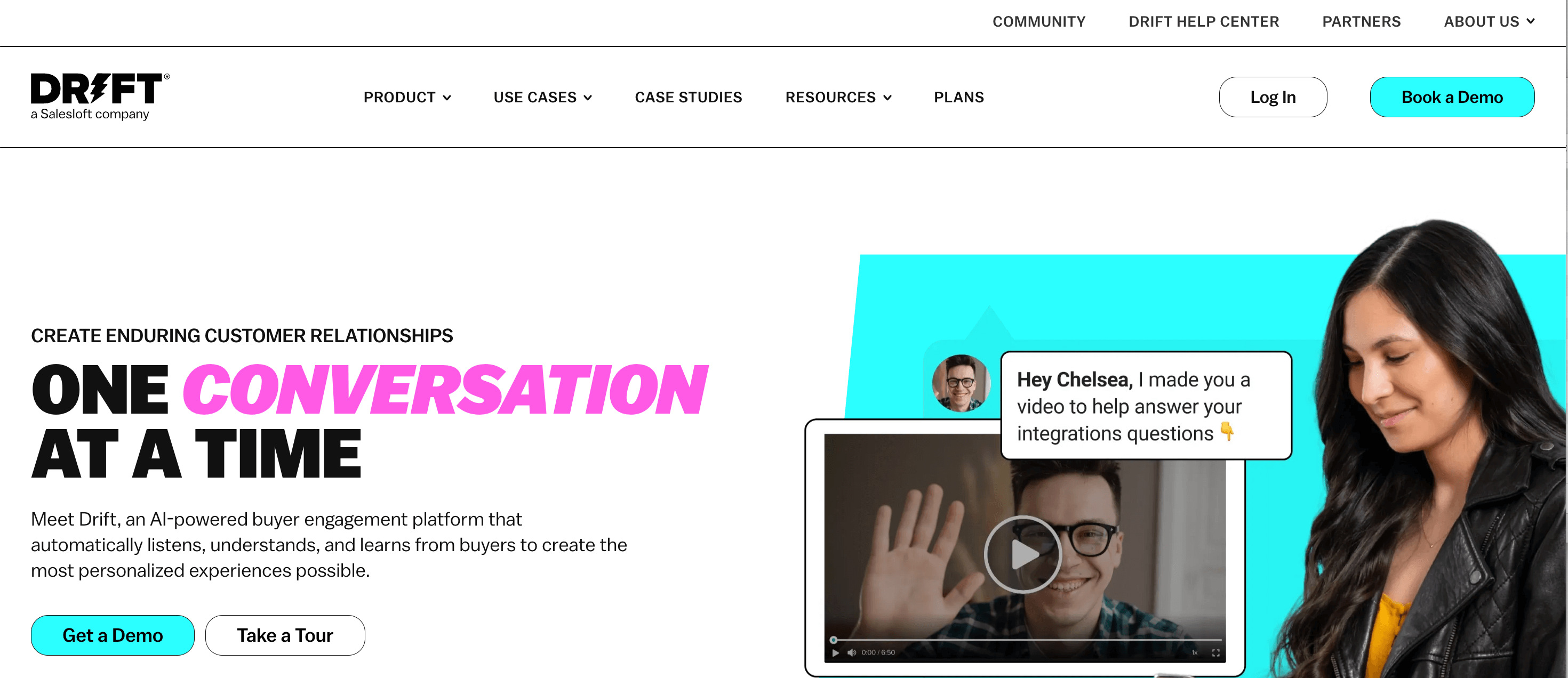
Drift provides conversational marketing with AI-powered chatbots that qualify leads in real-time. The platform routes qualified visitors directly to sales reps for live conversations. B2B companies use Drift to accelerate pipeline through faster lead engagement.
Features
- AI chatbot for lead qualification
- Live chat and video calling
- Meeting scheduling integration
- Account-based marketing features
- Salesforce and CRM integrations
- Conversation analytics
Pros and Cons
Pricing
- Premium: This plan starts at $2,500/month (billed annually) and is designed for small to medium-sized businesses and includes essential features such as live chat, meetings, custom chatbots, real-time notifications, and conversational landing pages to help capture and qualify leads instantly.
- Advanced: Custom Pricing (Contact Sales). This tier is focused on scaling demand generation efforts with advanced features like "Fastlane" (instant qualification for form-fillers), A/B testing, audience segmentation, and advanced lead routing. It also provides dedicated support with a Customer Success Manager (CSM) and quarterly strategy consulting.
- Enterprise: Custom Pricing (Contact Sales). Built for large-scale global organizations, the Enterprise plan introduces AI-powered chatbots capable of handling complex natural language inquiries, multi-brand workspaces, custom role-based access control (RBAC), and flexible routing to manage intricate sales territories.
Why I chose Drift
Drift provides enterprise-grade conversational marketing with strong AI capabilities. The SalesLoft acquisition in 2024 adds sales engagement features.
Lead Forensics - Best for Website Visitor Identification
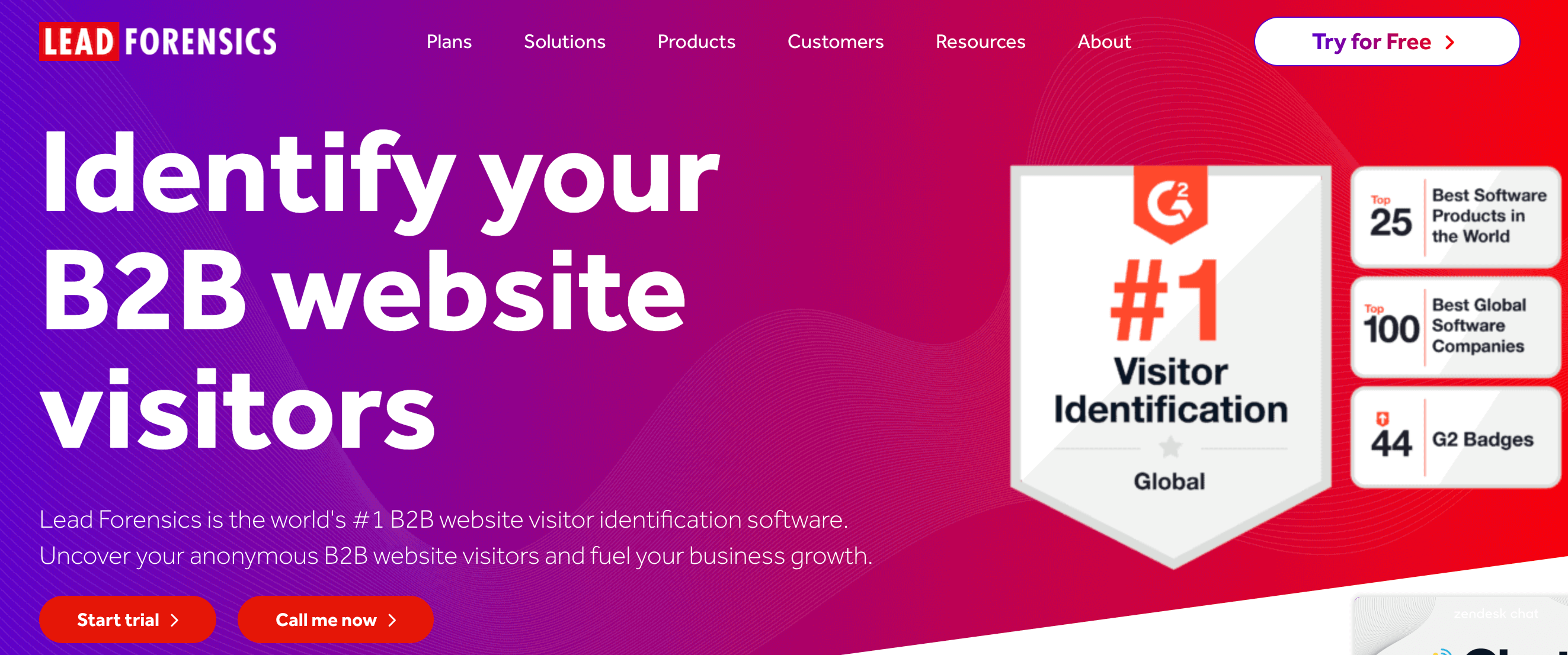
Lead Forensics identifies anonymous B2B website visitors by company name and provides decision-maker contacts. The platform reveals which businesses visit your site even if they do not fill out forms. Marketing and sales teams use Lead Forensics for intent-based prospecting.
Features
- Anonymous visitor identification
- Company and contact data
- Real-time visitor alerts
- Engagement scoring
- CRM integrations
- Page-level visit tracking
Pros and Cons
Pricing
Lead Forensics uses custom pricing based on website traffic and company needs. No public pricing available, industry data indicates that plans generally start at approximately $120 to $200 per month for very small businesses, with most mid-market companies paying between $500 and $2,000+ per month.
Lead Forensic offers two tiers.
- Essential: Designed for small to medium businesses, this tier focuses on identifying the names of businesses visiting your site, providing key prospect contact details, and identifying the keywords driving your traffic.
- Automate: This enterprise-level plan adds advanced CRM integrations (Salesforce, HubSpot, etc.), fully customizable automated workflows, "The Orchestrator" for action sequencing, and advanced lead scoring.
Why I chose Lead Forensics
Lead Forensics excels at turning website traffic into identified prospects. The platform suits companies with significant B2B web traffic.
Growbots - Best for Outbound Sales Automation
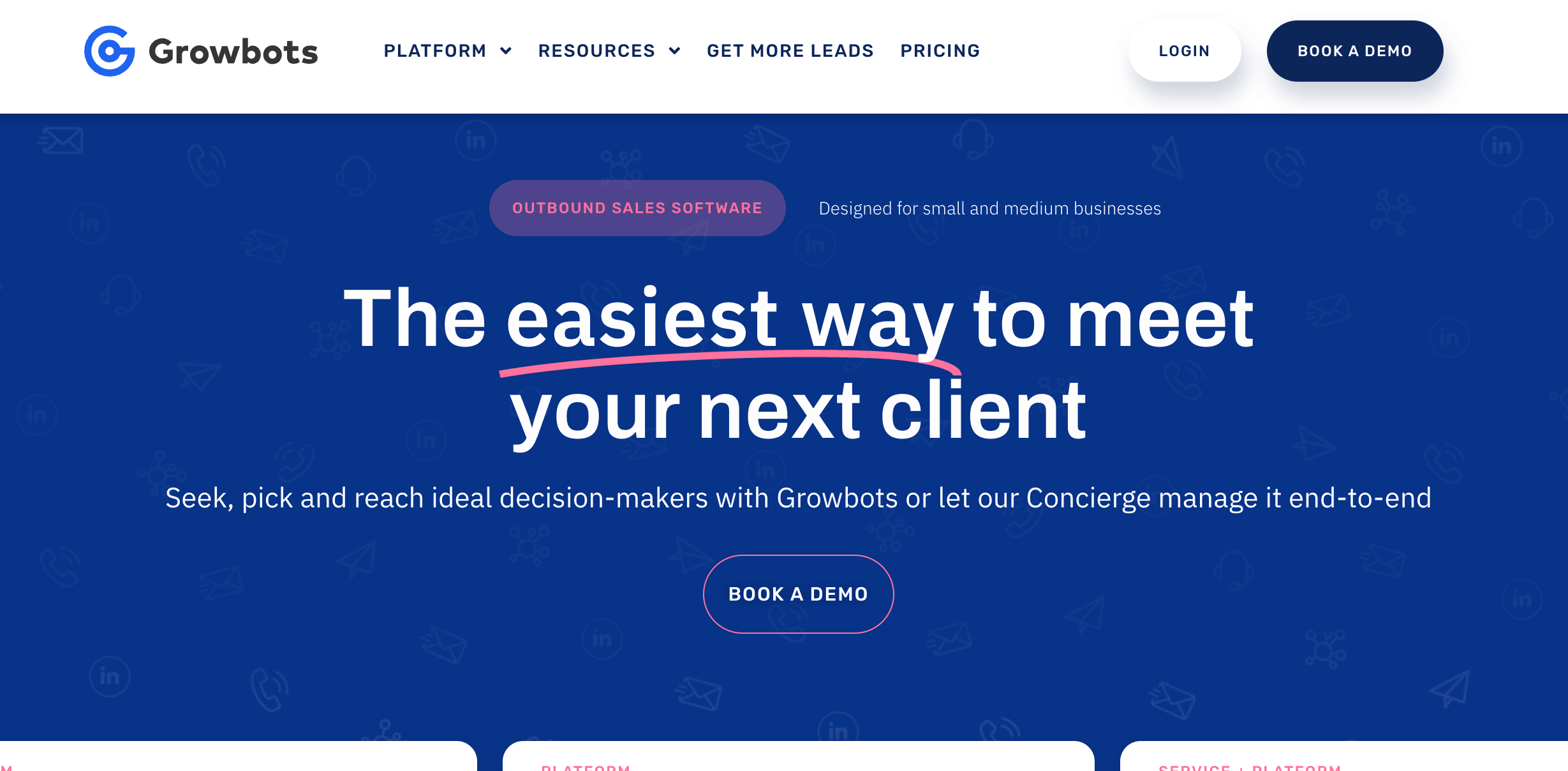
Growbots provides all-in-one outbound sales automation with prospecting, email campaigns, and CRM features. The platform includes 180M+ contacts and automated drip sequences. Sales teams use Growbots for automated outbound lead generation and follow-up.
Features
- 180M+ contact database
- Automated email drip campaigns
- Persona-based prospecting
- CRM integration
- A/B testing for emails
- Automatic follow-up sequences
Pros and Cons
Pricing
- Freemium: At $0/month, this plan allows users to explore the database of over 180 million prospects with basic filters. It includes up to 20 free email accounts, though daily sending limits are restricted to 20 emails per inbox.
- Starter Outreach: Starts at $29/month. And is built for those needing AI-automated message handling, deliverability monitoring, and A/B testing. It allows for unlimited email accounts and user seats, with a daily sending limit of 100 emails per inbox.
- Pro Outreach: This advanced tier starts at $39/month and includes everything in Starter plus bi-directional CRM integrations with Salesforce and HubSpot. It supports the highest activity level with a daily limit of up to 500 emails per inbox.
- All-in-One: A customized bundle for teams that want both the software and assistance with lead generation strategy.
Why I chose Growbots
Growbots combines prospecting with email automation in one platform. The automated workflow saves time on repetitive tasks.
Reply.io - Best for Multi-Channel Outreach

Reply.io automates multi-channel sales outreach across email, LinkedIn, and phone. The platform includes email finder, AI-powered writing, and sequence automation. Sales teams use Reply.io for coordinated prospecting across multiple touchpoints.
Features
- Multi-channel sequences
- AI-powered email writing
- Email finder and verifier
- LinkedIn automation
- Chrome extension
- CRM integrations
Pros and Cons
Pricing
- AI SDR Starter: Costs $800 per month for 1,000 real-time B2B contacts.
- AI SDR Growth: Costs $2,500 per month for 5,000 real-time B2B contacts.
- AI SDR Enterprise: Custom pricing for 25,000 active B2B contacts.
Why I chose Reply.io
Reply.io delivers robust multi-channel automation for sales outreach. The AI writing features speed up personalization.
Overloop - Best for Cold Email Campaigns
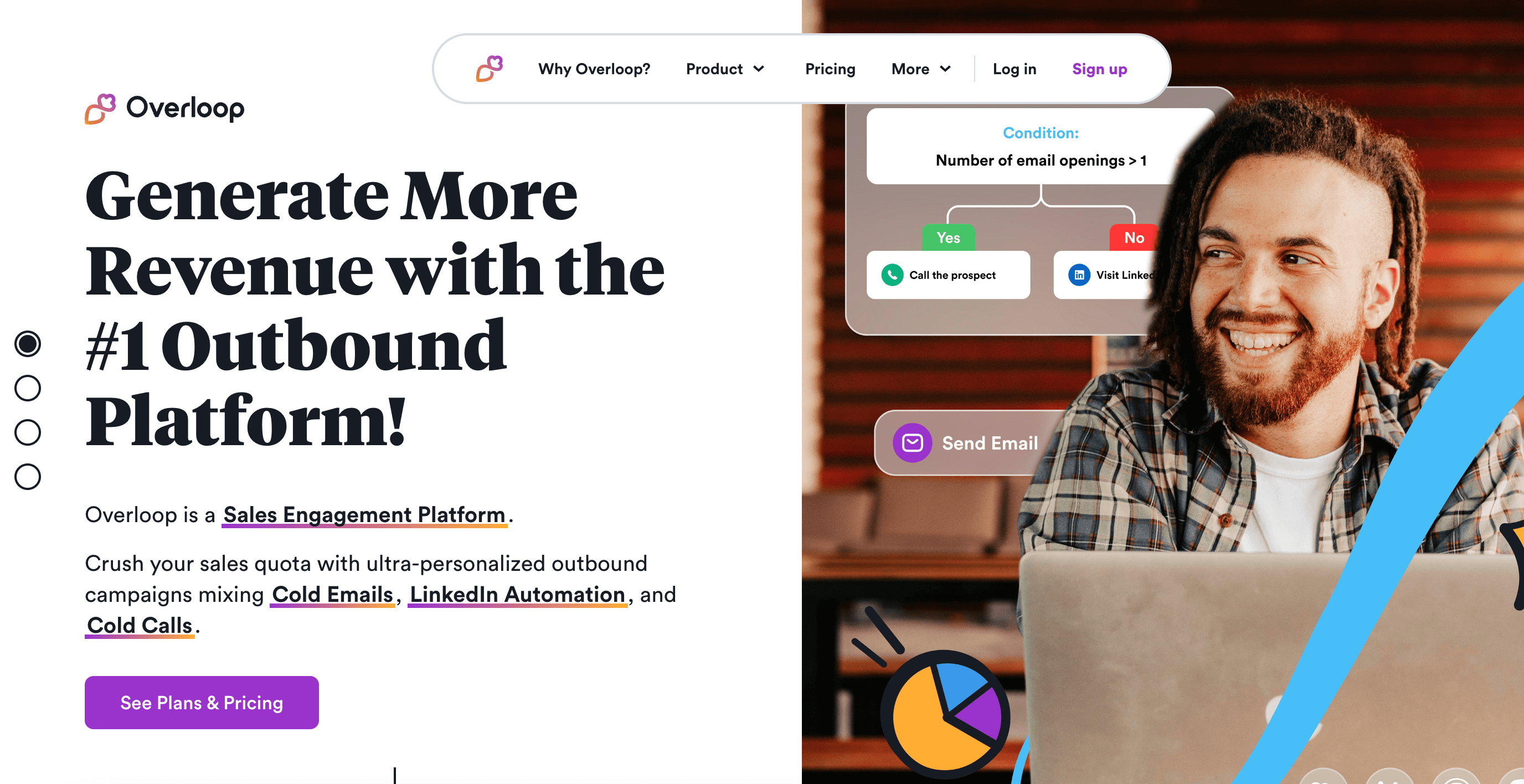
Overloop offers cold email automation with CRM capabilities built in. The platform includes email finding, sequence creation, and pipeline management. Sales teams use Overloop for straightforward cold outreach campaigns.
Features
- Email finder addon
- Cold email sequences
- Built-in CRM features
- Email tracking and analytics
- Chrome extension
- Team collaboration
Pros and Cons
Pricing
- Starter: At $69/user/month, designed for individuals, this plan includes 250 credits per month for sourcing leads or finding verified emails. It allows for 1 connected email account per user and up to 3 active campaigns.
- Growth: Costs $99/user/month for growing teams, this tier increases the monthly allowance to 500 credits per user and expands connectivity to 3 email accounts and 10 active campaigns.
- Enterprise: Custom Pricing (Contact Sales). For large organizations, this plan provides 1,000 credits per user, unlimited email accounts, and unlimited campaigns. It includes a native Salesforce integration, a dedicated Customer Success Manager, personalized 1:1 onboarding, and a technical setup/deliverability checkup to ensure high performance at scale.
Why I chose Overloop
Overloop provides simple cold email automation without complexity. The built-in CRM reduces tool switching.
Clay - Best for Data Enrichment Workflows
Clay provides data enrichment through 75+ integrated tools and AI-powered research. The platform creates automated workflows that pull data from multiple sources. Growth and RevOps teams use Clay for advanced personalization at scale.
Features
- 75+ enrichment tool integrations
- AI agent Claygent for research
- Automated workflow builder
- Credit-based pricing model
- Waterfall enrichment logic
- CRM integrations on Pro plan
Pros and Cons
Pricing
- Free: $0/month. Provides 1,200 credits per year (100/month). It includes unlimited users, access to Claygent (AI research), and basic exporting features, though it is limited to 100 results per search.
- Starter: $134/month (billed annually). Includes 24,000 credits per year (2,000/month). This plan allows for larger searches (up to 5,000 results), credit rollover, and the ability to use your own API keys for external data providers.
- Explorer: $314/month (billed annually). Includes 120,000 credits per year (10,000/month). Designed for more active teams, it gives the ability to integrate with any HTTP API, use webhooks, and connect directly with email sequencing tools.
- Pro: $720/month (billed annually). Includes 600,000 credits per year (50,000/month). This tier is for advanced outbound operations, , web intent signals, and larger search capacities (up to 50,000 results).
- Enterprise: Custom pricing for large teams with high volume, offering custom credit amounts, unlimited rows via API, dedicated Slack support, credit reporting analytics, and SSO.
Why I chose Clay
Clay excels at complex data enrichment workflows and AI-powered personalization. The platform suits technical teams with specific enrichment needs.
Calendly - Best for Meeting Scheduling
Calendly automates meeting scheduling by letting prospects book time on your calendar directly. The platform eliminates back-and-forth emails by showing available slots.
Features
- Automated scheduling links
- Calendar integrations
- Team scheduling pages
- Meeting reminders
- Zoom and video integrations
- Round-robin assignment
Pros and Cons
Pricing
- Free: $0 (Always free). Ideal for personal use. Includes 1 event type, connection to 1 calendar.
- Standard: $10/seat/month (billed annually) or $12/seat/month (billed monthly). Designed for professionals and small teams and includes everything in the Free plan, plus unlimited event types, connection to up to 6 calendars.
- Teams: $16/seat/month (billed annually) or $20/seat/month (billed monthly). Recommended for growing businesses. Includes everything in the Standard plan, plus Salesforce integration, round-robin meeting distribution, lead qualification and routing.
- Enterprise: Starts at $15,000/year, suitable for large companies. Includes everything in the Teams plan, plus Salesforce lookup routing, Microsoft Dynamics 365 integration, dedicated account support, and enhanced security features like SAML SSO and audit logs.
Why I chose Calendly
Calendly provides essential scheduling functionality for sales teams. The free plan works for individual users.
Leadfeeder - Best for Website Visitor Tracking
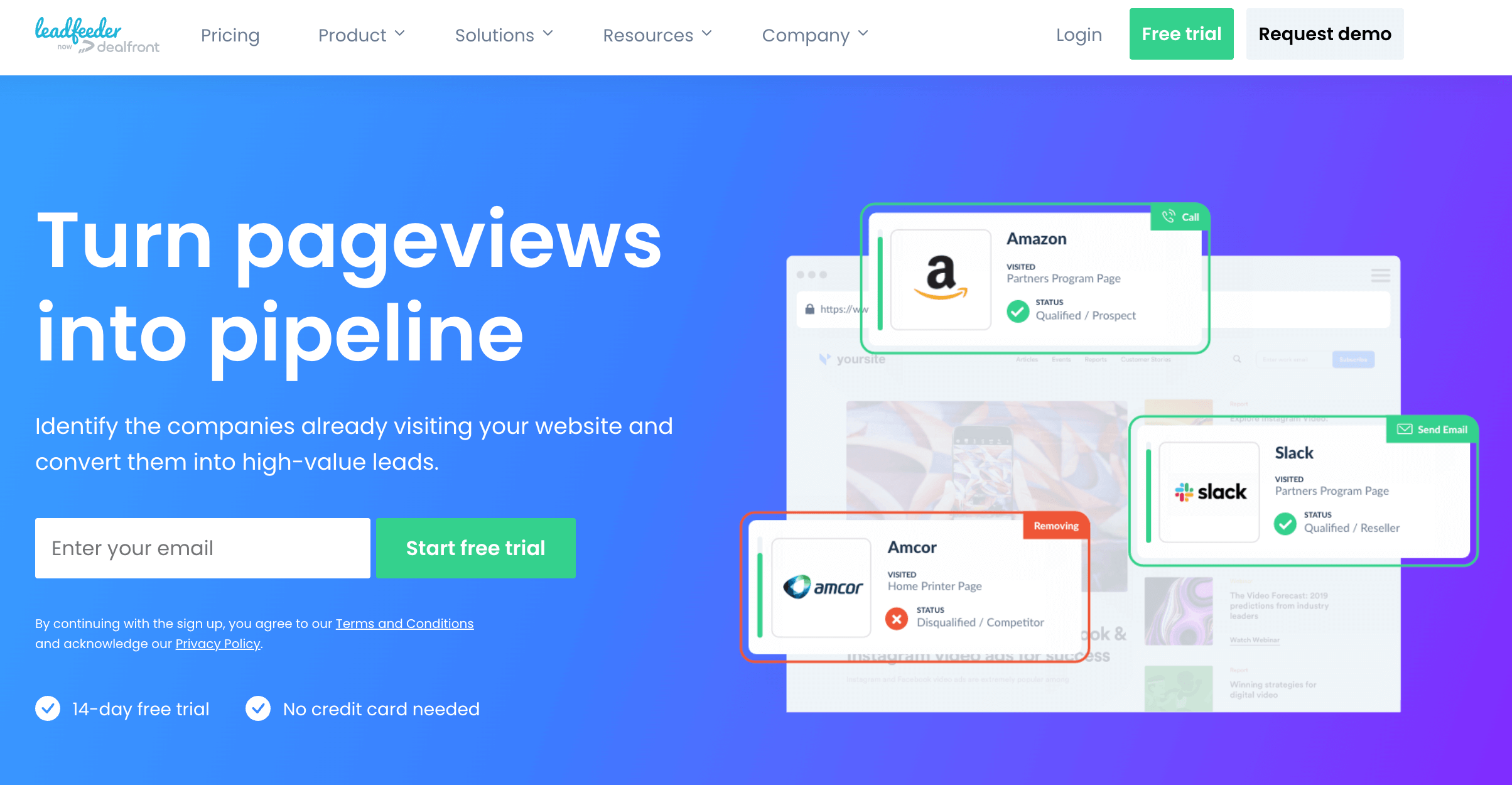
Leadfeeder identifies companies visiting your website and syncs data with CRM systems. The platform tracks page visits, engagement time, and visitor sources. Marketing teams use Leadfeeder to discover which companies show interest through web behavior.
Features
- Website visitor identification
- Company data enrichment
- CRM sync with Salesforce and HubSpot
- Lead scoring capabilities
- Email notifications
- Custom feed filters
Pros and Cons
Pricing
Leadfeeder pricing is given below.
- Free Plan: This plan costs €0 and is designed for small businesses or those wanting a permanent basic monitoring tool without a time limit. It allows you to identify up to 100 companies per month but restricts data visibility to only the last 7 days of visitor history.
- Paid Plan: Starting at €99/month when billed annually, this is a scalable plan where the cost increases based on the number of unique companies identified on your website each month.
Why I chose Leadfeeder
Leadfeeder reveals anonymous website visitors with strong CRM integration. The free plan allows testing with existing traffic.
Brevo - Best for Multi-Channel Marketing
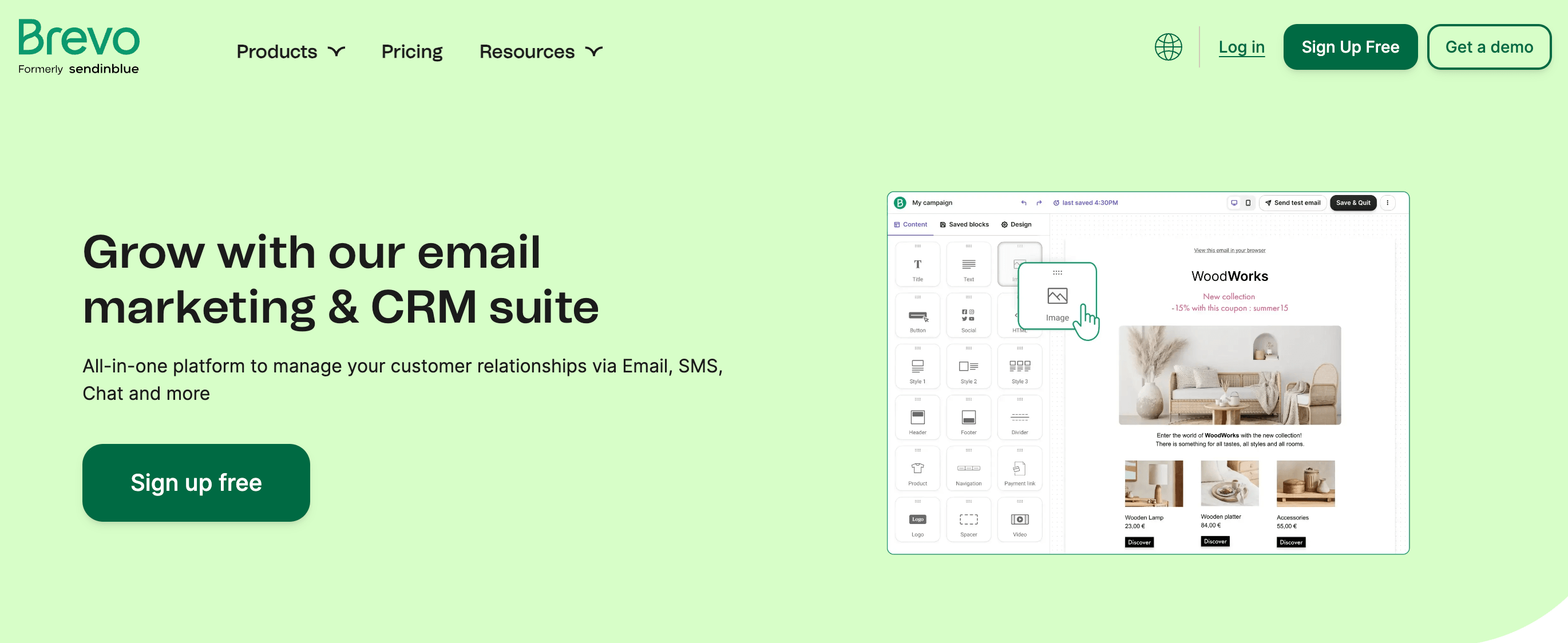
Brevo, formerly Sendinblue, provides multi-channel marketing automation across email, SMS, WhatsApp, and web push. The platform includes CRM, live chat, and transactional messaging features. Growing businesses use Brevo for affordable marketing automation across channels.
Features
- Email marketing automation
- SMS and WhatsApp messaging
- Marketing automation workflows
- CRM with contact management
- Live chat and chatbot
- Transactional email API
Pros and Cons
Pricing
- Free: This plan costs $0/month for 300 emails per day, unlimited contacts, and basic reporting.
- Starter: This beginner pricing plan starts at $9/month (monthly) or $8.08/month (annual) for 5,000 emails/month and includes no daily sending limit and basic reporting.
- Standard: It starts at $18/month (monthly) or $16.17/month (annual) for 5,000 emails/month and offers marketing automation, A/B testing, and advanced reporting.
- Professional: Starts at $499/month (monthly) or $449.08/month (annual) for 150,000 emails/month and includes 10 seats, WhatsApp/SMS/Push notifications, and a dedicated account manager.
- Enterprise: Custom pricing for companies with 1M+ contacts that require advanced security and custom data integrations.
Why I chose Brevo
Brevo delivers multi-channel marketing at accessible pricing. The platform suits growing businesses exploring channels beyond email.
What is lead generation?
Lead generation is the process of identifying and attracting potential customers for a business. Marketing and sales teams use various methods to capture contact information from people interested in their products or services. The goal is building a pipeline of qualified prospects that sales teams can convert into paying customers.
B2B lead generation focuses on finding business contacts who make purchasing decisions. This includes identifying job titles, company sizes, industries, and technologies that match ideal customer profiles. Effective lead generation combines outbound prospecting with inbound marketing to fill sales pipelines consistently.
What are lead generation tools?
Lead generation tools are software applications that help businesses identify, capture, and qualify potential customers. These platforms automate the process of finding prospect contact information, verifying data accuracy, and organizing leads for sales outreach. Lead generation tools support both inbound methods like capturing website visitors, and outbound methods such as building targeted prospect lists.
Inbound lead generation captures visitors who find your business through content, search, or advertising. Outbound lead generation involves proactively reaching out to prospects who match your target criteria. Most businesses use a combination of both approaches, with tools for each method integrated into their sales and marketing workflow.
What are the types of lead generation tools?
The types of lead generation tools are B2B contact databases, email finders and verifiers, CRM platforms, landing page builders, chatbots and live chat, website visitor identification, marketing automation, social media prospecting, intent data providers, and data enrichment tools:
- B2B contact databases: Platforms like ZoomInfo and BookYourData provide verified business contact information including emails, phone numbers, and company data
- Email finders and verifiers: Tools like Hunter.io and Voila Norbert locate and validate email addresses for outreach campaigns
- CRM platforms: Systems like HubSpot, Salesforce, and Pipedrive manage lead data and track sales pipeline progression
- Landing page builders: Tools like Leadpages and Unbounce create conversion-optimized pages that capture visitor information
- Chatbots and live chat: Platforms like Intercom and Drift engage website visitors in real-time conversations
- Website visitor identification: Tools like Leadfeeder and Lead Forensics reveal anonymous company visitors
- Marketing automation: Platforms like Pardot and ActiveCampaign nurture leads through automated email sequences
- Social media prospecting: LinkedIn Sales Navigator helps identify and engage prospects on social platforms
- Intent data providers: Tools like Cognism and Lead411 show which companies are actively researching solutions
- Data enrichment tools: Platforms like Clearbit and Clay add firmographic data to existing lead records
What are the benefits and drawbacks of lead generation tools?
Lead generation tools provide significant advantages while presenting some challenges:
How can I choose the right lead generation tool?
To choose the right lead generation tool, consider budget, target market geography, data accuracy needs, integrations, team size and usage, and compliance.
To choose the right lead generation tool consider the following factors.
- Budget considerations: Compare pay-as-you-go vs subscription models.
- Target market geography: Ensure the platform covers your target regions.
- Required integrations: Check compatibility with your CRM, email platform, and sales tools before purchasing.
- Data accuracy needs: Look for platforms with accuracy guarantees.
- Team size and usage volume: Estimate monthly contact needs to compare pricing across platforms effectively.
- Compliance requirements: Verify GDPR and data privacy compliance for your target markets.
What is the best lead generation strategy in 2026?
The best lead generation strategy in 2026 combines high-quality B2B data with multi-channel outreach. Start with verified contact lists from platforms like ZoomInfo, BookYourData, Apollo, or Lusha to ensure accurate targeting. Use personalized email sequences, LinkedIn engagement, and phone outreach in coordinated campaigns. Intent data helps prioritize accounts showing buying signals.
What is the best B2B lead generation tool?
BookYourData is the best B2B lead generation tool for verified contact data. The platform offers 500M+ contacts with 97% accuracy guarantee, pay-as-you-go pricing starting at $0.40 per contact, and credits that never expire. Users receive bounce-back refunds for any invalid emails. The combination of data quality, flexible pricing, and accuracy guarantee sets BookYourData apart from subscription-based competitors.
How much do lead generation tools cost?
Lead generation tools cost between $0 for free plans to $100,000+ annually for enterprise platforms. Entry-level tools like Hunter.io and Lusha offer free plans with limited credits. Mid-range platforms cost $49 to $499 per month. Enterprise solutions like ZoomInfo start at $15,000 per year. BookYourData offers pay-as-you-go pricing starts at $0.40 per contact with no subscription required. Calculate cost per lead for effective budget planning.
Are there any free lead generation tools?
Yes, there are several free lead generation tools, Apollo.io provides 10,000 email credits monthly, while HubSpot CRM is free with basic features. Hunter.io includes 25 searches per month, and Lusha offers 5 credits monthly. BookYourData provides 10 free leads for new users. Free plans typically have limited features and credits that require upgrades for serious prospecting.
How can I generate leads quickly?
Generate leads quickly by using effective lead generation techniques and utilizing B2B contact databases with advanced filtering. B2B data providers like Cognism, BookYourData allows instant list building with 100+ data attributes. Apply filters for job title, industry, company size, and location to create targeted lists in minutes. Download verified contacts immediately and begin outreach the same day. Real-time verification ensures high deliverability from the start.
What is the difference between inbound and outbound lead generation?
Inbound lead generation attracts prospects through content marketing, SEO, and advertising. Visitors find your business and submit their contact information. Outbound lead generation involves proactively reaching out to prospects who match your target criteria.
How to do effective lead generation for small businesses?
To do effective lead generation for small businesses, start with targeted prospect lists and personalized outreach. Use B2B data providers like ZoomInfo, BookYourData, Apollo, and Lusha to avoid expensive subscriptions. Focus on specific industries or job titles that match your ideal customer. Combine cold email outreach with LinkedIn engagement. Track response rates to refine targeting over time.
How to generate leads for SaaS businesses?
SaaS businesses generate leads through product-led growth, content marketing, and outbound prospecting. Use B2B databases to identify companies using competitor technologies. Target decision-makers at companies in growth phases with recent funding or hiring activity. Offer free trials or demos in outreach and use technographic data to find companies using specific software stacks for high-quality SaaS lead generation.
How can I generate leads for free?
Generate leads for free using content marketing, social media engagement, and free tool trials. Create valuable content that ranks in search results. Engage prospects on LinkedIn with helpful comments and messages. Use free plans from tools like Apollo.io and HubSpot CRM.
Can AI be used for lead generation?
Yes, AI can be used for lead generation through automated prospecting, personalization, and lead scoring. Platforms like Clay use AI to research prospects and enrich data. Seamless.AI uses artificial intelligence to find contact information in real-time. AI-powered chatbots qualify website visitors automatically. Machine learning models predict which leads are most likely to convert based on behavioral patterns.
Which lead generation tool has the largest database?
ZoomInfo claims the largest B2B database with 600M+ professional profiles captured. BookYourData offers 500M+ verified contacts across 200+ countries. Apollo.io reports 275M+ contacts. LinkedIn Sales Navigator provides access to 900M+ LinkedIn members but does not export direct contact details. Database size matters less than data accuracy. BookYourData's 97% accuracy guarantee maintains reliable contact information regardless of database volume.
[CTA1]