Leadfeeder Pricing, Plans and Add-ons [2026]
Leadfeeder is a website visitor tracking and lead generation platform designed to help businesses identify companies visiting their website and convert anonymous visitors into qualified leads. It works by integrating with Google Analytics to track visitor behavior, filter leads based on criteria like company size and location, and sync data with CRM and marketing tools. This lead filtering helps sales teams prioritize and engage potential customers more effectively.
Leadfeeder provides a Free plan that costs $0 and a paid plan starting at $99 per month, with the final cost increasing based on the number of companies identified each month. The fixed annual fee may become higher than expected if you incorrectly estimate your visitor volume or lead needs.
Leadfeeder offers Free and Paid plans to accommodate different business needs.
The Free plan is ideal for individuals or microbusinesses requiring basic visitor insights.
The Paid plan provides advanced features and more access for growing businesses.
These plans allow companies to choose the level of features and data that best support their website visitor tracking and lead identification goals.
What are the pricing plans of Leadfeeder?
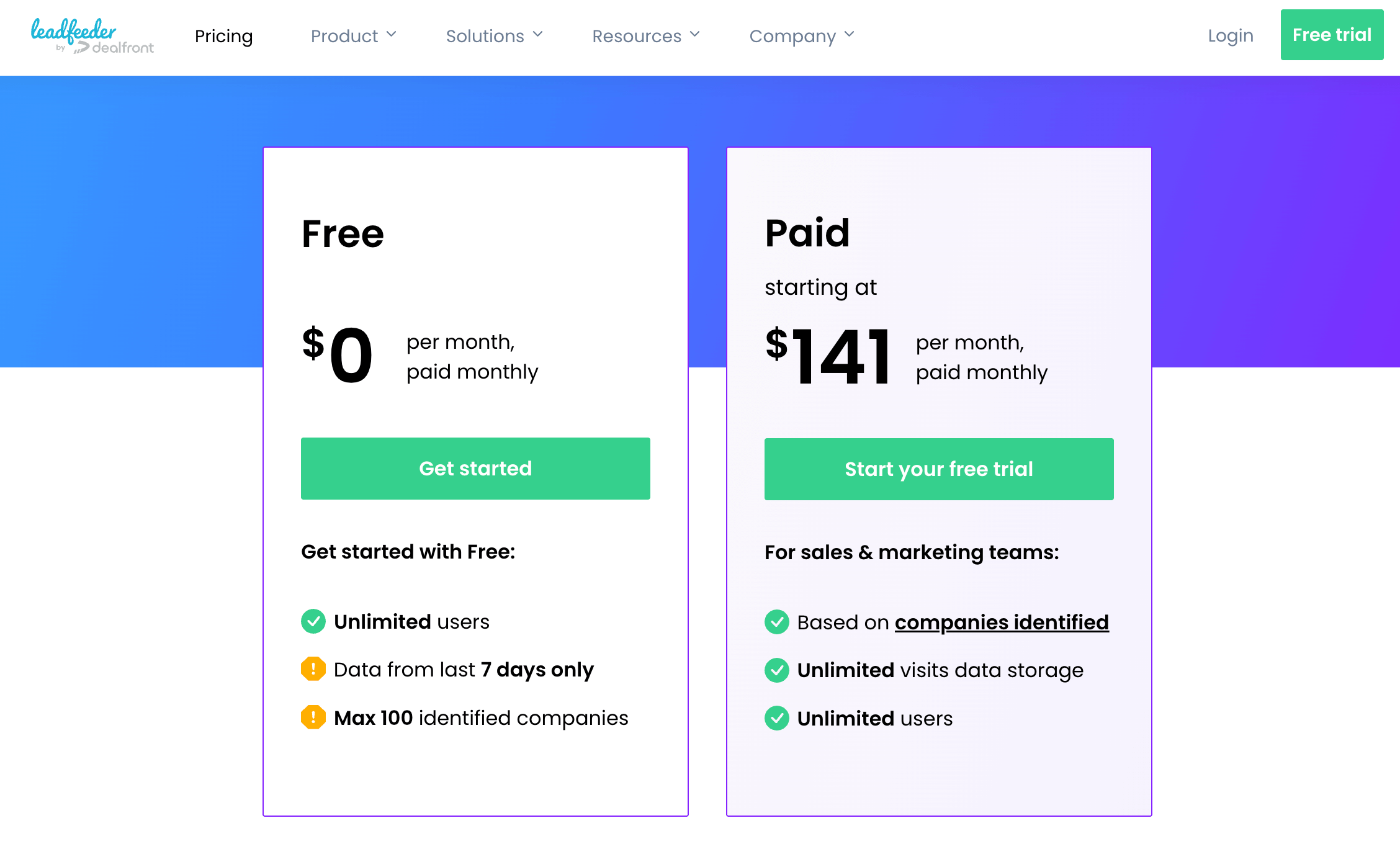
The pricing plans of Leadfeeder are Free and Paid. These pricing plans depend on how many companies the tool identifies visiting your site each month.
Free
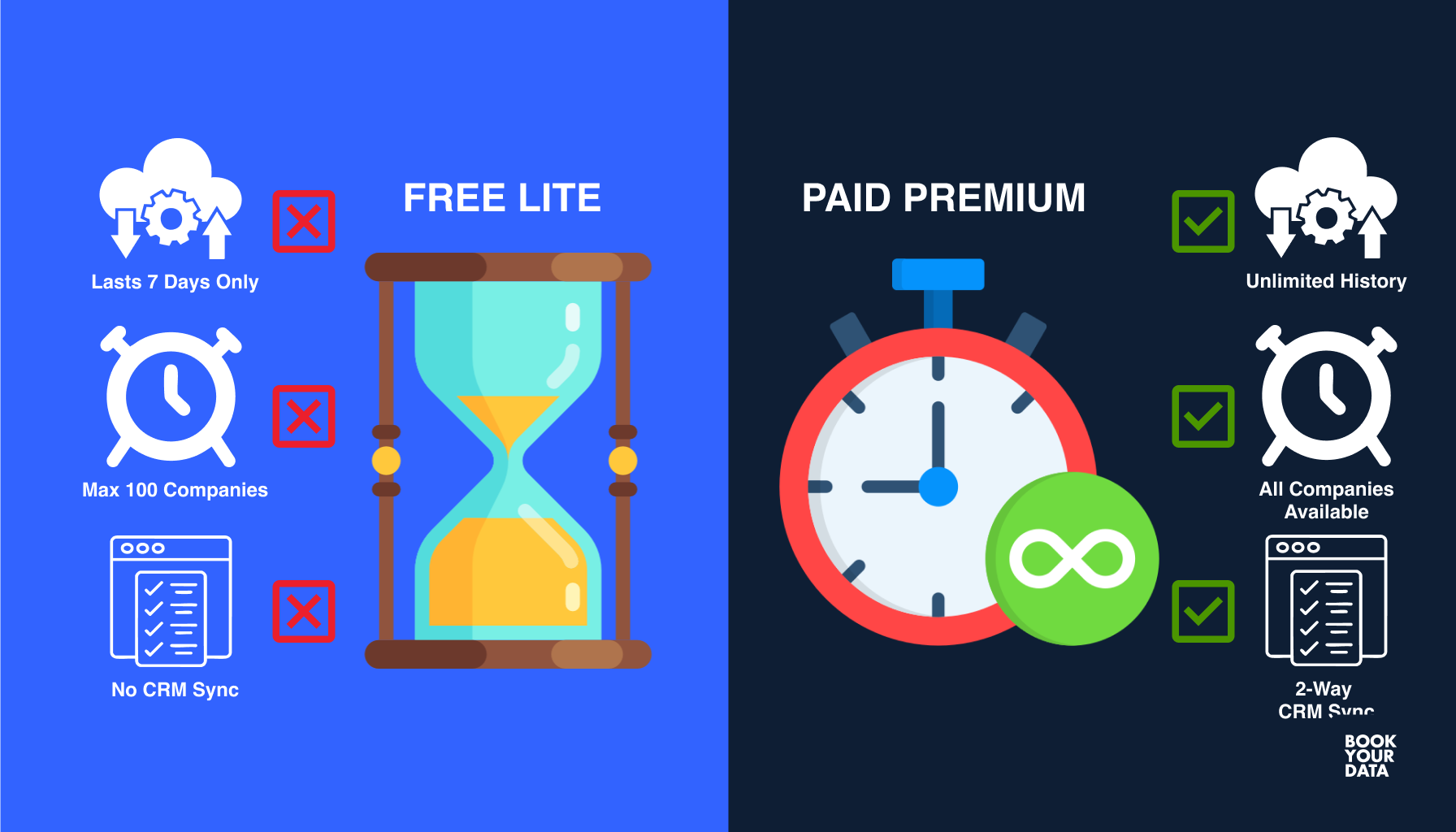
The Free plan of Leadfeeder costs €0 and has no time limit. It provides access to unlimited users, and users only need to sign up to use this plan. This plan requires no credit card. Leadfeeder’s Free plan provides data from the last 7 days only and a maximum of 100 identified companies.
Best for: Microbusinesses or individuals with basic website identification of visitor needs.
Paid
The Paid plan of Leadfeeder costs €99 per month when billed annually and $141 per month when billed monthly. It provides users with a 14-day free trial and does not require a credit card. The Paid plan also allows for unlimited users, but this plan gives users access to all identified companies and unlimited data storage.
The features of the Paid plan are verified company details, export and sync contact details, visitor activity on the website, two-way CRM integrations, and marketing integrations. Some other features include custom feeds and filters, automatic notifications, monitoring target accounts, website form tracking, video and download tracking, and user management.
Best for: Sales and marketing teams that want longer data retention, more identified companies, basic integrations, and more frequent updates.

Table of Leadfeeder's paid plans based on identified companies
Below is the comparison table of Leadfeeder’s Paid plan based on identified companies and pricing for both monthly and annual billing.
The Paid plan offers flexible pricing options that adjust according to business size and billing type. These options make it suitable for companies that need scalable lead identification features.
What are Leadfeeder’s cancellation terms?
Leadfeeder’s cancellation terms include cancellations related to payment, term, and termination. A customer may terminate the agreement only with effect at the end of each term, unless a right to terminate earlier for cause exists. A cancellation notice (notice not to renew) must be given at least 30 days before the last day of that term for agreements with a duration of one year or longer. The agreement automatically renews for another term equal in length to the prior term if such notice is not provided in time.
Fees for each term are due annually in advance unless otherwise agreed. Leadfeeder may restrict, suspend, or terminate the agreement or user access if the contracting company fails to pay on time, following prior notice, such as one week. Extraordinary termination rights and the right to terminate for just cause remain unaffected, which allows cancellation outside the normal rules. Users have to submit any cancellations or changes in text for them to become valid. The account is usually downgraded to the free version when a paid subscription is cancelled or a trial ends without extension.
What are the user reviews about Leadfeeder's pricing?
The user reviews of Leadfeeder’s pricing are discussed in the table below, based on users' likes and dislikes.
What is Leadfeeder?
Leadfeeder is a B2B lead generation software that helps businesses identify the companies visiting their website and turn anonymous traffic into actionable sales leads. It works by tracking website visitors through data collected mainly from Google Analytics and IP addresses, which are then matched to company information to identify the visitor’s organization.
The platform collects behavioral data such as pages viewed, visit duration, and traffic sources while maintaining GDPR (General Data Protection Regulation) compliance by showing only company-level data unless individuals voluntarily identify themselves. This compliant data allows sales and marketing teams to understand potential leads, their interests, and engage them actively based on their website activity.
What are the features of Leadfeeder?
The features of Leadfeeder are website visitor tracking, CRM integration, real-time alerts, and customizable lead feeds and filters.
The features of Leadfeeder are listed below.
- Website visitor tracking: Leadfeeder tracks the IP addresses of visitors to identify which companies are visiting your site and monitors their behavior, such as pages viewed and time spent, which helps identify potential leads.
- CRM integration: This B2B lead generation software integrates smoothly with popular CRMs like Salesforce and HubSpot to automatically pass lead information into existing sales pipelines and provides smooth lead management.
- Real-time alerts: The platform sends quick notifications via email or Slack when specific companies visit your website. This automated notification helps sales teams with timely and active follow-up.
- Customizable lead feeds and filters: Leadfeeder allows users to create customized lead feeds and filters based on criteria such as company location, industry, and website behavior, which helps prioritize the most relevant leads.
Comparison of Leadfeeder pricing with other alternatives
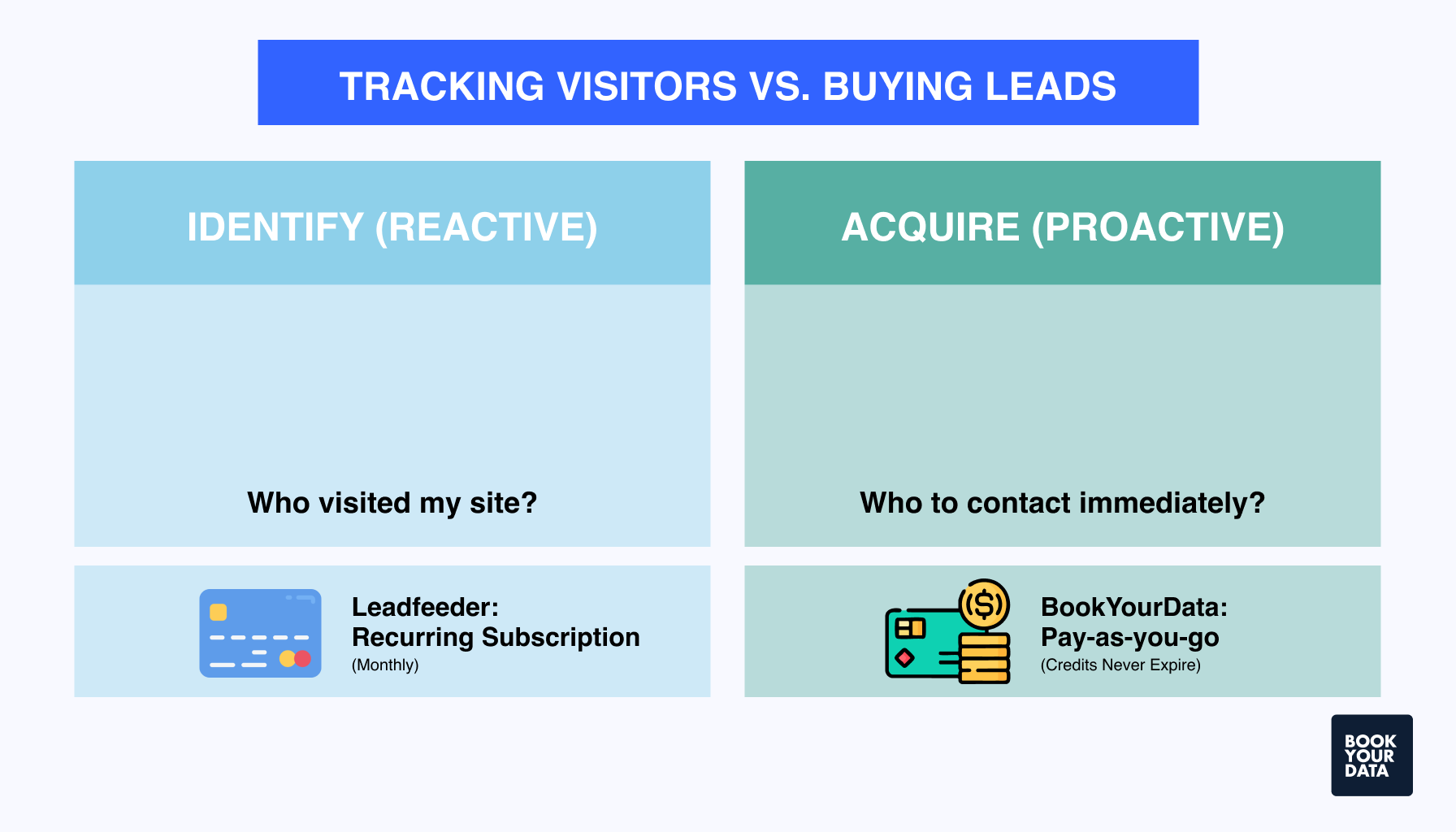
Below is the comparison table of Leadfeeder pricing with other alternatives, which include BookYourData, Exact Data, ZoomInfo, Datanyze, Lusha, Lead411, Apollo.io, UpLead, Cognism, Wiza, Sov.io, and ContactOut.

How should businesses select a suitable Leadfeeder pricing plan?
Businesses should select a suitable Leadfeeder pricing plan based on their website traffic volume, lead generation needs, budget, and data retention and features.
A business should consider its website traffic volume when choosing a Leadfeeder pricing plan. The cost is based on the number of unique companies that visit your website each month. A higher number of unique visitors leads to a higher pricing tier. Repeat visits from the same company are counted only once, so pricing increases with the range of visiting companies rather than the total number of visits.
Companies should assess their lead generation needs before choosing a Leadfeeder pricing plan. Leadfeeder’s paid plans offer advanced features like visitor behavior insights, contact details, CRM integrations, lead scoring, and automatic notifications. These help active sales and marketing teams prioritize leads and run effective campaigns, other than the basic visitor identification available in the free plan.
Firms should choose a plan that they are able to afford since the cost increases with traffic volume and identified companies. They should also consider whether an annual payment option, which often reduces the overall cost, is more suitable for them.
Check how long visitor data is stored when selecting a Leadfeeder pricing plan. The Free plan may only retain data from the past 7 days, while higher-tier plans offer features like unlimited data storage, full contact details, CRM and marketing integrations, and advanced filtering options.
What happens when a 14-day free trial of Leadfeeder ends?
When the 14-day free trial of Leadfeeder ends, the account automatically downgrades to the free version, and no charges are applied. Users who purchase a paid subscription during the trial will have their account continue with the paid plan once the trial period is over.
Is Leadfeeder compliant with GDPR and CCPA requirements?
Yes, Leadfeeder is fully compliant with GDPR (General Data Protection Regulation) and CCPA (California Consumer Privacy Act) requirements. The platform recommends that users state their use of Leadfeeder in the same section where they mention tools like Google Analytics or similar products. Leadfeeder remains an effective way to identify which companies are visiting your website, even though GDPR has made email list opt-ins more challenging.
Is Leadfeeder good for small businesses?
Yes, Leadfeeder is generally good for small businesses, as it helps identify which companies are visiting their website and integrates those insights into their CRM workflows. There is a free plan available, which allows smaller teams to test the product without an upfront cost.
What payment methods and billing options are available for Leadfeeder?
The payment methods and billing options available for Leadfeeder are credit card, which is used for monthly or annual subscriptions, and invoice, which is available only for annual subscriptions.
Can I track multiple websites with one Leadfeeder account?
Yes, you can track multiple websites with one Leadfeeder account using a single login, but subscriptions are priced per website.
Are there any additional fees or credits in Leadfeeder pricing (e.g., for contact details)?
Yes, there are additional fees or credits in Leadfeeder pricing if the user needs more contact details or exports than their plan allows. The user needs to purchase additional credit packages if they use more than the included credits.
Why is Leadfeeder’s pricing often considered high?
Leadfeeder’s pricing is often considered high because the pricing model is based on the number of unique companies (accounts) identified visiting your website, which scales quickly as traffic volume increases.
In what currency is Leadfeeder pricing shown?
Leadfeeder pricing is shown in euros, as it is a Finland-based company, but is also available in USD (US Dollars), which shows its international customer base and billing options.
What are the visitor data storage limits on each plan?
The visitor data storage limits on the Free plan are for the last 7 days, while the visitor data storage of the Paid plan is unlimited.
How is ZoomInfo's pricing different from Leadfeeder's pricing?
ZoomInfo pricing is different from Leadfeeder’s pricing in that ZoomInfo is a full sales intelligence platform with much higher pricing, based on credits, users, and add‑ons, which makes it more expensive. Leadfeeder is priced more accessibly and transparently for tracking website visitors and identifying companies.
Can I try Leadfeeder’s pricing with AI sales agents before committing?
Yes, you can try Leadfeeder’s pricing with AI sales agents before committing. There is a 14-day free trial of Leadfeeder’s Paid plan, which allows you to test all the platform’s functionalities before committing. This trial provides full access to features available in the Paid plan, so businesses are able to evaluate the software thoroughly with their own website traffic.
Can I integrate Leadfeeder with other real estate marketing tools?
Yes, Leadfeeder can integrate with other real estate marketing tools, especially through its CRM and marketing automation integrations. It connects smoothly with popular CRMs like Pipedrive and Salesforce, which are widely used in real estate to manage leads, deals, and customer relationships.
[CTA1]